JR/SS SD40-2 CP #5865
- by Jonasson Bacon
- 3 upvotes
- Downloaded 512 times
Description
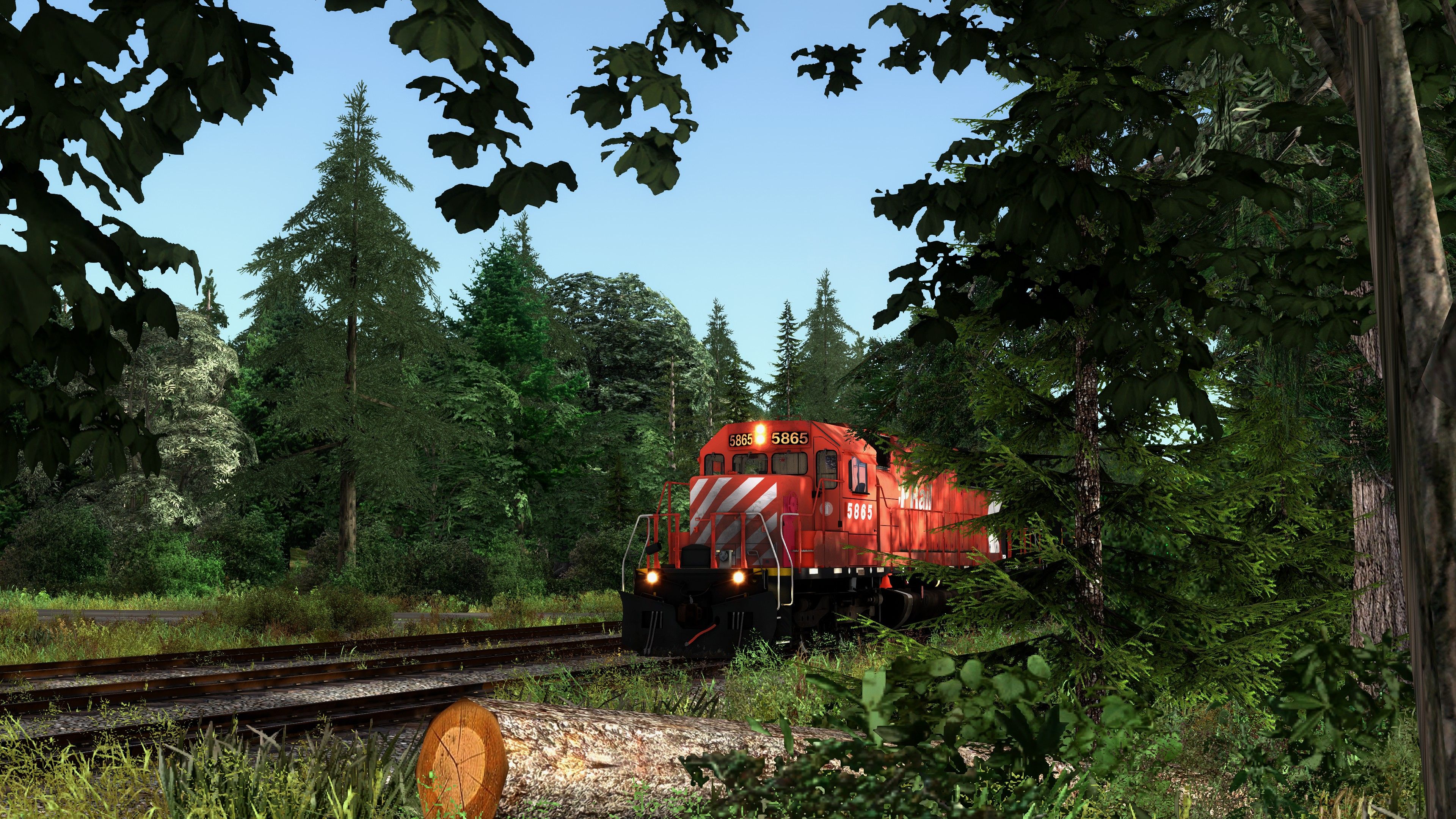
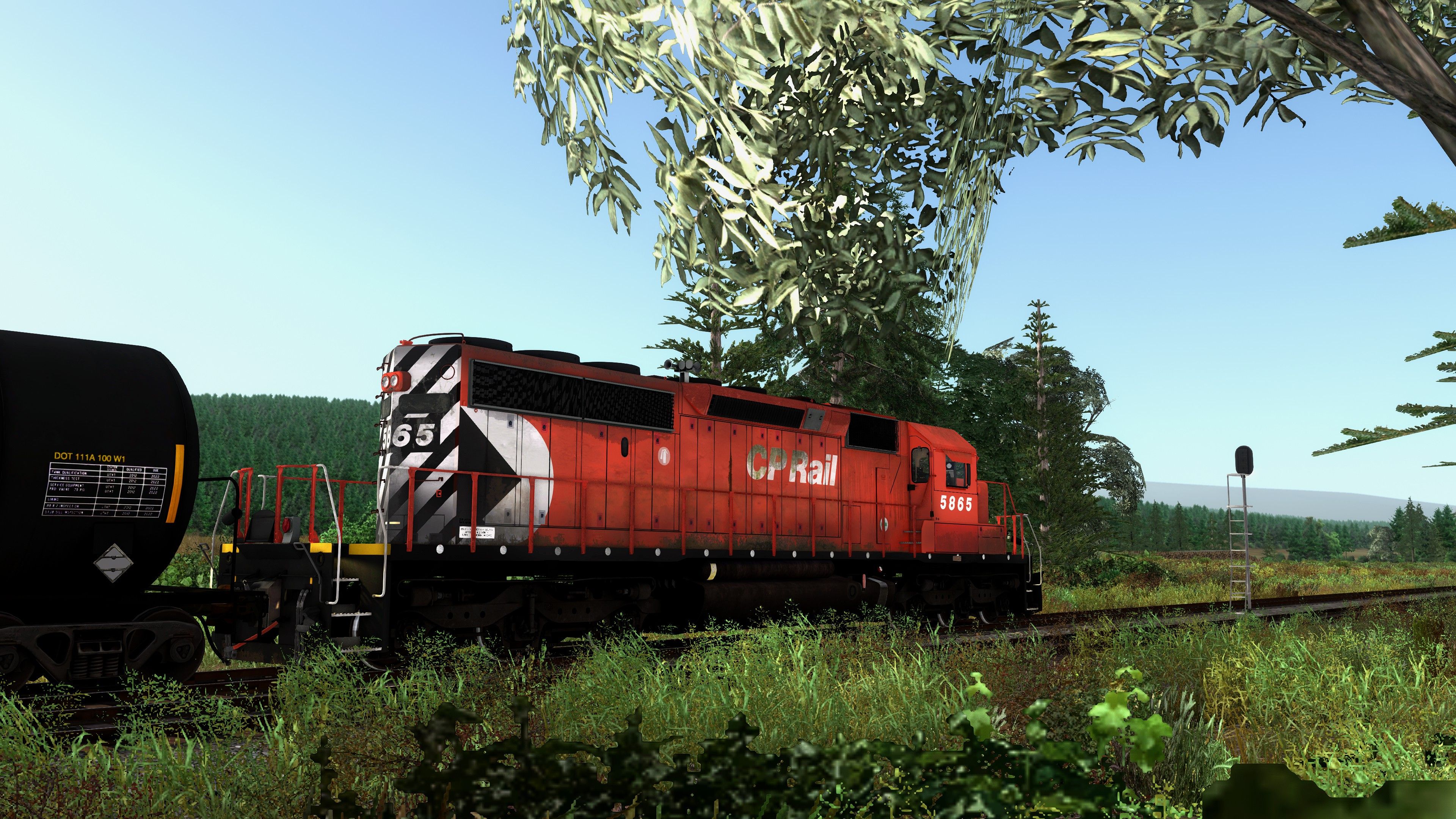
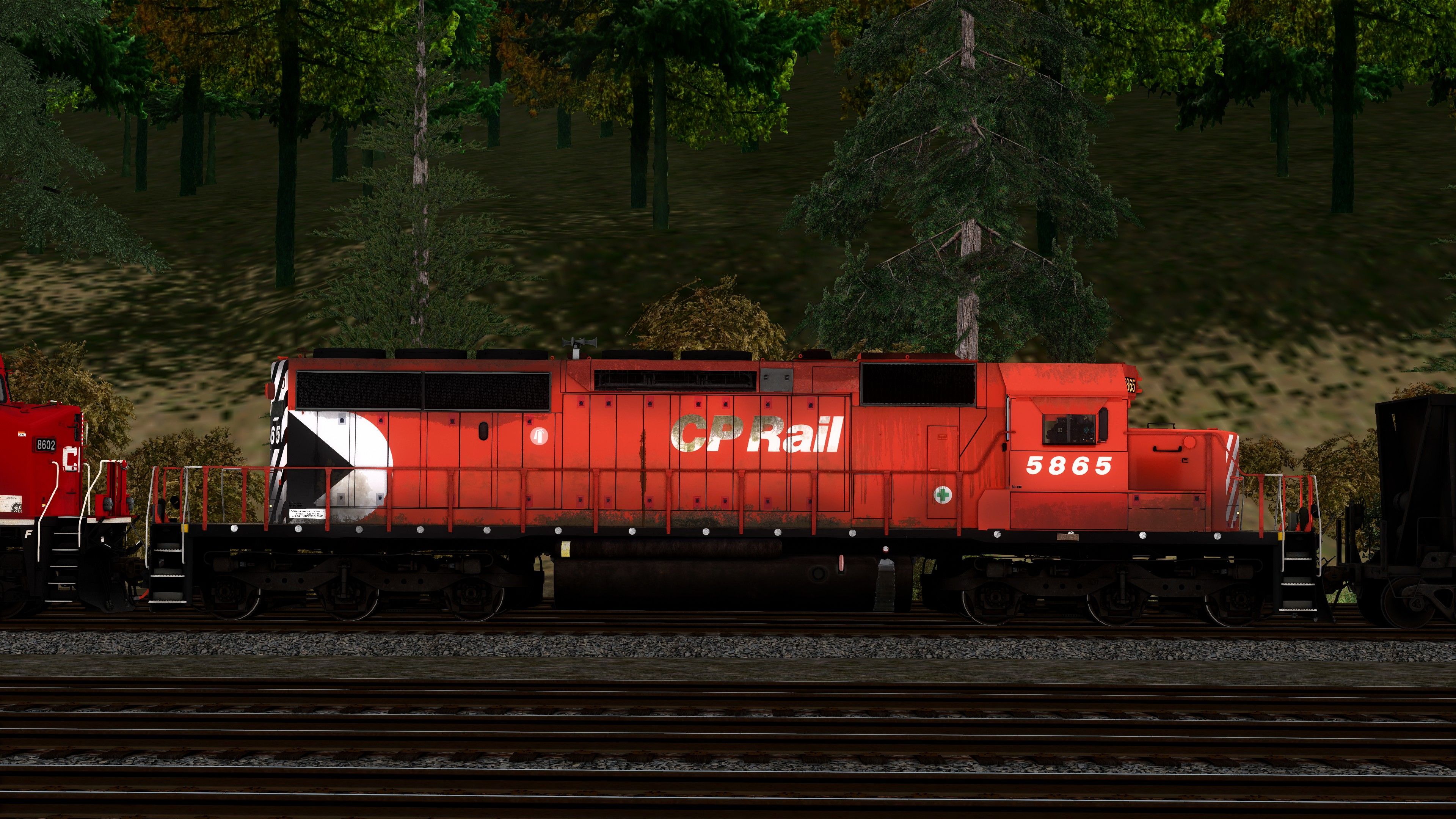
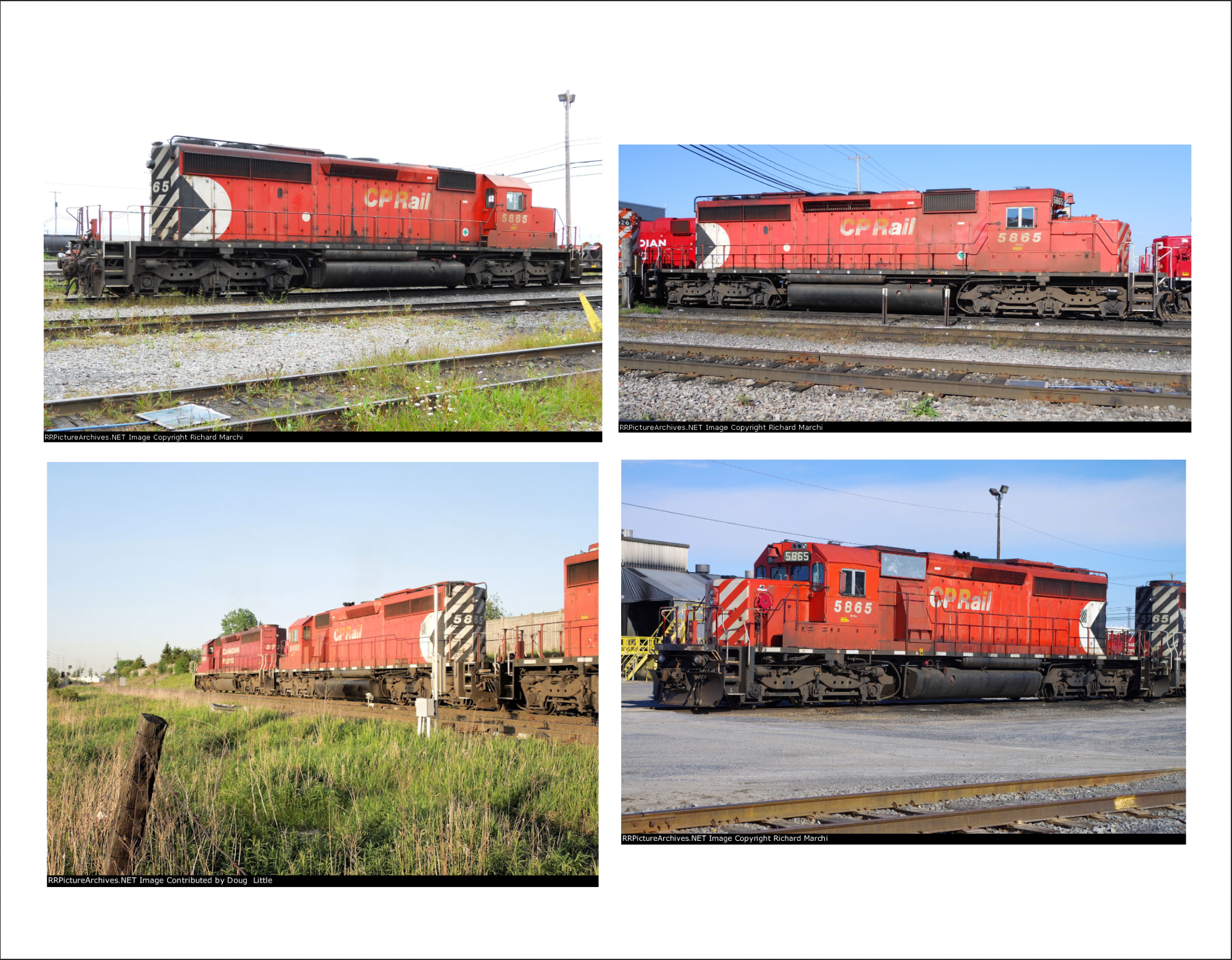
This is the remastered version of my static numbered (5865) and weathered CP SD40-2 repaint.
This project was done in colleboration between Ray Preyma (The Batman) and me.
Thanks to my friend Dominic Hinson for testing this repaint.
Changes are:
Better texture quality and new "Pacman" scheme.
Realistic font for reporting mark and numbers.
more realistic weathering.
Tags: canadian-pacific cp jonasson-bacon jrss sd40-2 searchlight-simulations
Requirements
-The JR/SS Union Pacific SD40-2/SD40N Bundle:
https://www.store.searchlight-simulations.com/jr-sd40-2-union-pacific-bundle
-Searchlight Simulations NATHAN K3L - CP horn:
https://www.store.searchlight-simulations.com/audio-index-1
Installation Instructions
Drag the included "Assets" folder into your main Railwork directory, usually can be found here:
C:\Program Files (x86)\Steam\steamapps\common\RailWorks
Copy all the ".GeoPcDx" files from the UPN "Engine" folder, path:
Assets\SearchlightSimulations\EMD\JRSD40-2\RailVehicles\Diesel\UPN\Engine...
...and paste the files into the CP-5865-Pacman "Engine" folder.
Copy all the ".GeoPcDx" files from the UPN "Cabview" folder, path:
Assets\SearchlightSimulations\EMD\JRSD40-2\RailVehicles\Diesel\BN\CabView...
...and paste them into the CP-5865-Pacman "Cabview" folder.
Copy the folder called "Scripts" from the "UPN" folder and paste it into the "CP-5865-Pacman" folder.
Now u are ready to go.
Additional Comments
Now the rear headlight texture is fixed, i painted it black as it should be.
If you already got this repaint simply download the file called "CP-5865-Pacman-Fixed Texture" and replace the textures.
If you didnt got this repaint before u are fine with only downloading the "CP-5865-Pacman-Fixed Texture" and install it as the readme says.
Files
Comments
About this mod

- Created
- 8 Jan 2021
- Updated
- 26 Apr 2021
- Game
- Train Simulator Classic
- Type of content
- Reskin


Loading comments…