NJT-IIM Comet Coach MEGA Pack
- by NJTransitCommuterRail
- 3 upvotes
- Downloaded 518 times
Description
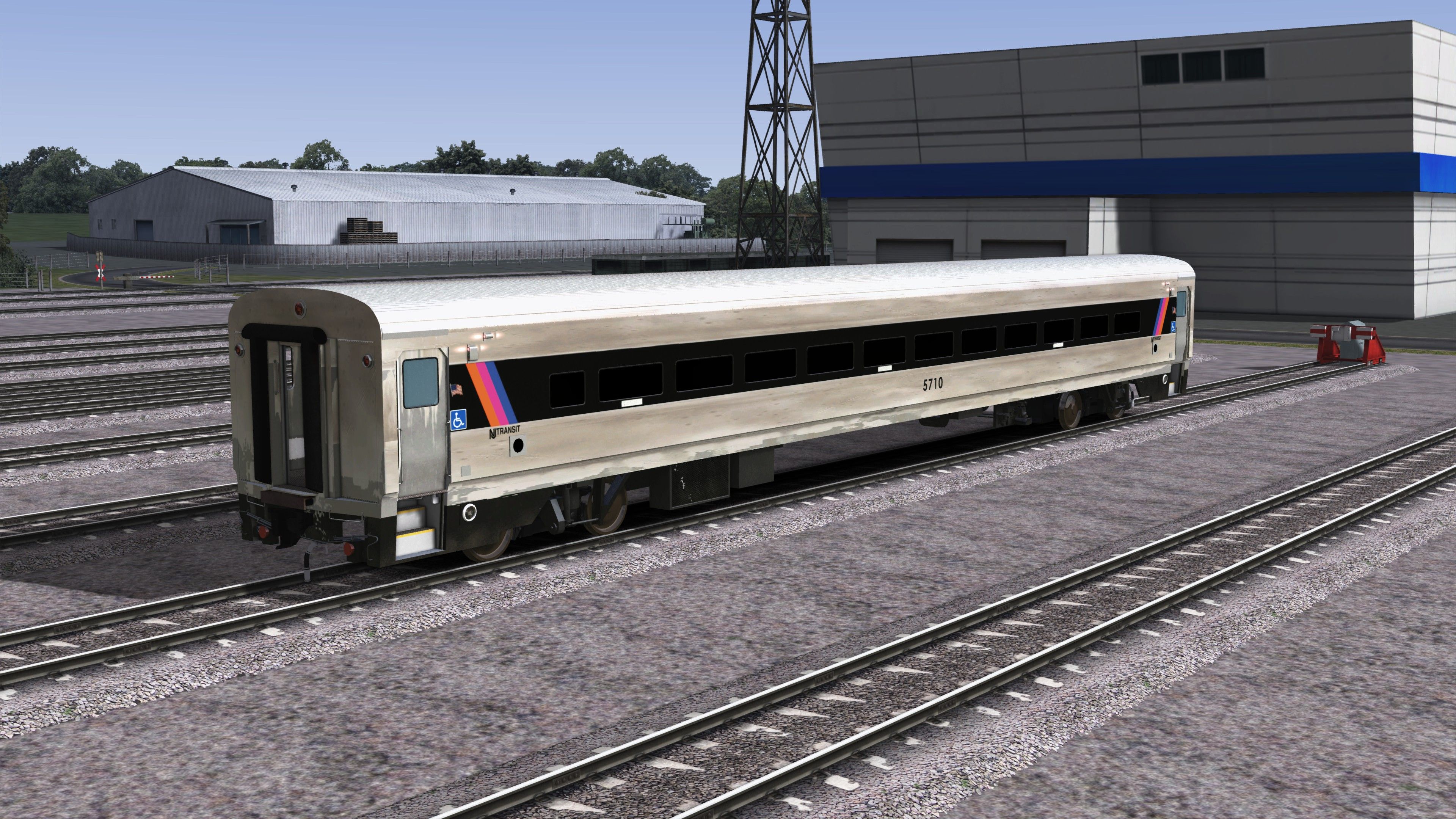
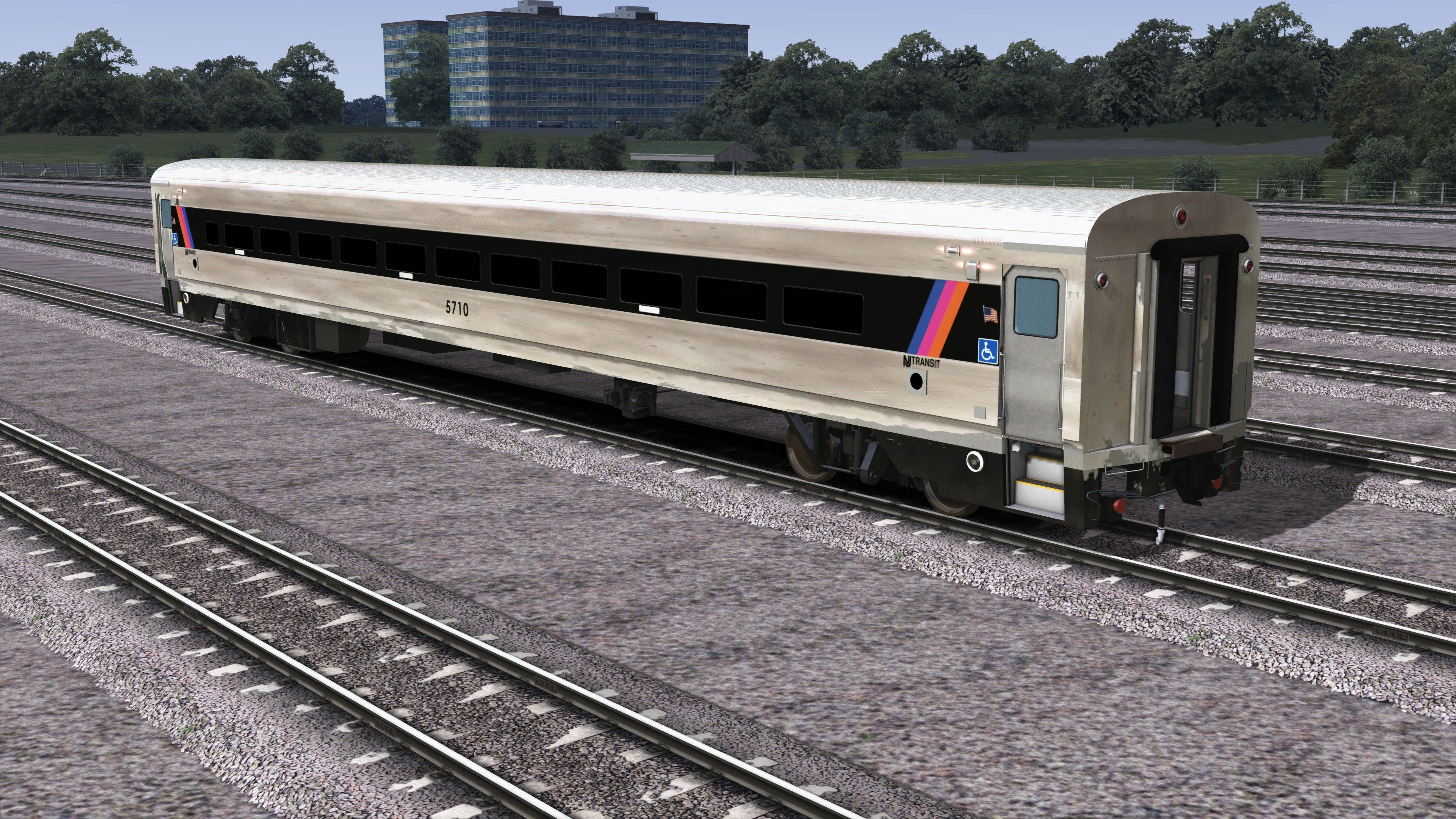
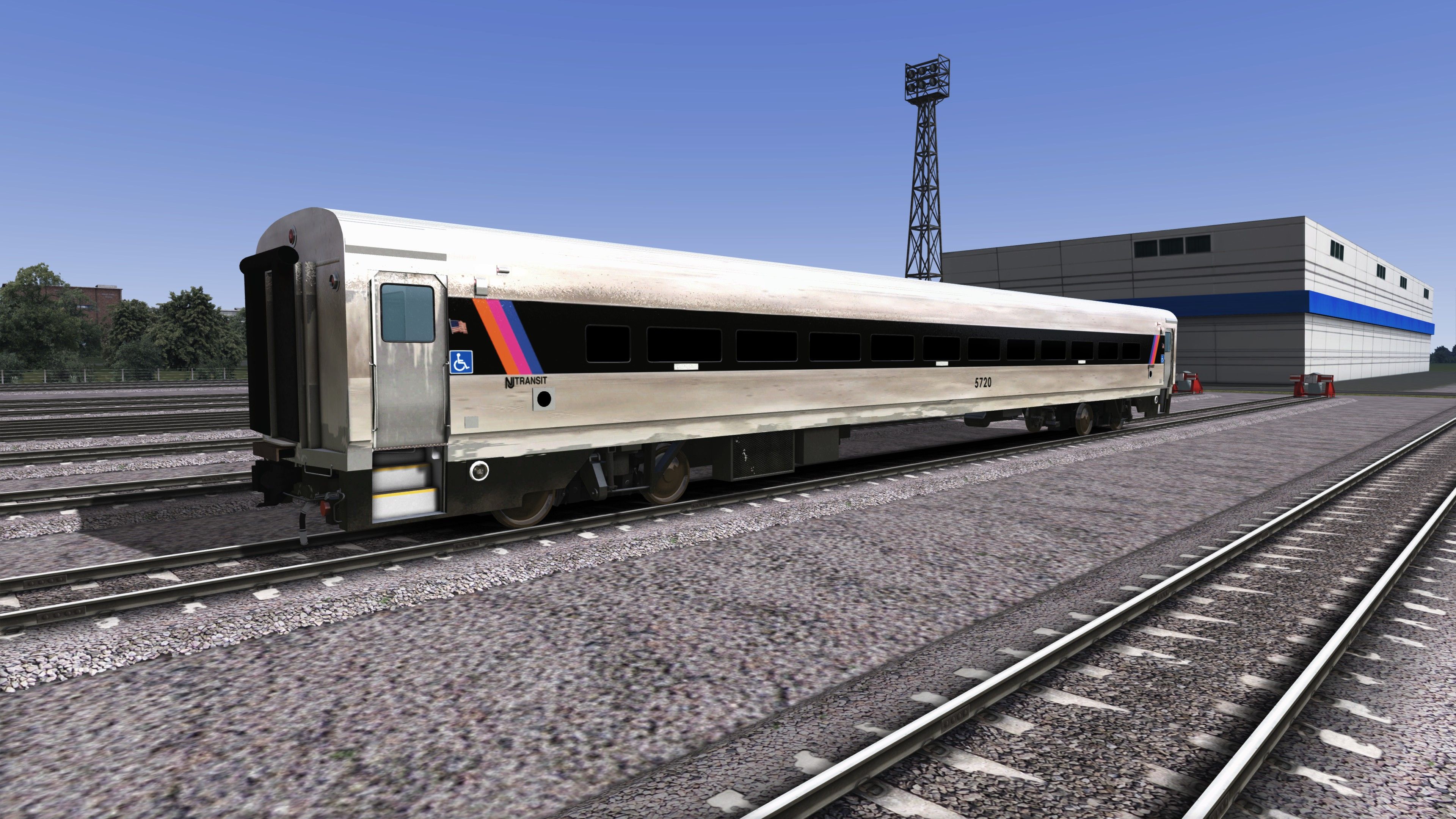
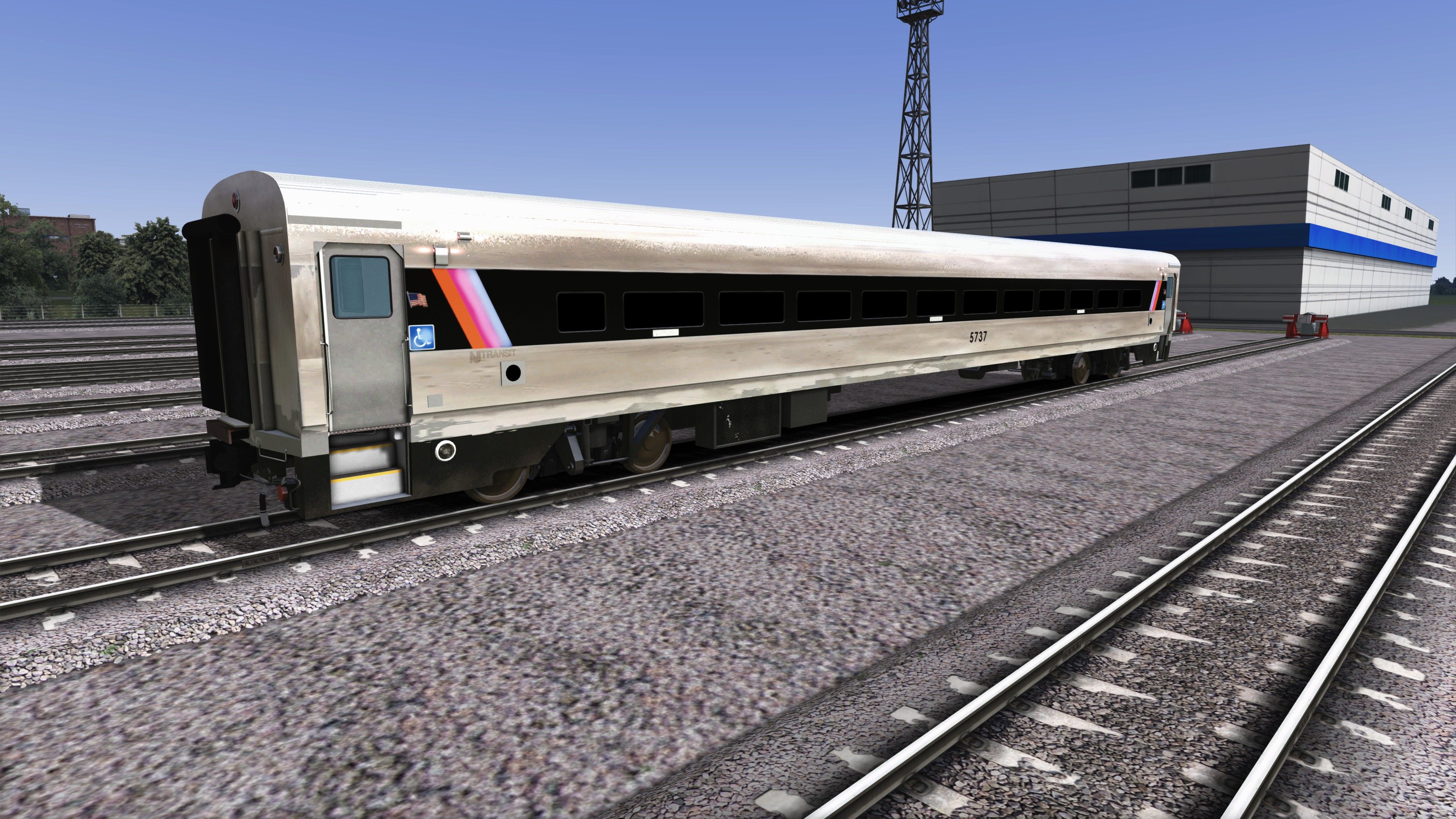
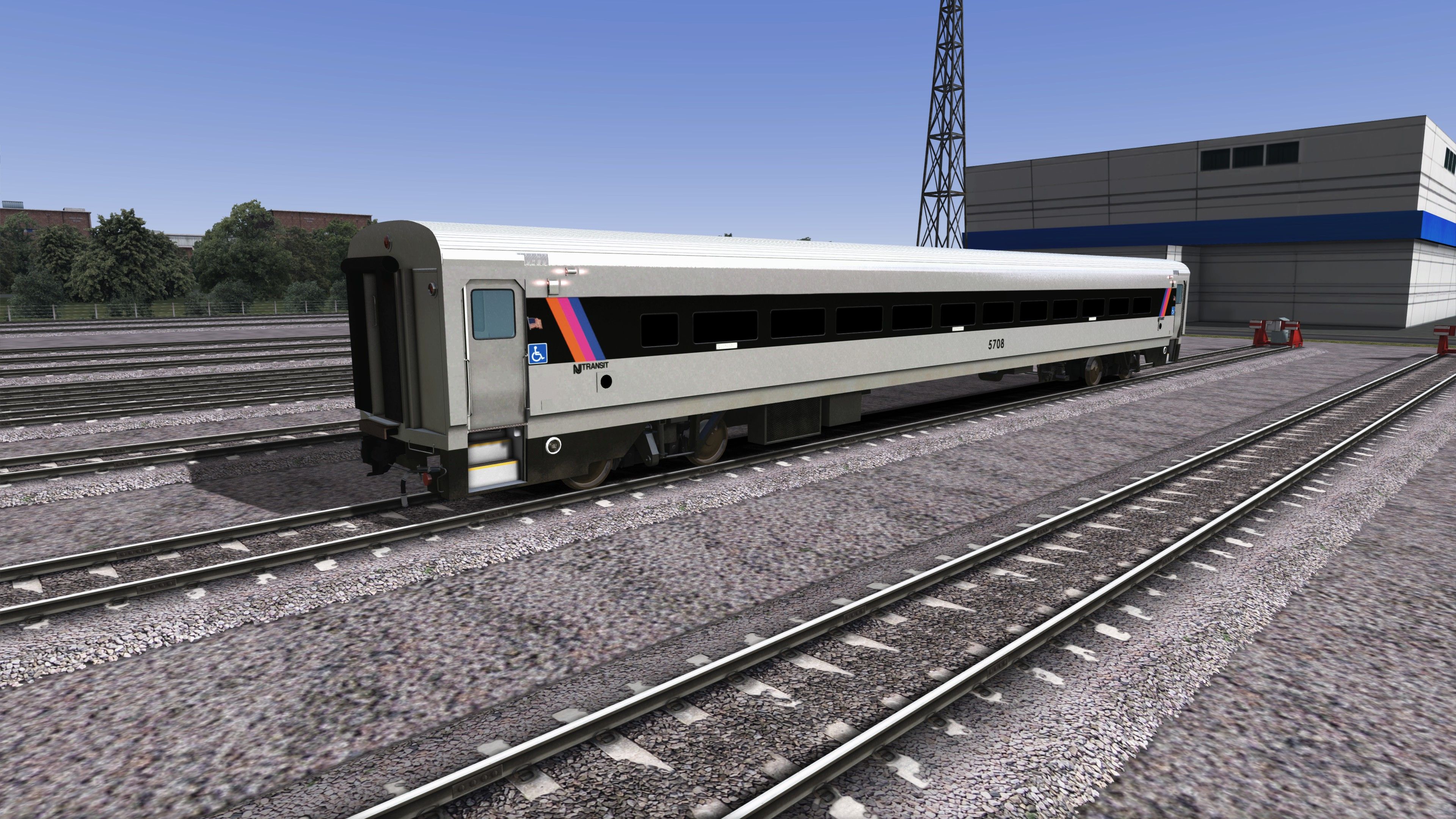
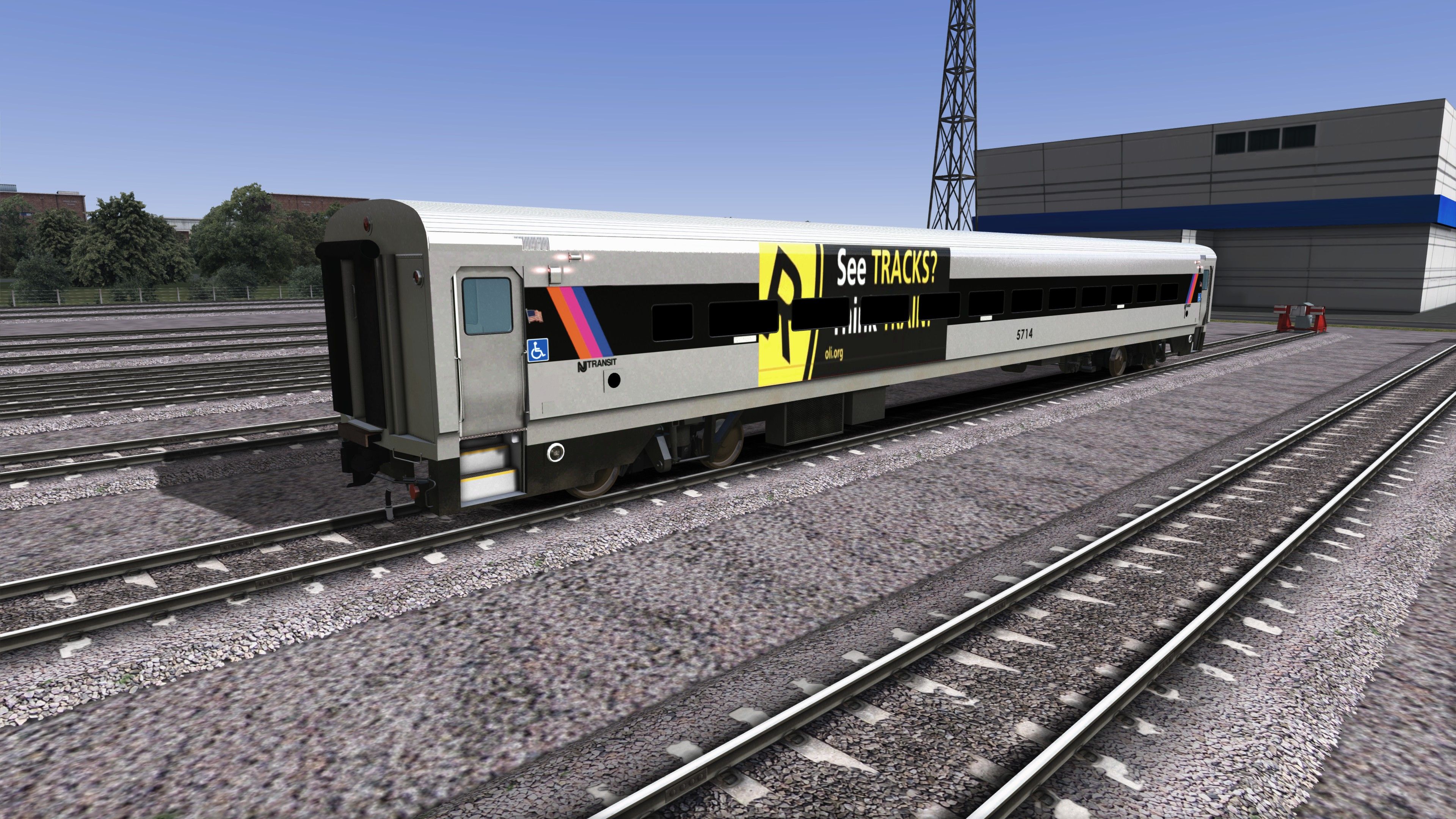
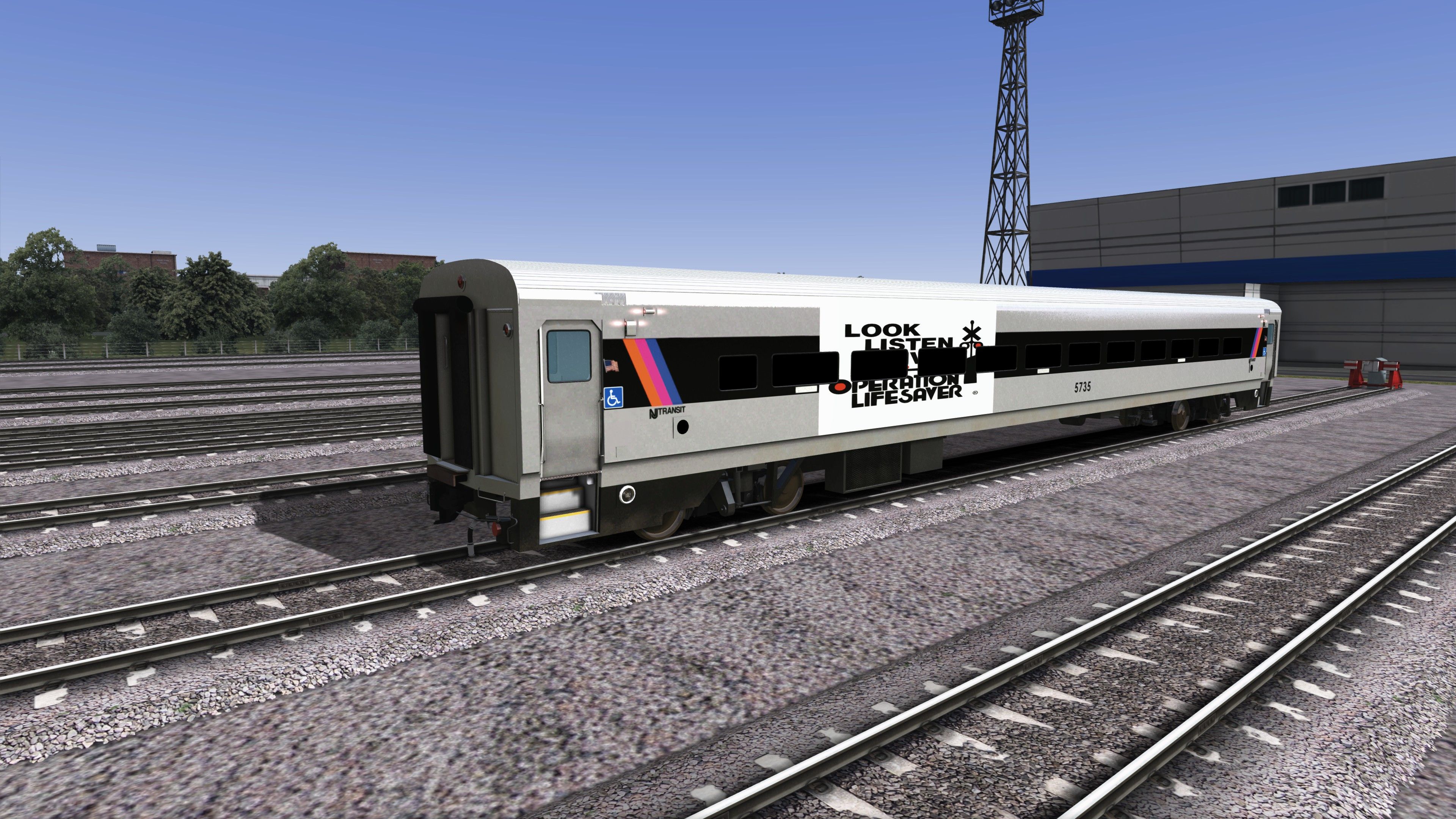
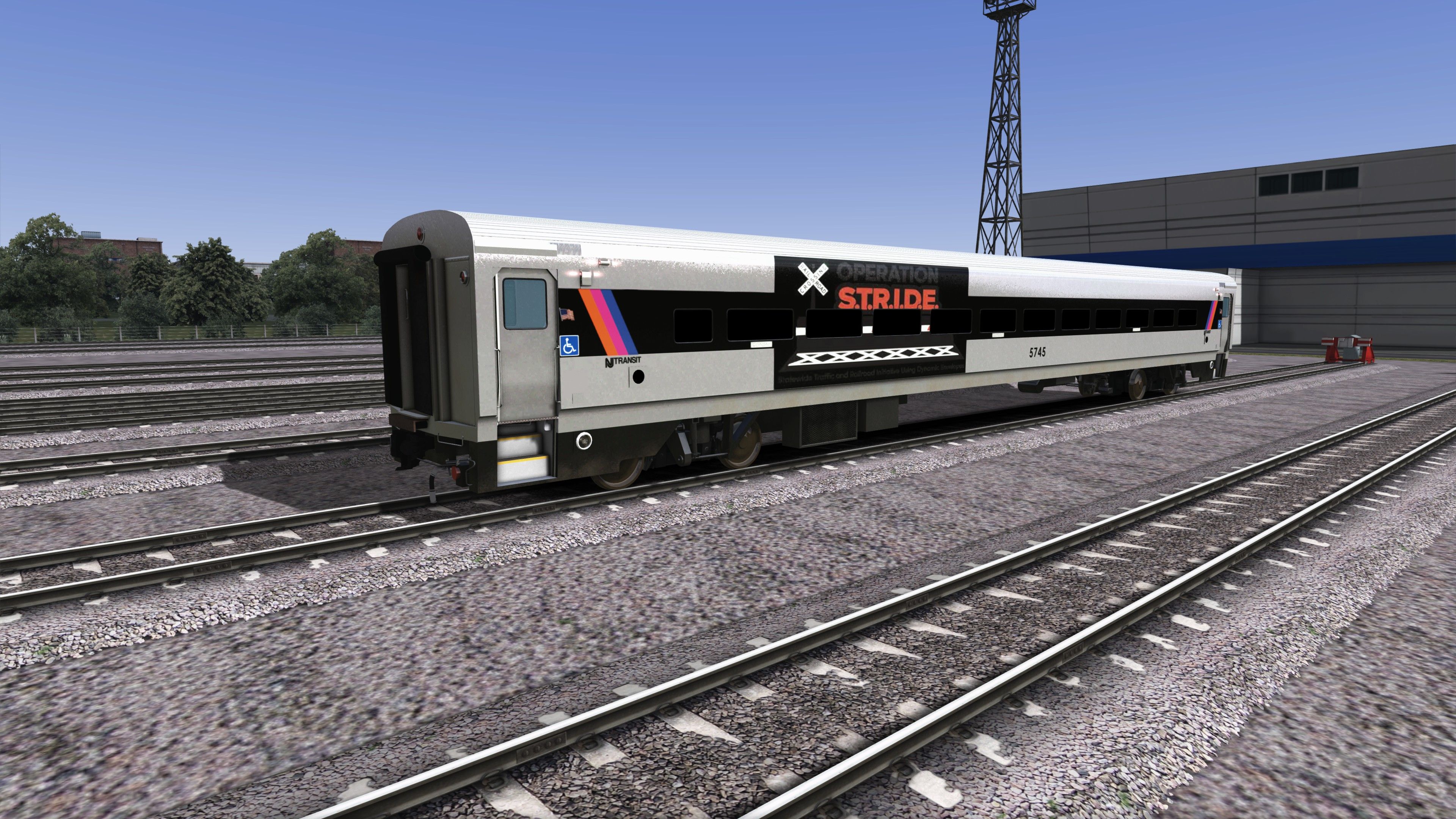
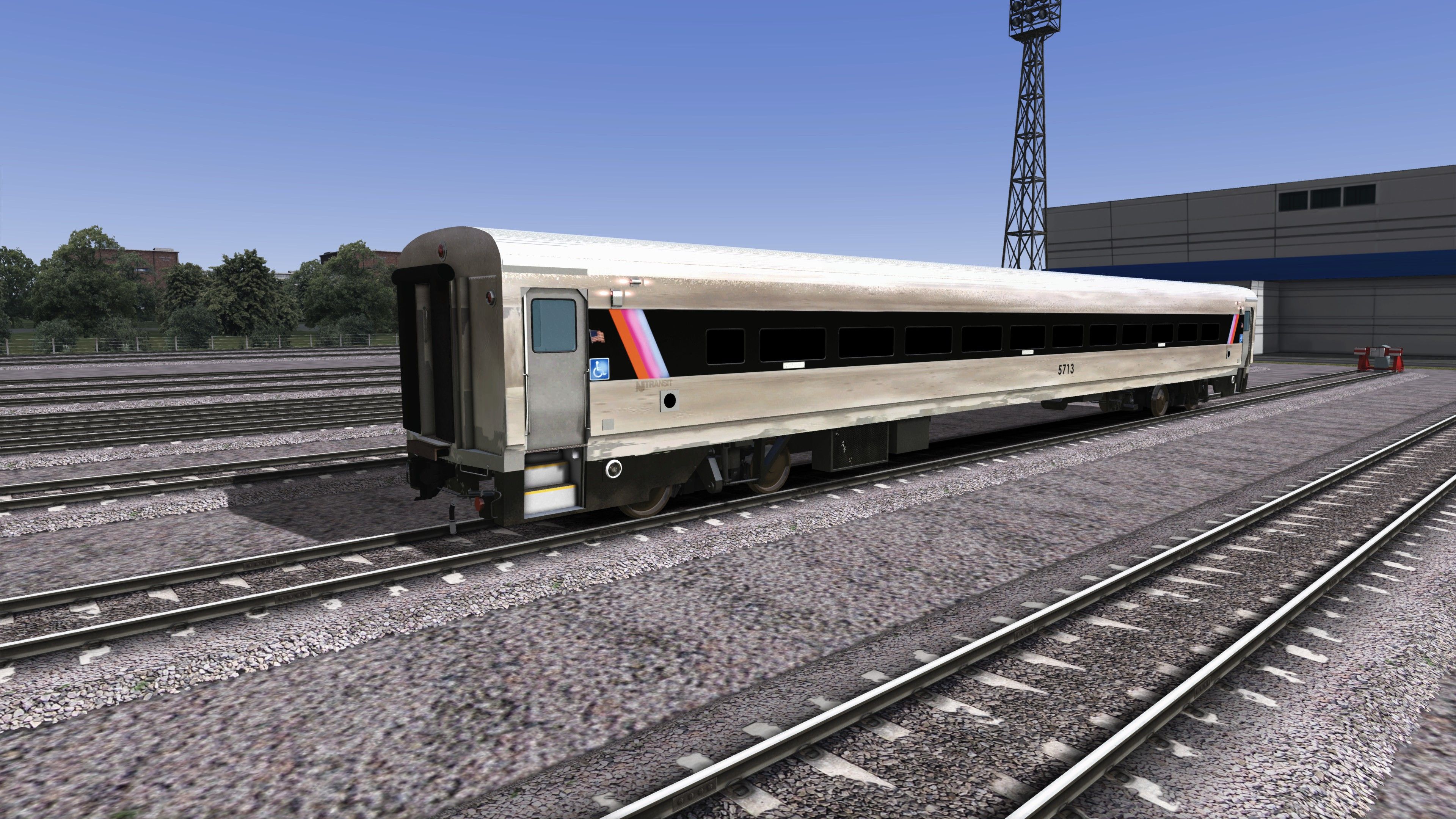
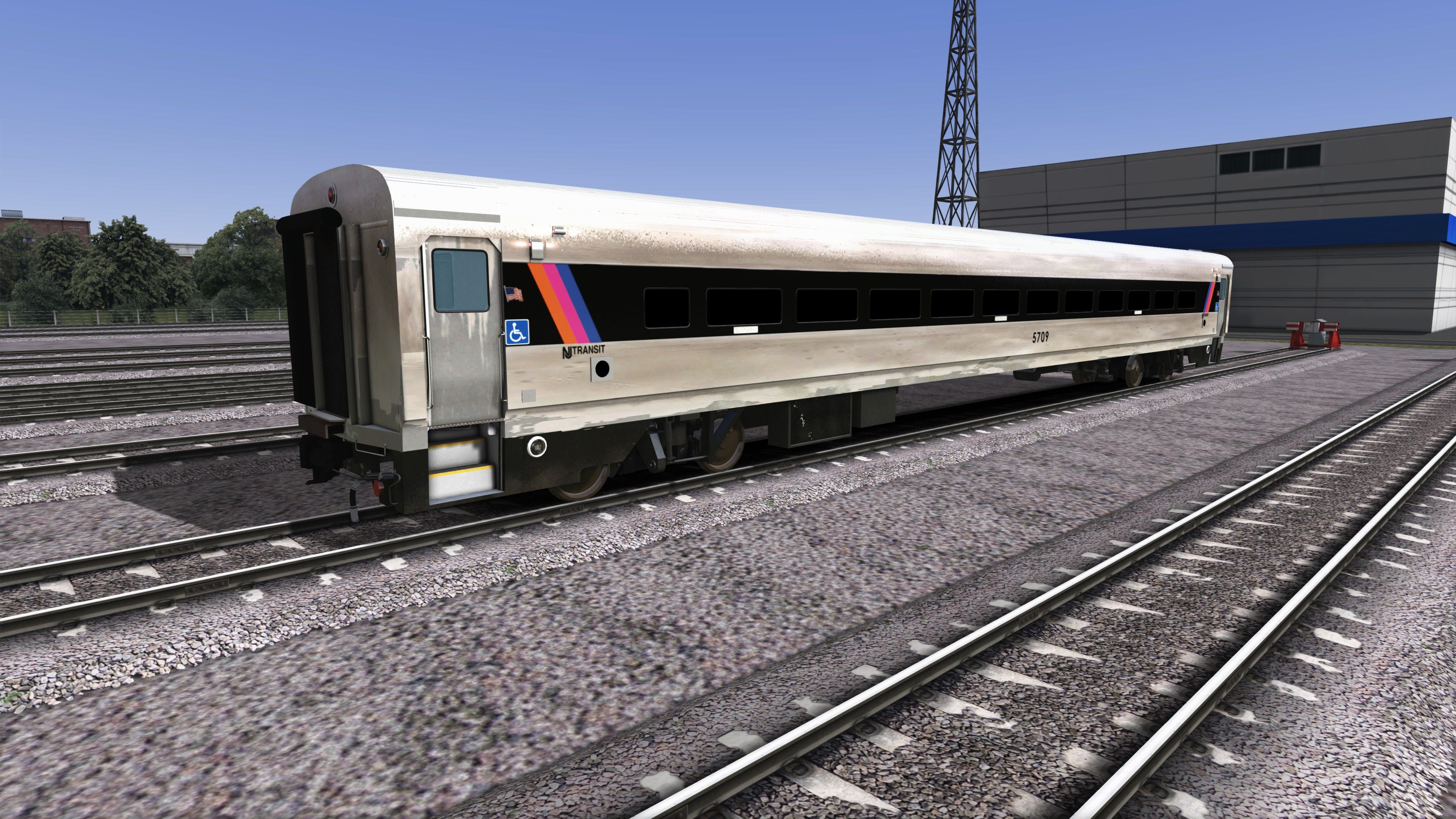
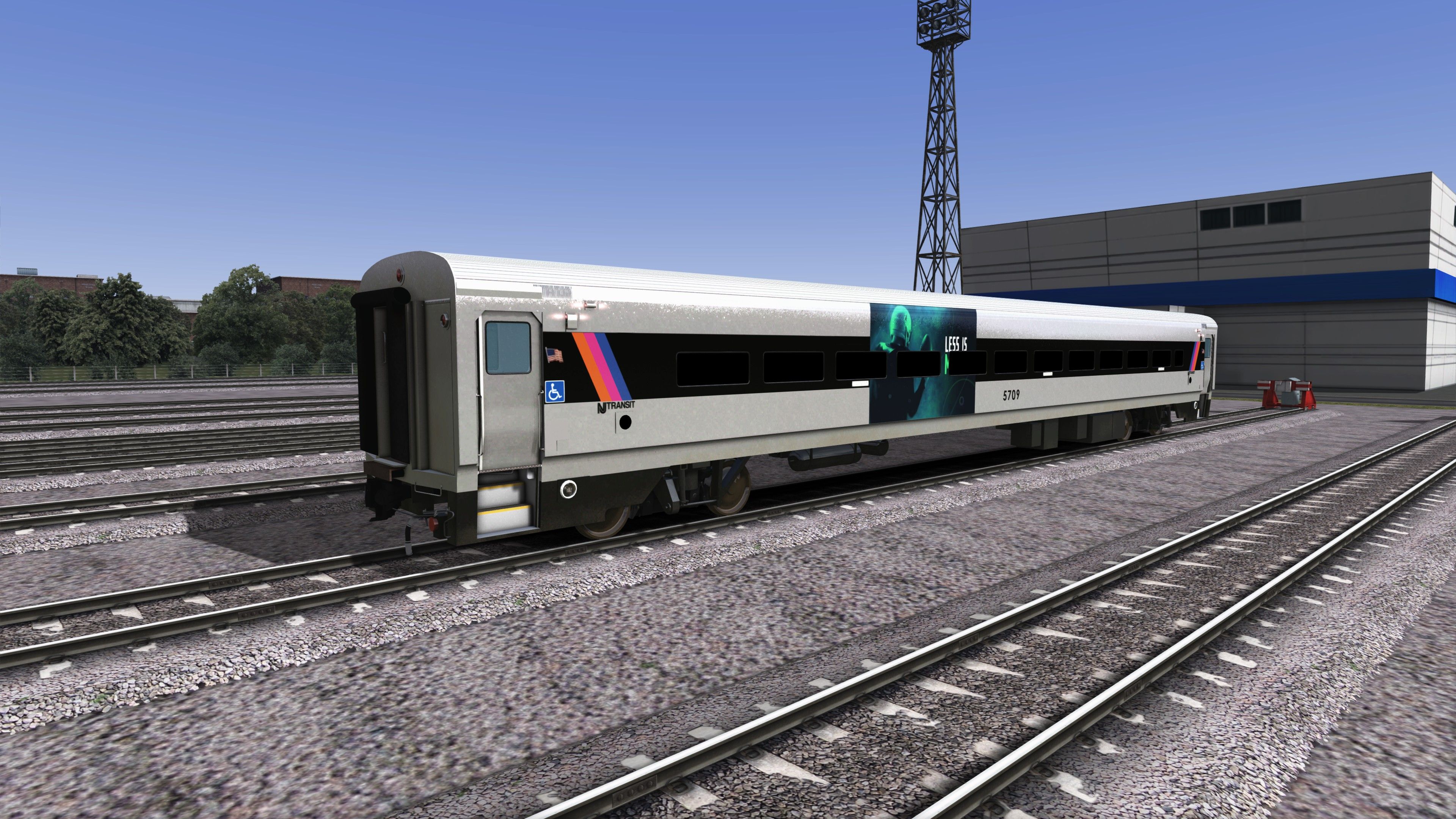
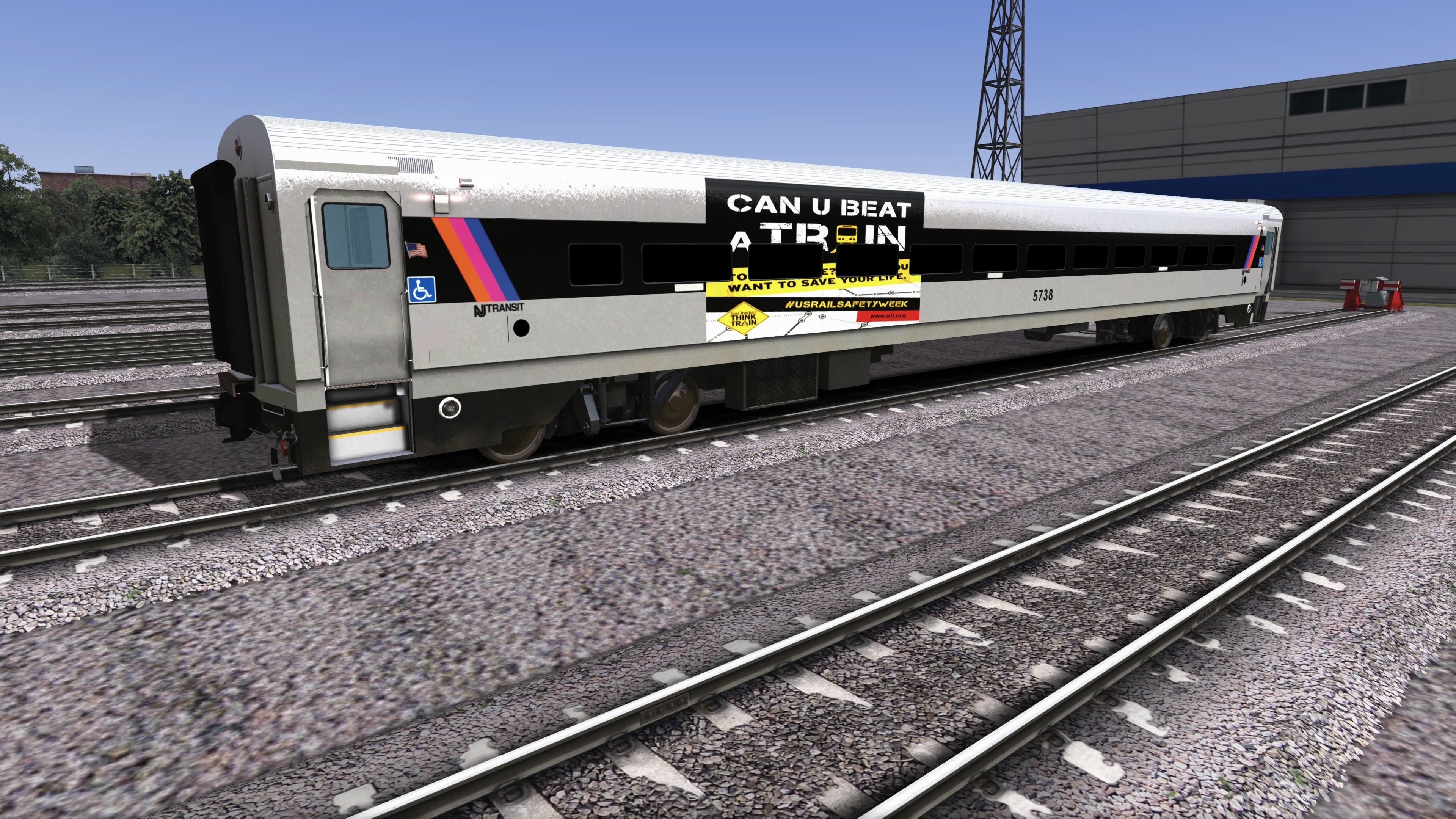
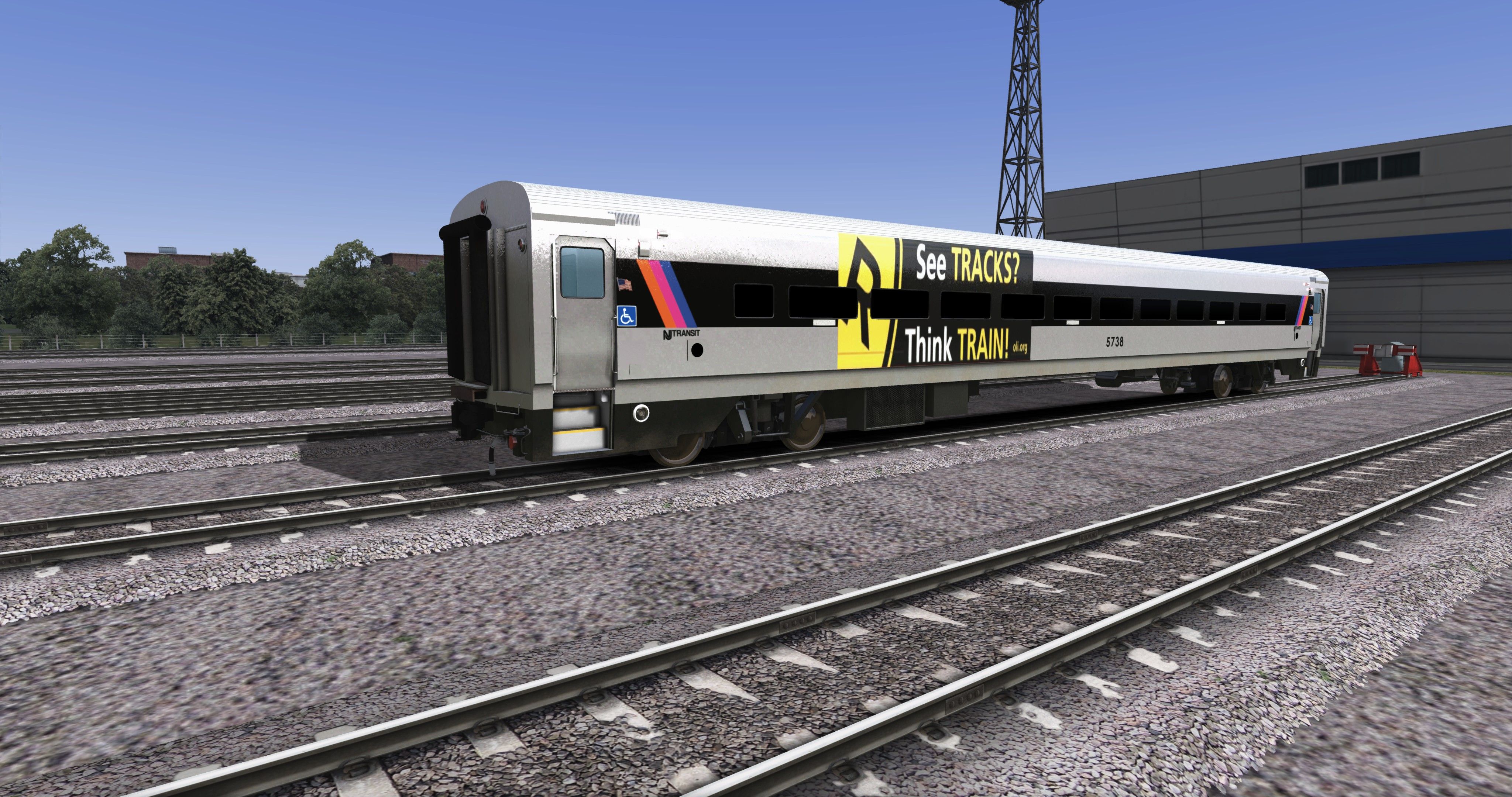
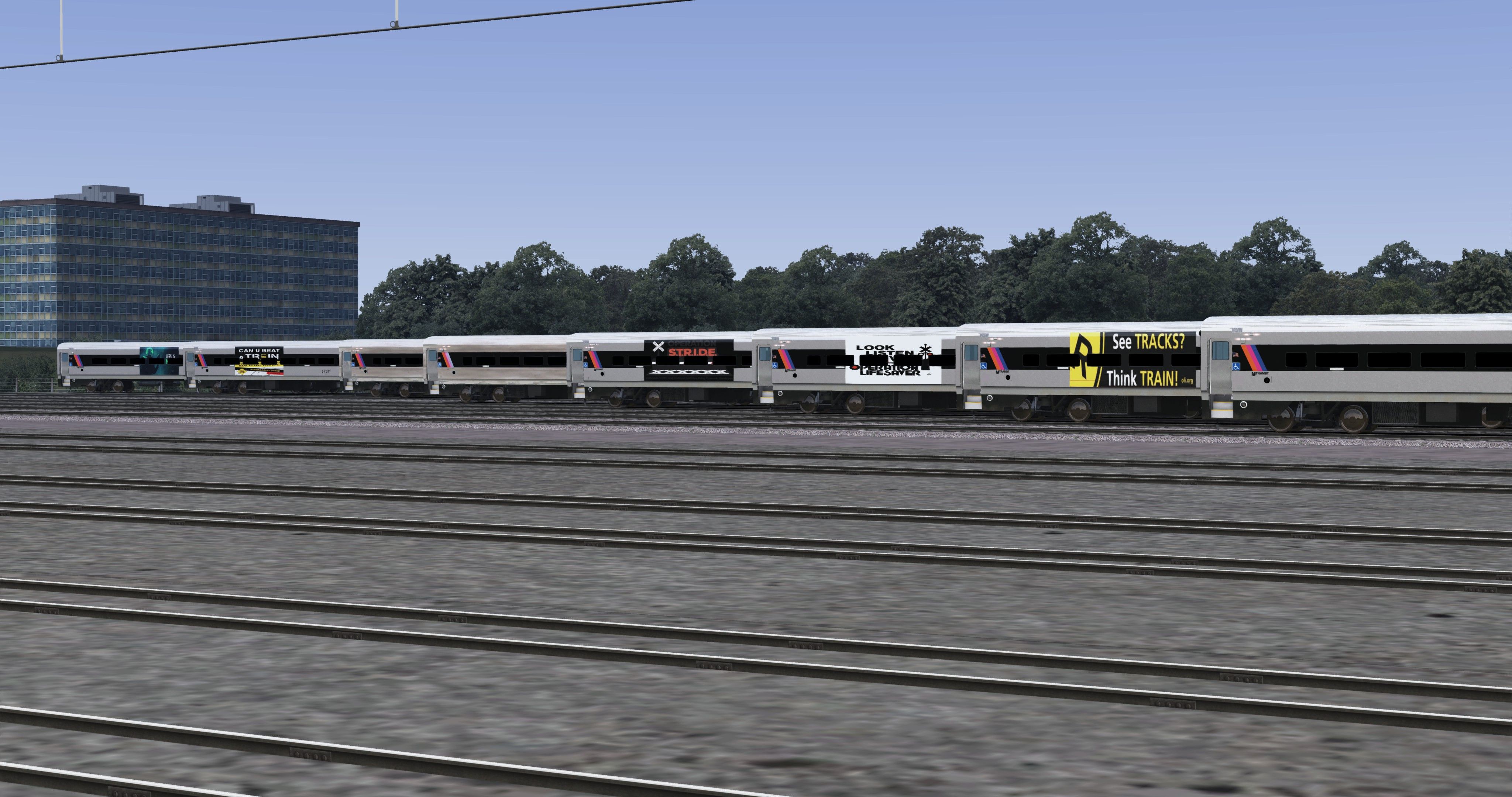
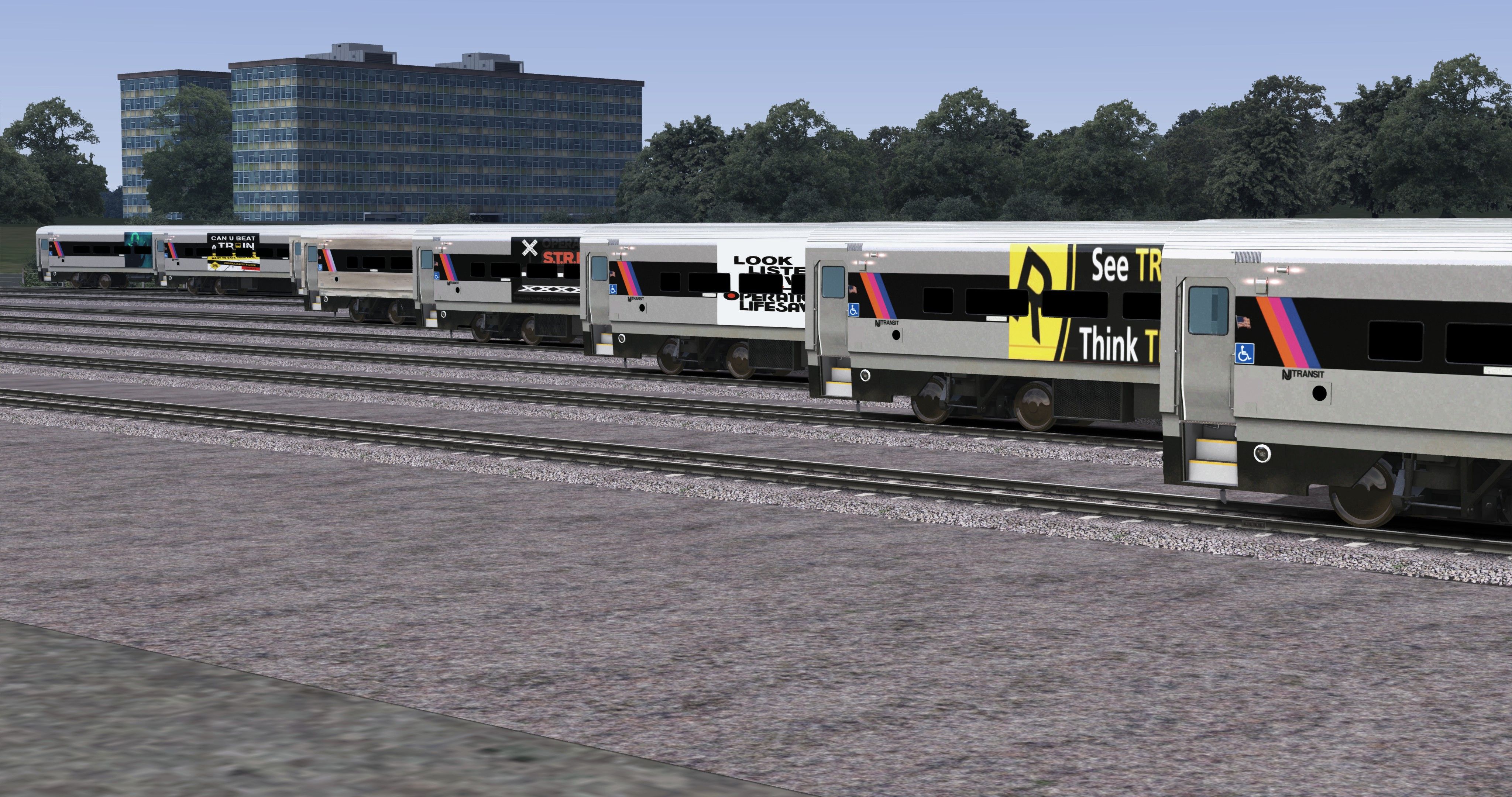
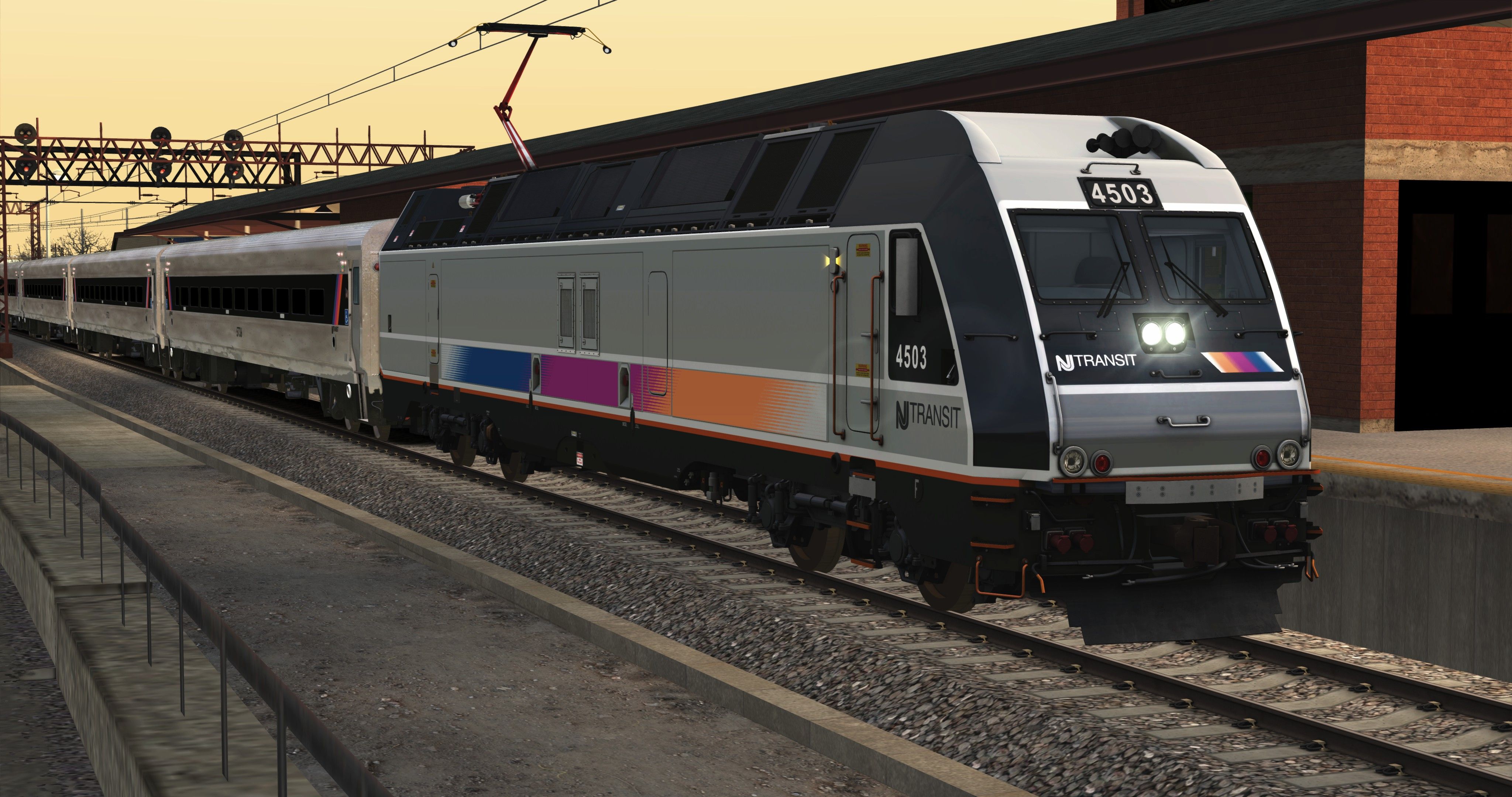
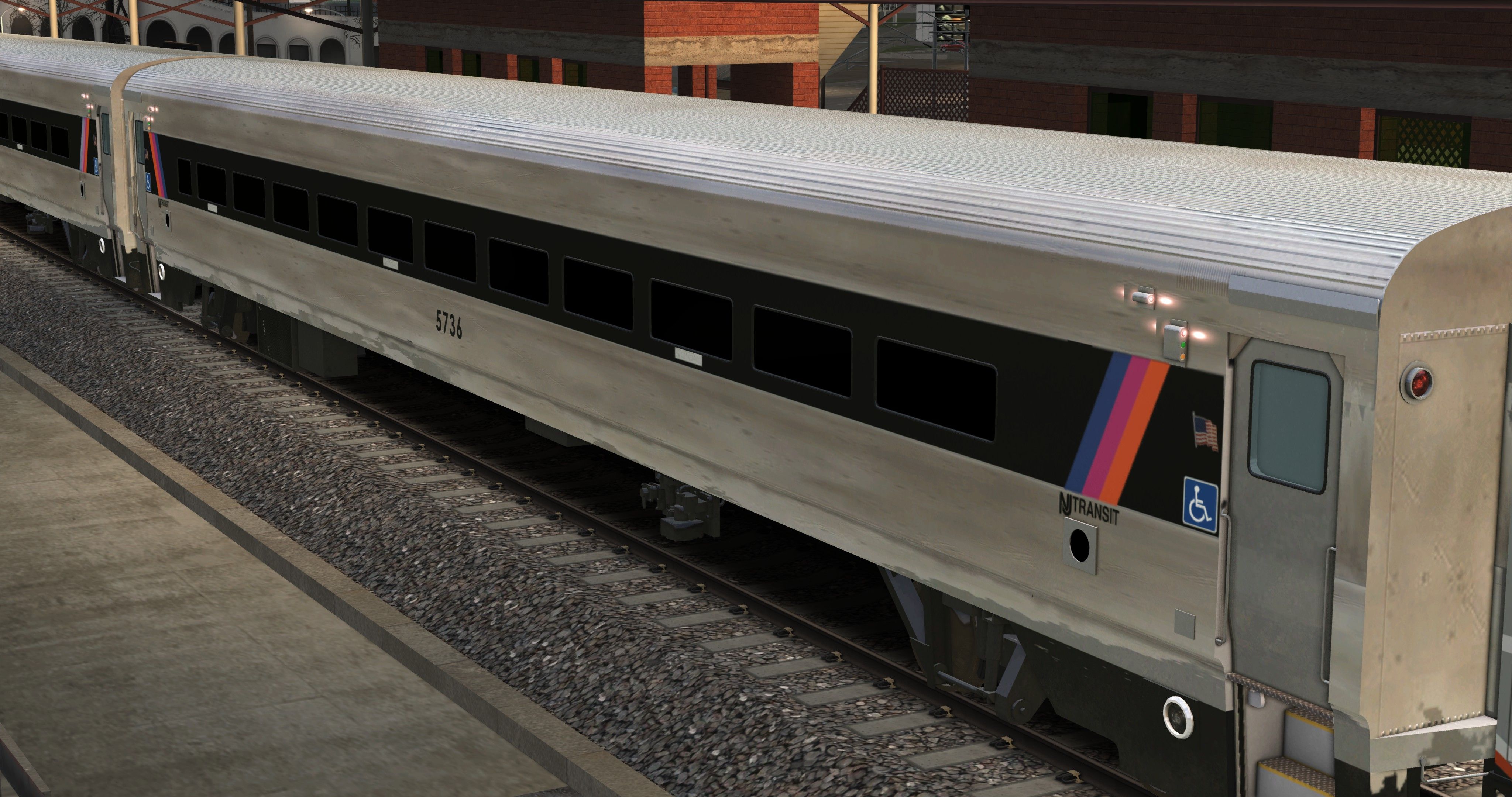
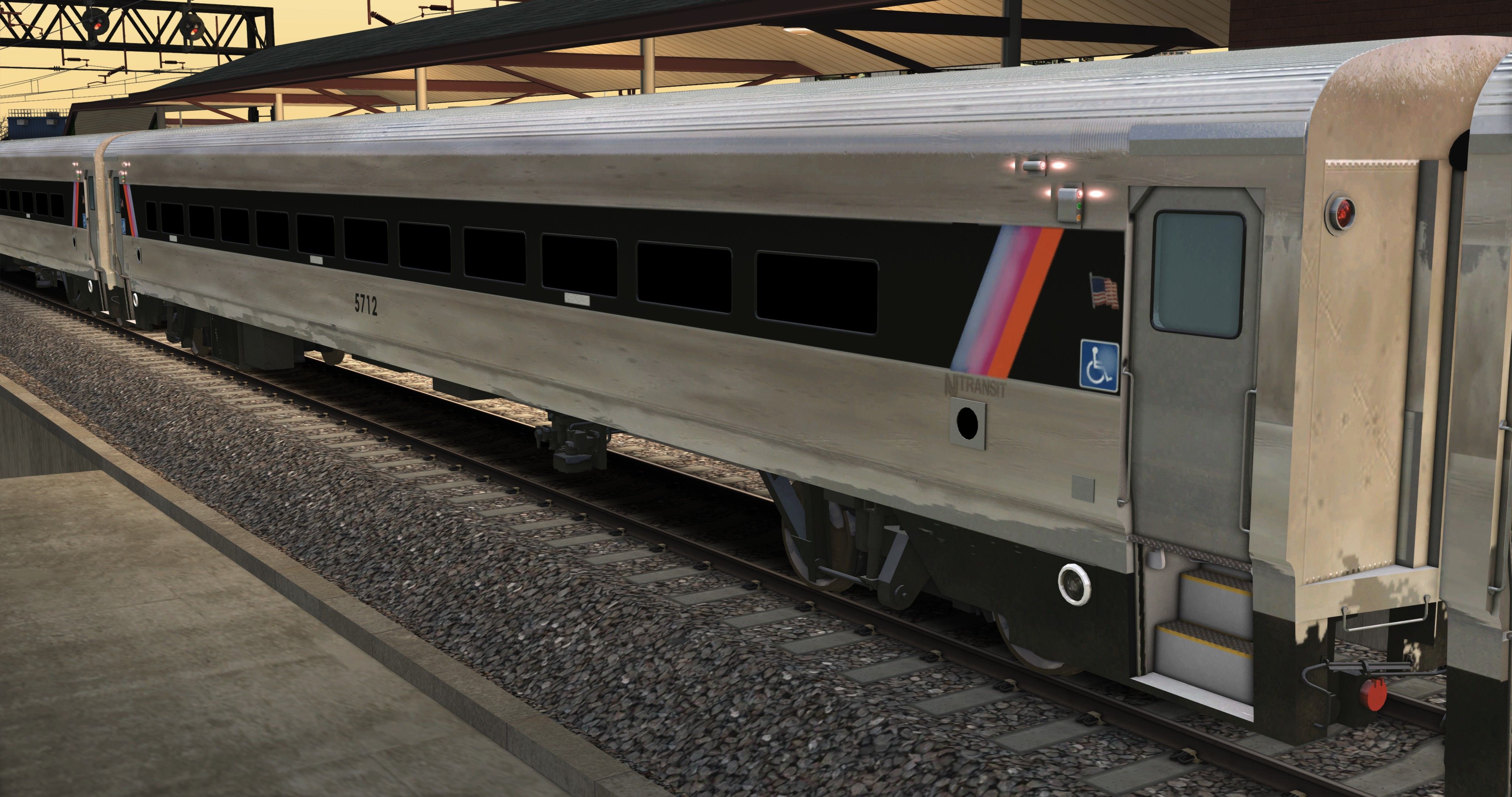
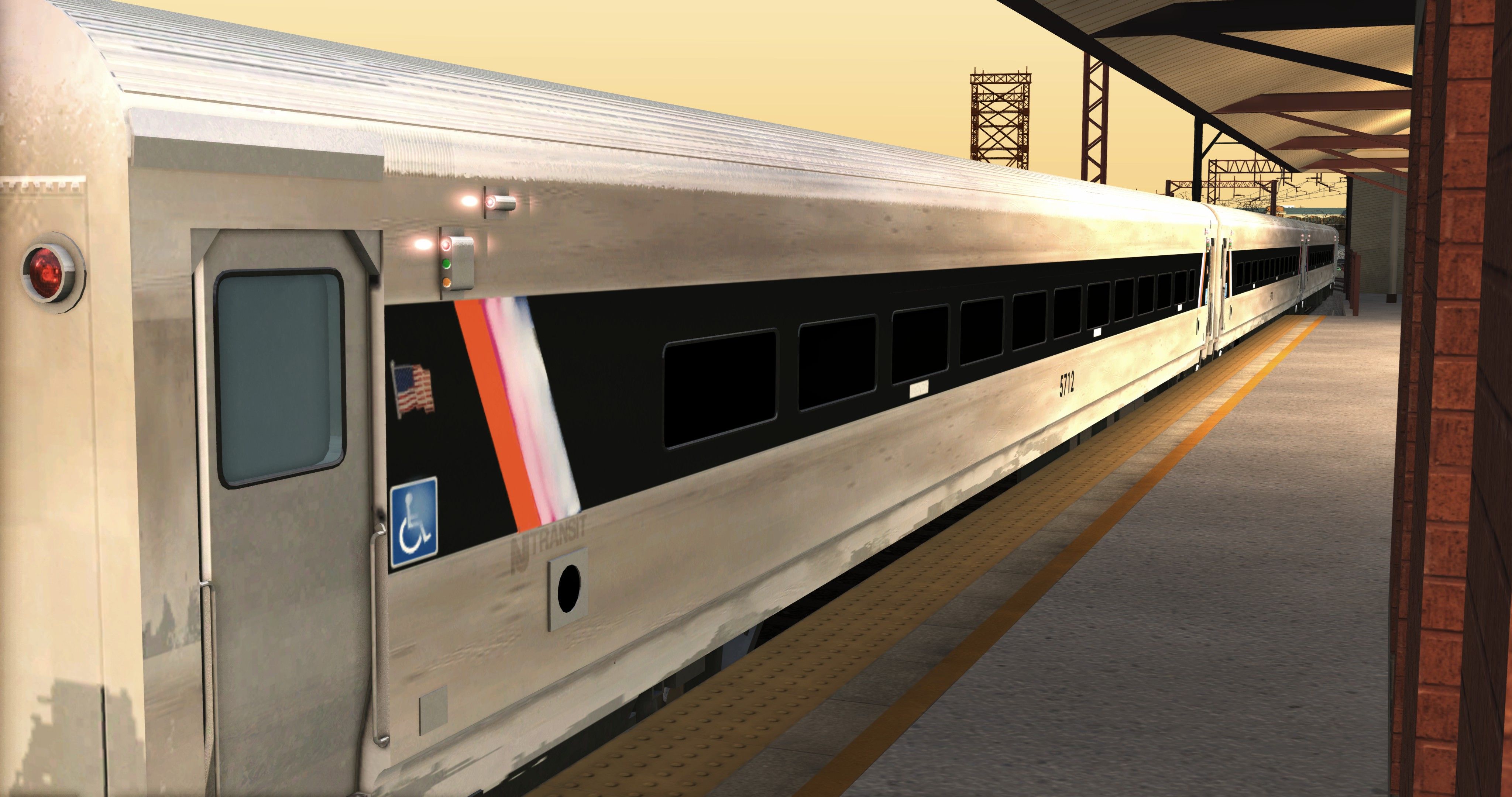
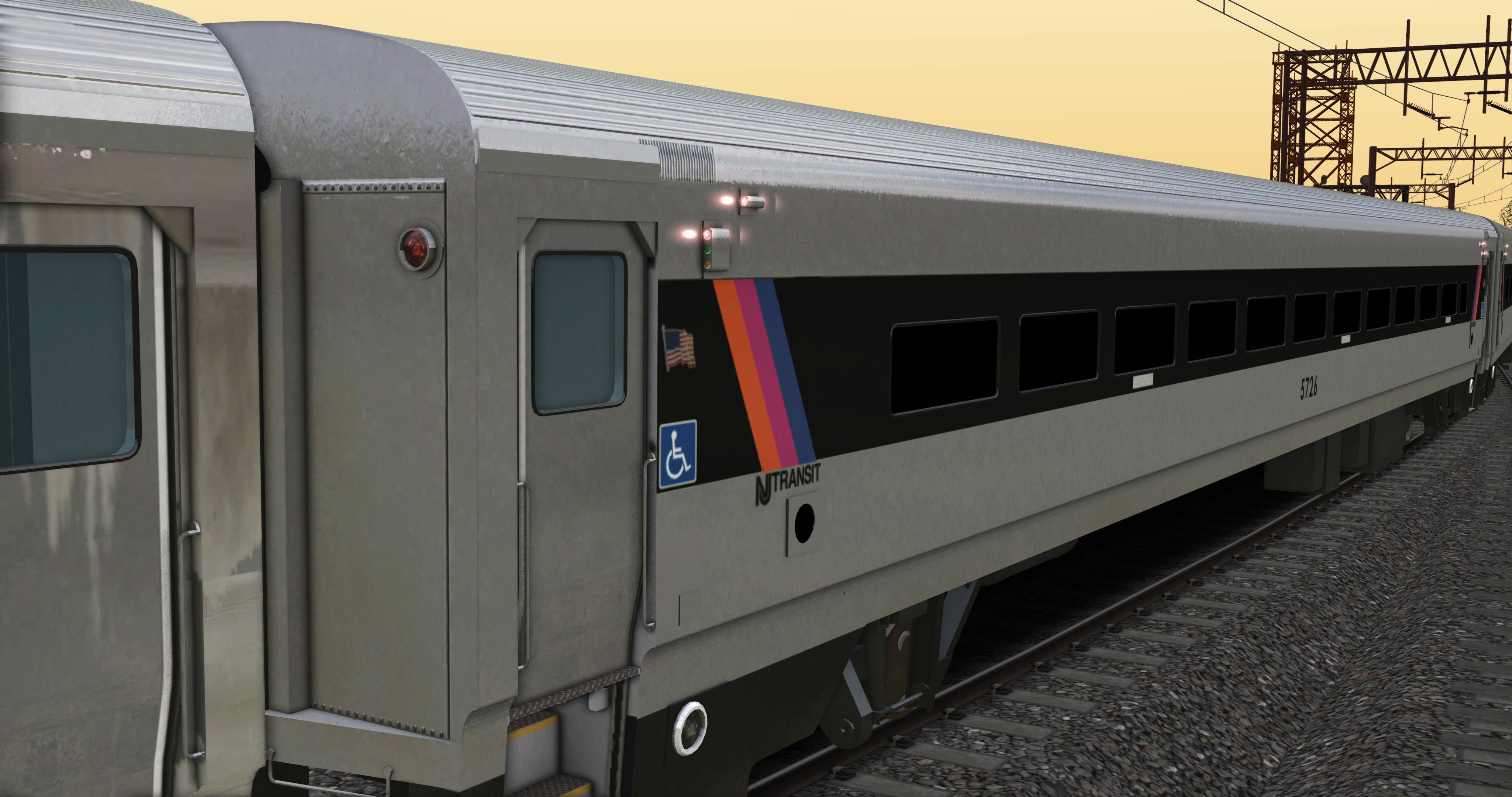
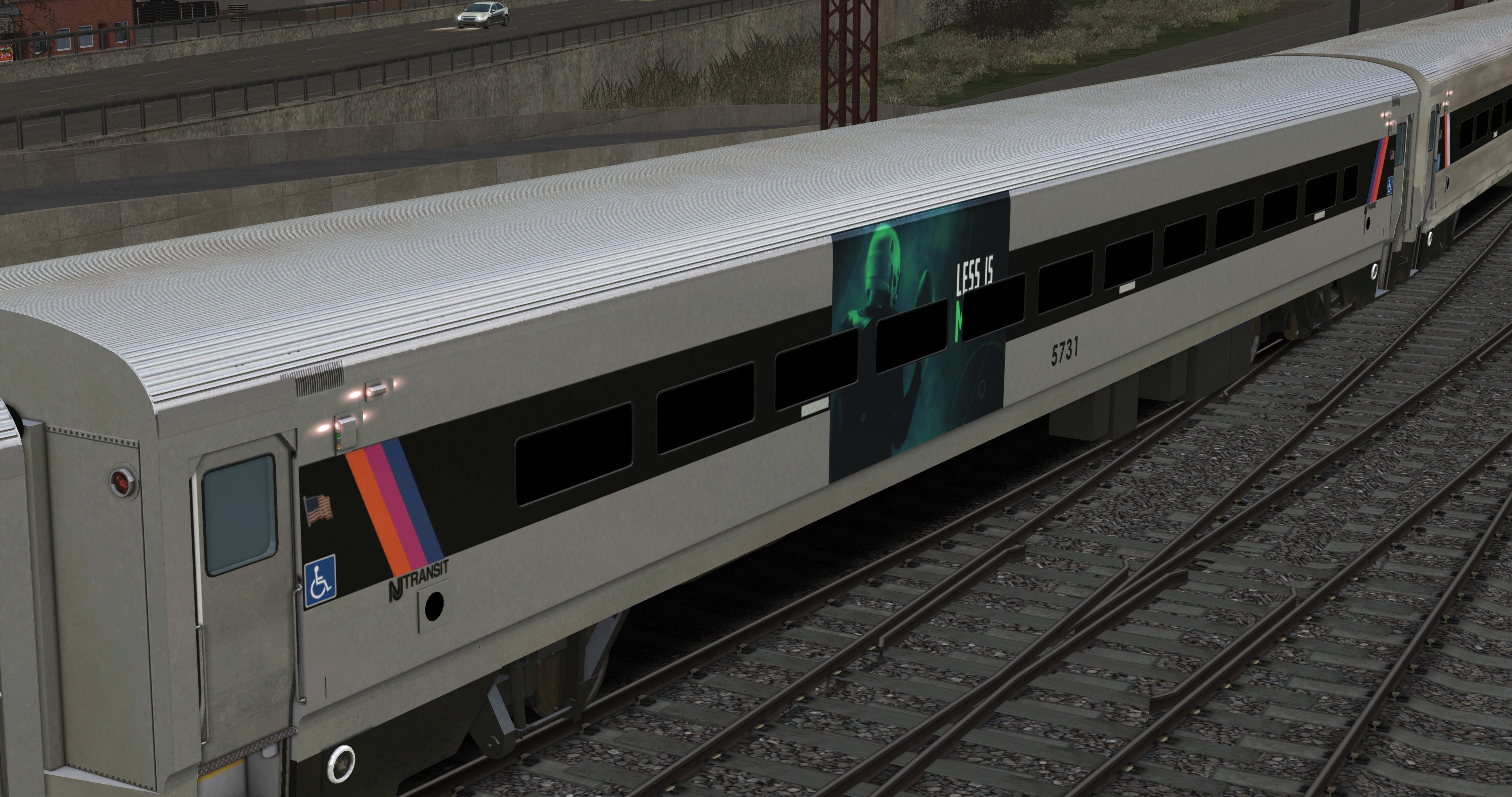
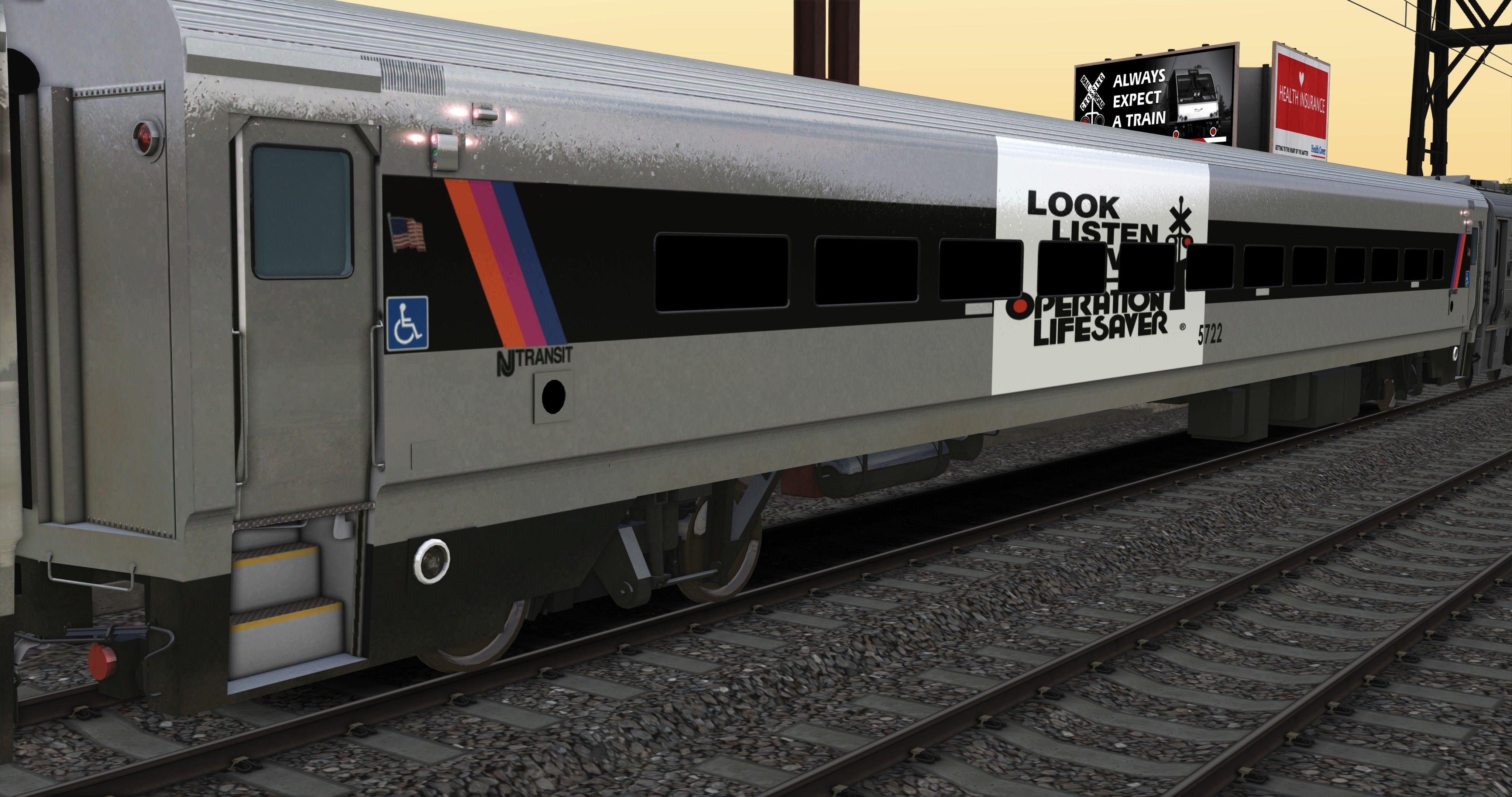
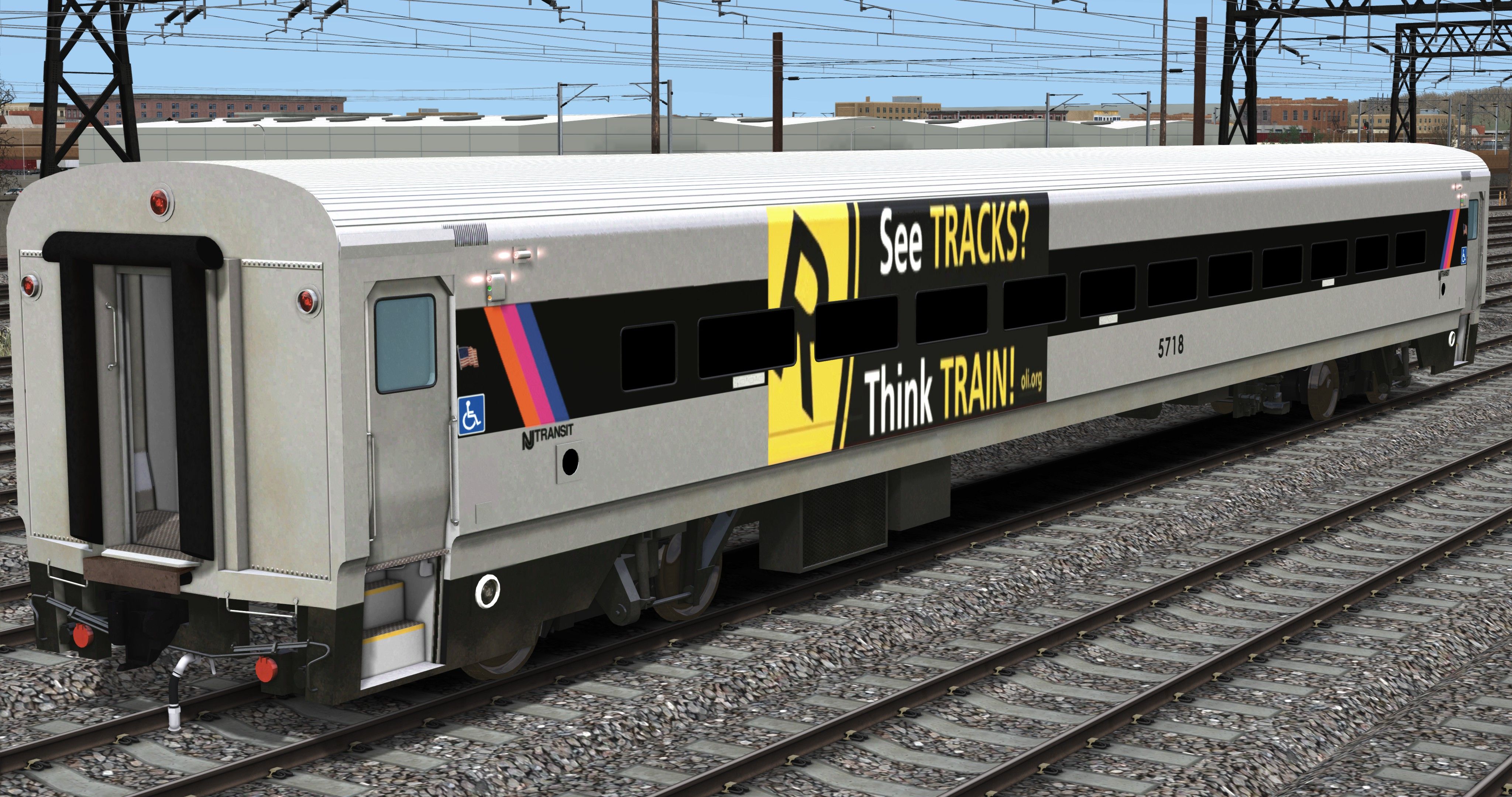
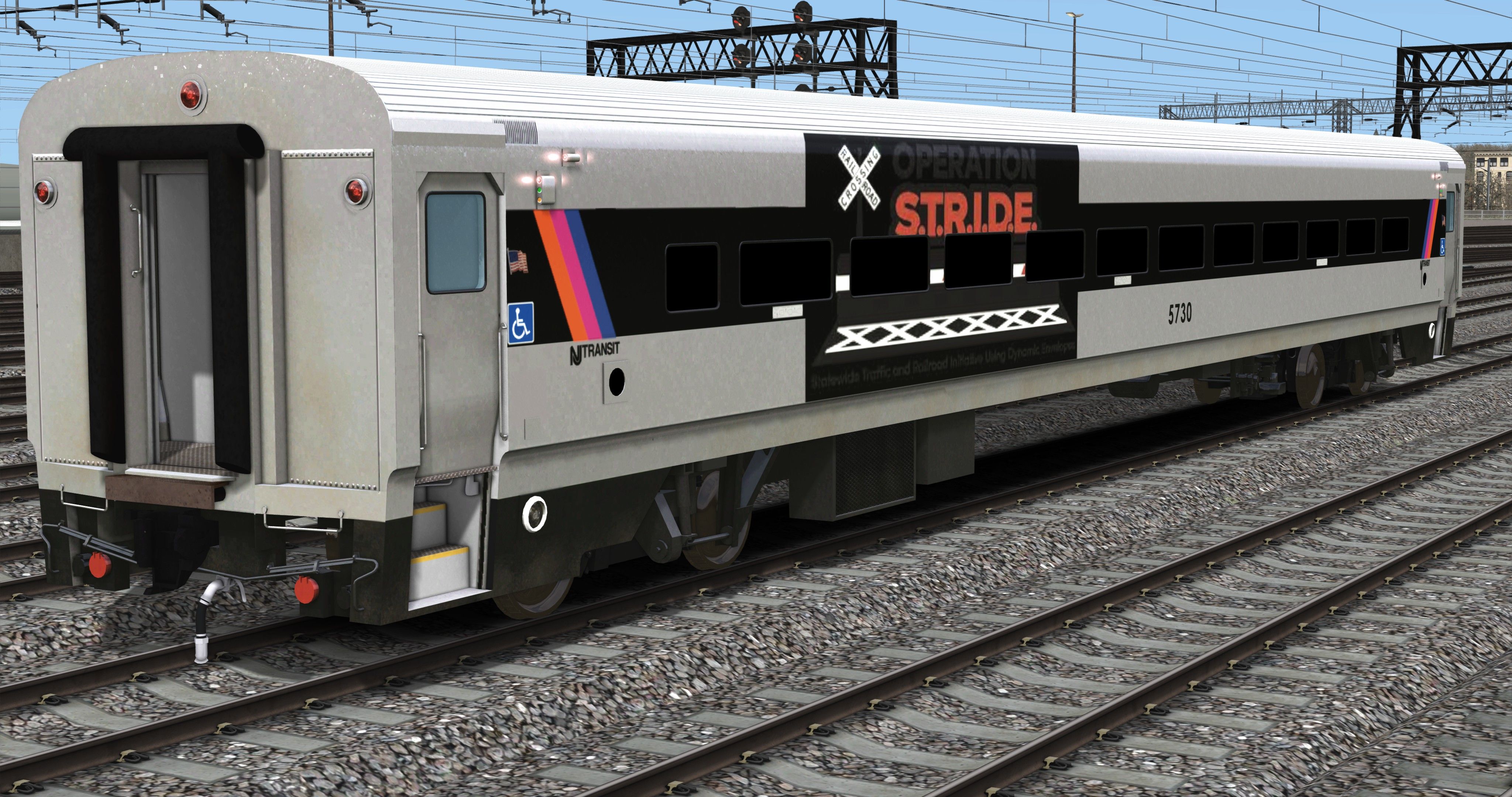
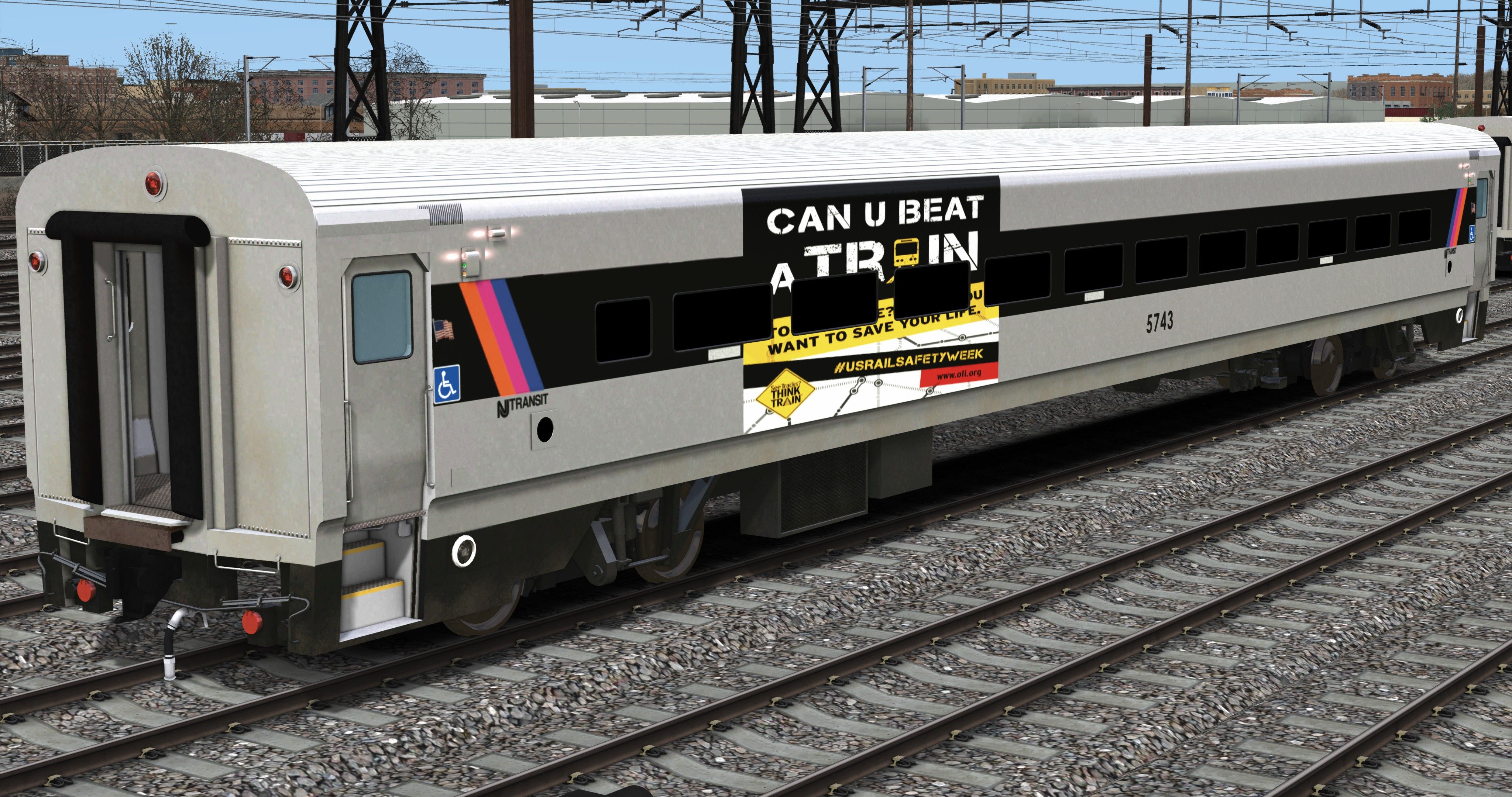
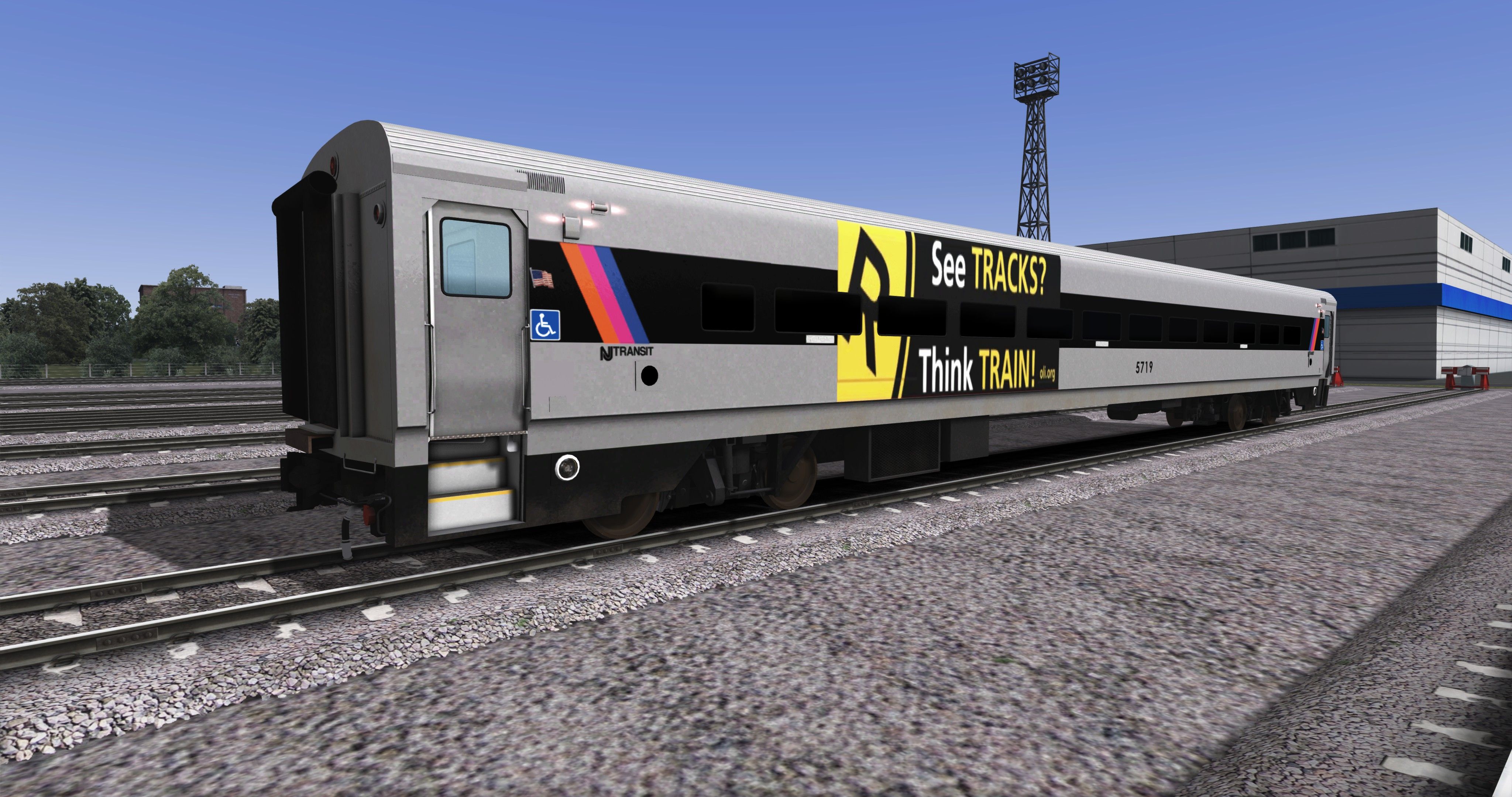
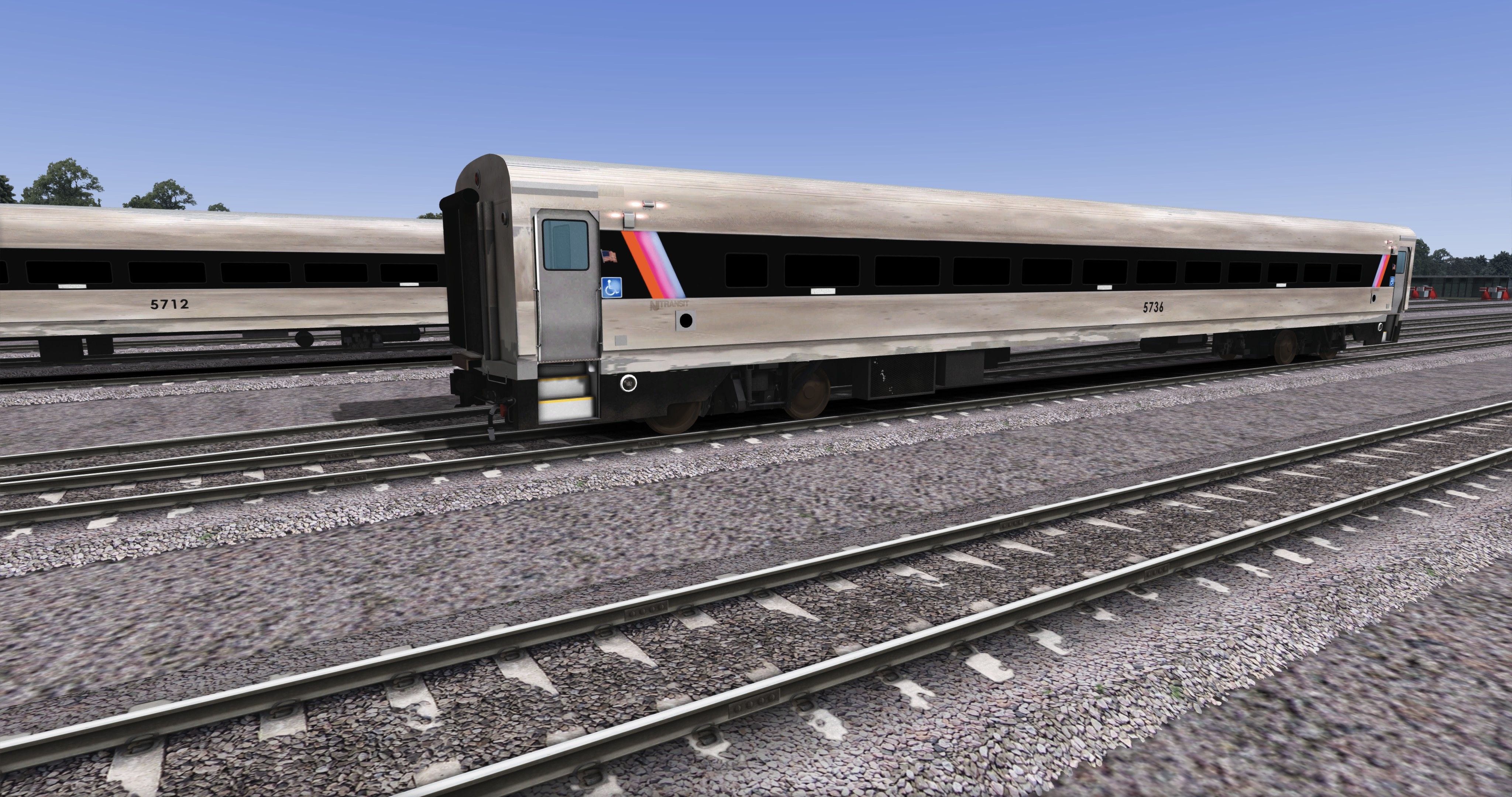
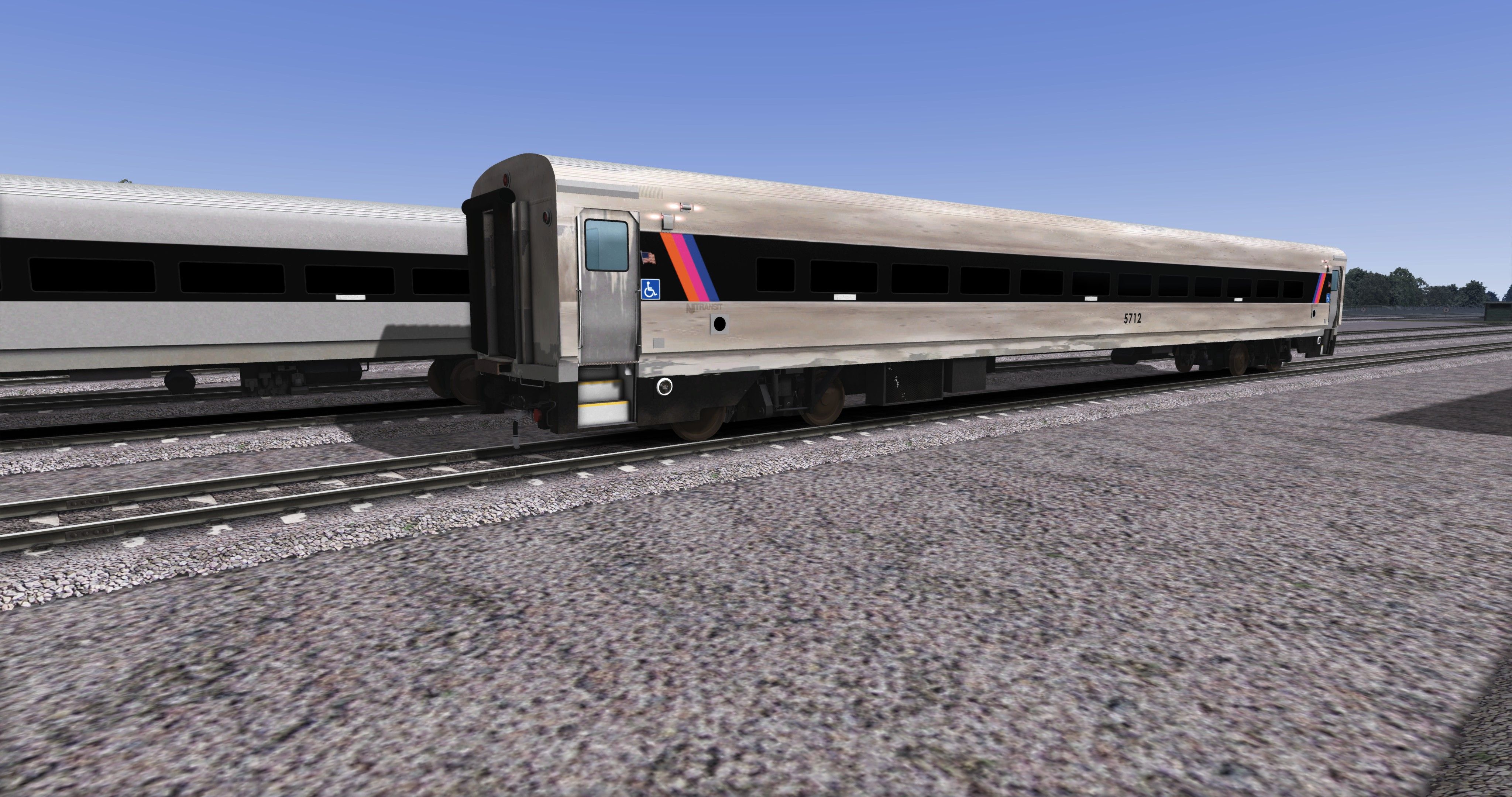
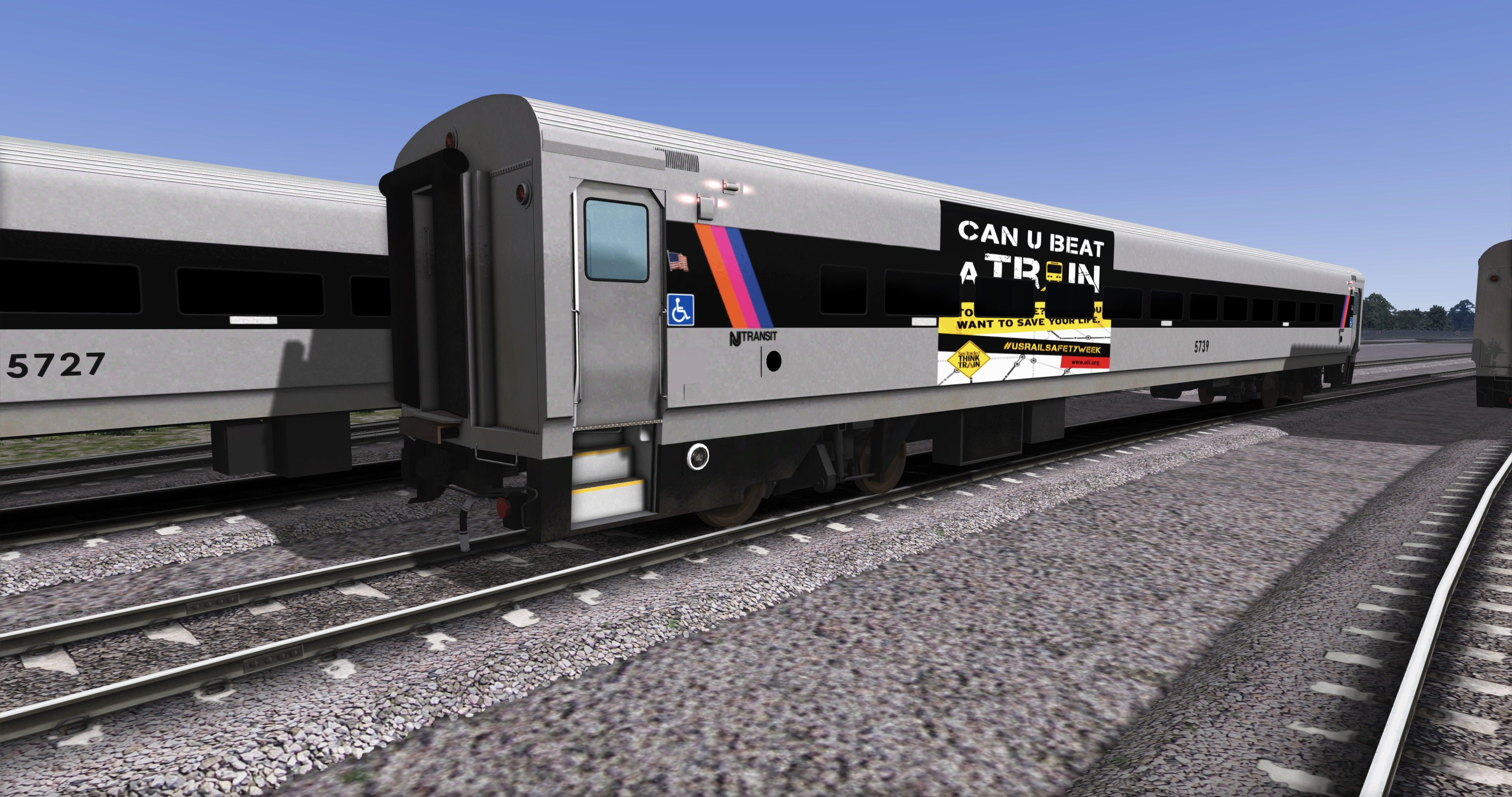
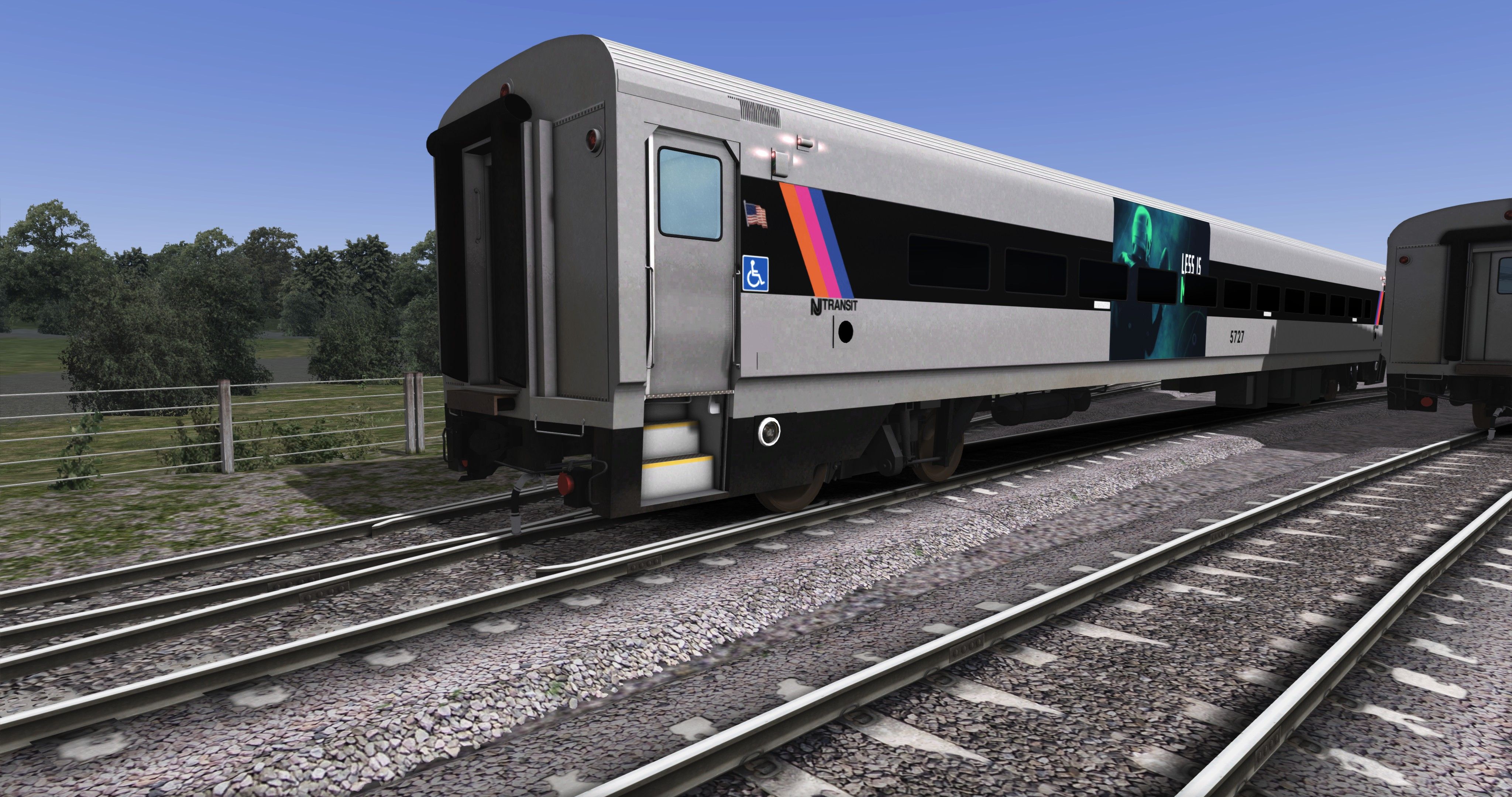
Originally from the Comet IV but without Middle Doors Classic & Old fashion
The NJT-IIM Comet Coach Skin & as a Bonus you get Variants!!
What you'll get:
You will get the Following in the pack:
NJT-IIM AD Trailer Car - Advertisement
NJT-IIM CUBAT- Can you beat a train Trailer Car
NJT-IIM DIRTY Trailer Car
NJT-IIM OLD Trailer Car With Fade away Textures
NJT-IIM OPS- OPERATION S.T.R.I.D.E Trailer Car
NJT-IIM PLS- OPERATION LIFE SAVER Trailer Car
NJT-IIM STTT- SEE TRACKS? THINK TRAIN Trailer Car
Worked Really Hard them Hope it's worth it
Requirements:
You will need the "NJ TRANSIT U34CH Loco Add-On" -Is a Must!
Optional Routes:
NorthJerseyCoast Route-Add-On
North Jersey Coast & Morristown Lines Route Add-On
Install instructions:
!! LISTEN CAREFULLY !!
To install:
- Extract and open "NJT IIM Comet Coach MEGA Pack" Folder And copy all folders and paste them Here:
Steam\steamapps\common\RailWorks\Assets\DTM\GE U34CH-NJT\RailVehicles\Passenger
2.Open the folder Called: "NJTIIMADTrailerCar"
3.Now go to:
Steam\steamapps\common\RailWorks\Assets\DTM\GE U34CH-NJT\GE U34CH-NJTAssets\RailVehicles\Passenger\TrailerCar
Copy "CometTrailer_HD-NJT.GeoPcDx" "Comet_LD_NJT.GeoPcDx" & "TrailerCarInteriorHDNJT.GeoPcDx" Files and Paste them Here:
Steam\steamapps\common\RailWorks\Assets\DTM\GE U34CH-NJT\RailVehicles\Passenger\NJTIIMADTrailerCar
Do the same for each folder:
NJTIIMCUBATTrailerCar
NJTIIMDIRTYTrailerCar
NJTIIMOLDTrailerCar
NJTIIMOPSTrailerCar
NJTIIMPLSTrailerCar
NJTIIMSTTTTrailerCar
NJTIIMTrailerCar
You're All Set!
Launch the Game
While in Builder Go to your Object Set Filter
If you have Not Check it Tik the Box for GE U34CH-NJT
Scroll All The Way Down Util you See This:
NJTIIMCUBATTrailerCar
NJTIIMDIRTYTrailerCar
NJTIIMOLDTrailerCar
NJTIIMOPSTrailerCar
NJTIIMPLSTrailerCar
NJTIIMSTTTTrailerCar
NJTIIMTrailerCar
Good to Go!
Kown Issues:
in the interiors you can see through the windows
I also did some testing with the comets on different merged routes
there is an issue when you
Use the repaints On "routes" that are "merged" that, "the repaints will not show"
Or Advertisments will not show
However I am doing some more testing to see what the problem is and how I can fix it
CHEERS & Enjoy
Any Comments, Questions Or Reskin Requests Comment Below.
Tags: coach comet njt northeast-corridor-iim usa
Requirements
Requirements:
You will need the "NJ TRANSIT U34CH Loco Add-On" -Is a Must!
Optional Routes:
NorthJerseyCoast Route-Add-On
North Jersey Coast & Morristown Lines Route Add-On
Installation Instructions
Install instructions:
!! LISTEN CAREFULLY !!
To install:
- Extract and open "NJT IIM Comet Coach MEGA Pack" Folder And copy all folders and paste them Here:
Steam\steamapps\common\RailWorks\Assets\DTM\GE U34CH-NJT\RailVehicles\Passenger
2.Open the folder Called: "NJTIIMADTrailerCar"
3.Now go to:
Steam\steamapps\common\RailWorks\Assets\DTM\GE U34CH-NJT\GE U34CH-NJTAssets\RailVehicles\Passenger\TrailerCar
Copy "CometTrailer_HD-NJT.GeoPcDx" "Comet_LD_NJT.GeoPcDx" & "TrailerCarInteriorHDNJT.GeoPcDx" Files and Paste them Here:
Steam\steamapps\common\RailWorks\Assets\DTM\GE U34CH-NJT\RailVehicles\Passenger\NJTIIMADTrailerCar
Do the same for each folder:
NJTIIMCUBATTrailerCar
NJTIIMDIRTYTrailerCar
NJTIIMOLDTrailerCar
NJTIIMOPSTrailerCar
NJTIIMPLSTrailerCar
NJTIIMSTTTTrailerCar
NJTIIMTrailerCar
You're All Set!
Launch the Game
While in Builder Go to your Object Set Filter
If you have Not Check it Tik the Box for GE U34CH-NJT
Scroll All The Way Down Util you See This:
NJTIIMCUBATTrailerCar
NJTIIMDIRTYTrailerCar
NJTIIMOLDTrailerCar
NJTIIMOPSTrailerCar
NJTIIMPLSTrailerCar
NJTIIMSTTTTrailerCar
NJTIIMTrailerCar
Good to Go!
Additional Comments
Kown Issues:
in the interiors you can see through the windows
I also did some testing with the comets on different merged routes
there is an issue when you
Use the repaints On "routes" that are "merged" that, "the repaints will not show"
Or Advertisments will not show
However I am doing some more testing to see what the problem is and how I can fix it
CHEERS & Enjoy
Any Comments, Questions Or Reskin Requests Comment Below.
Files
Comments
About this mod

- Created
- 15 Apr 2022
- Updated
- 15 Apr 2022
- Game
- Train Simulator Classic
- Type of content
- Reskin
- NA Operator
- Other


Loading comments…