TSW Mod Manager 2.2.1
- by TaskPlays
- 37 upvotes
- Downloaded 17,534 times
Description
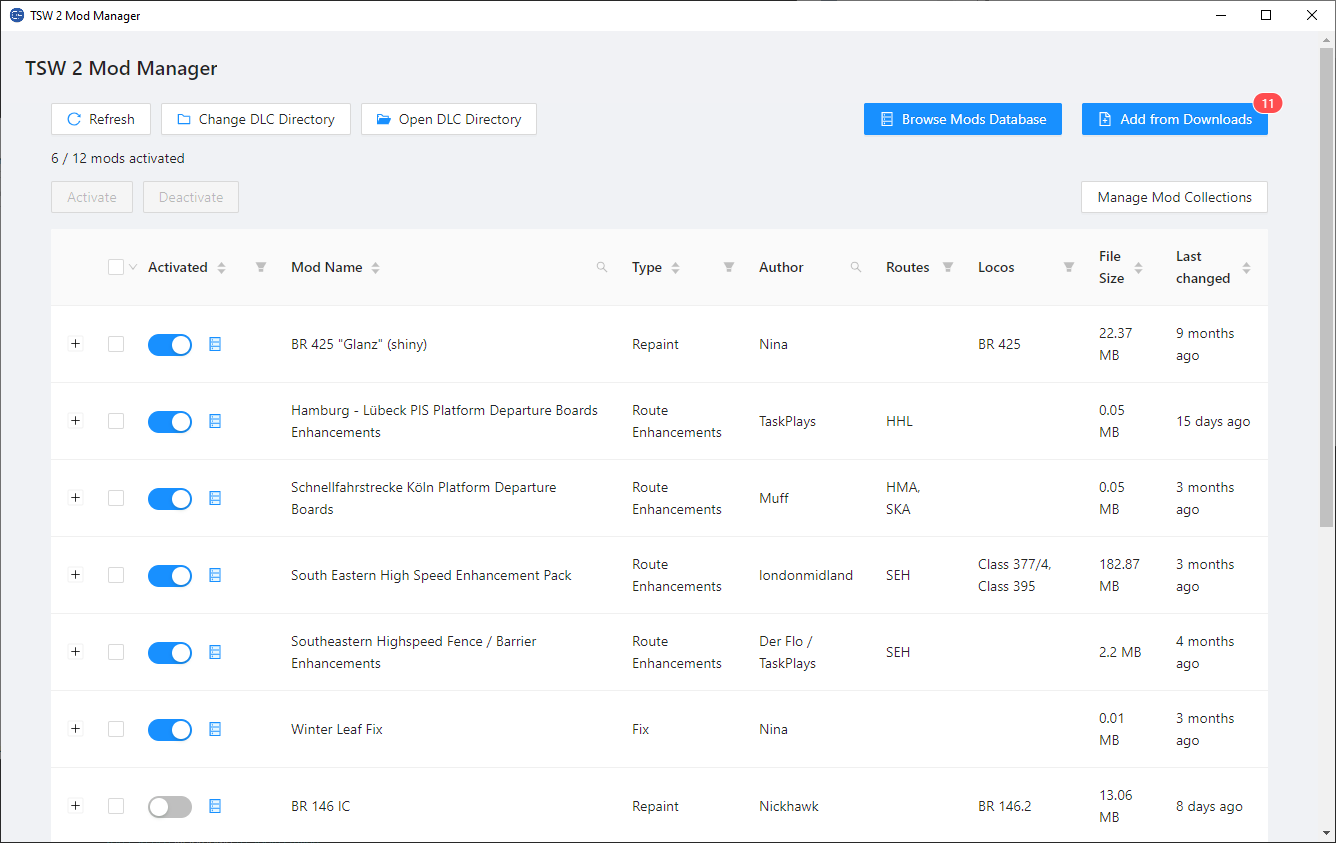
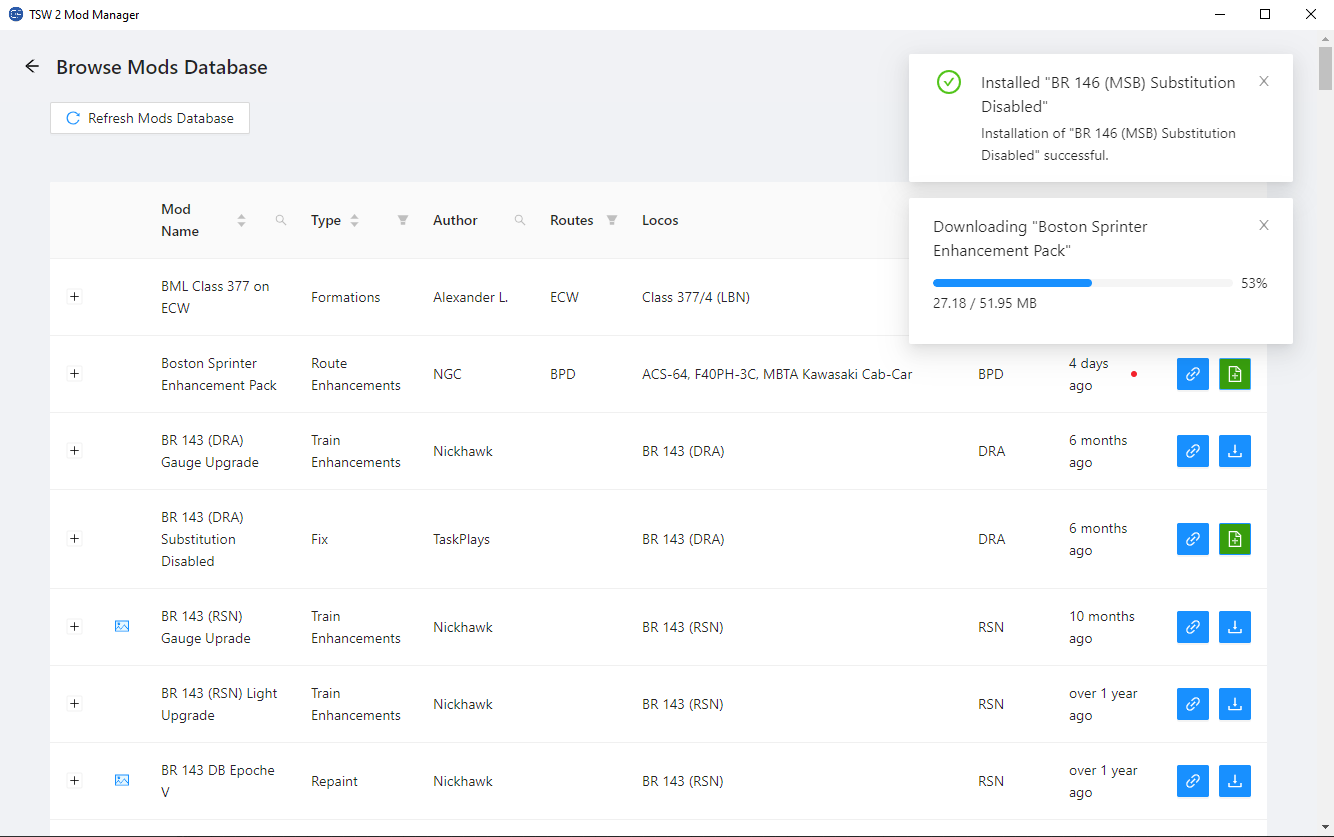
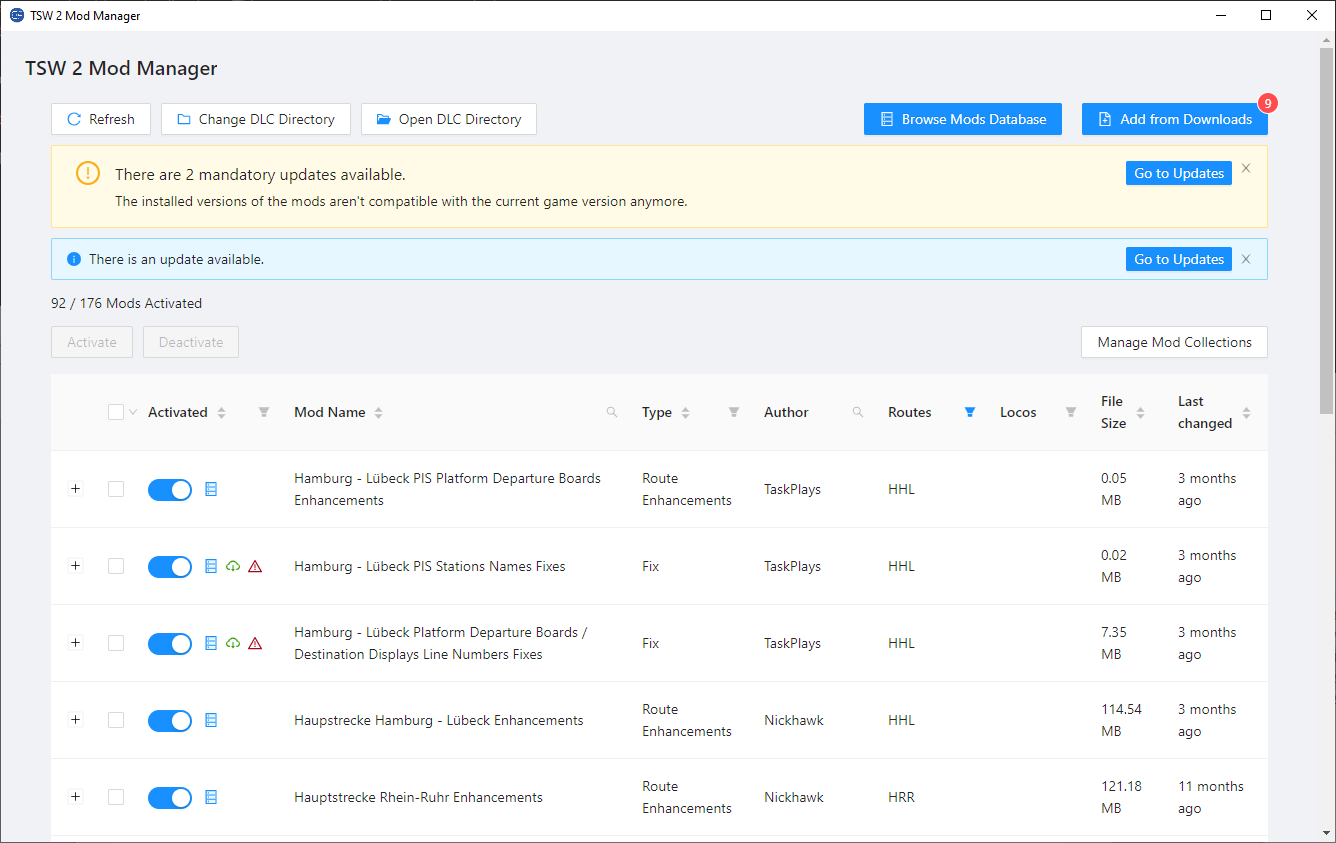
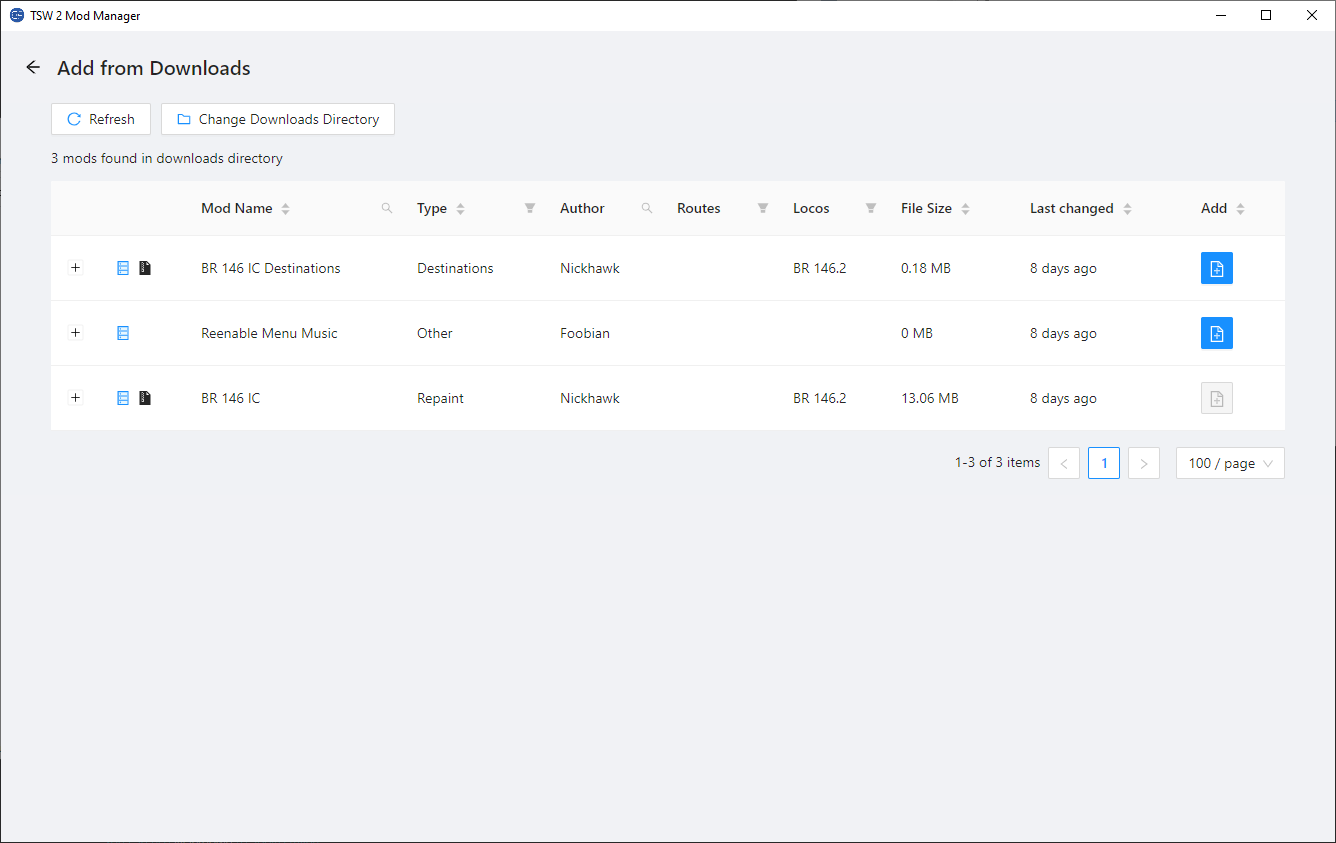
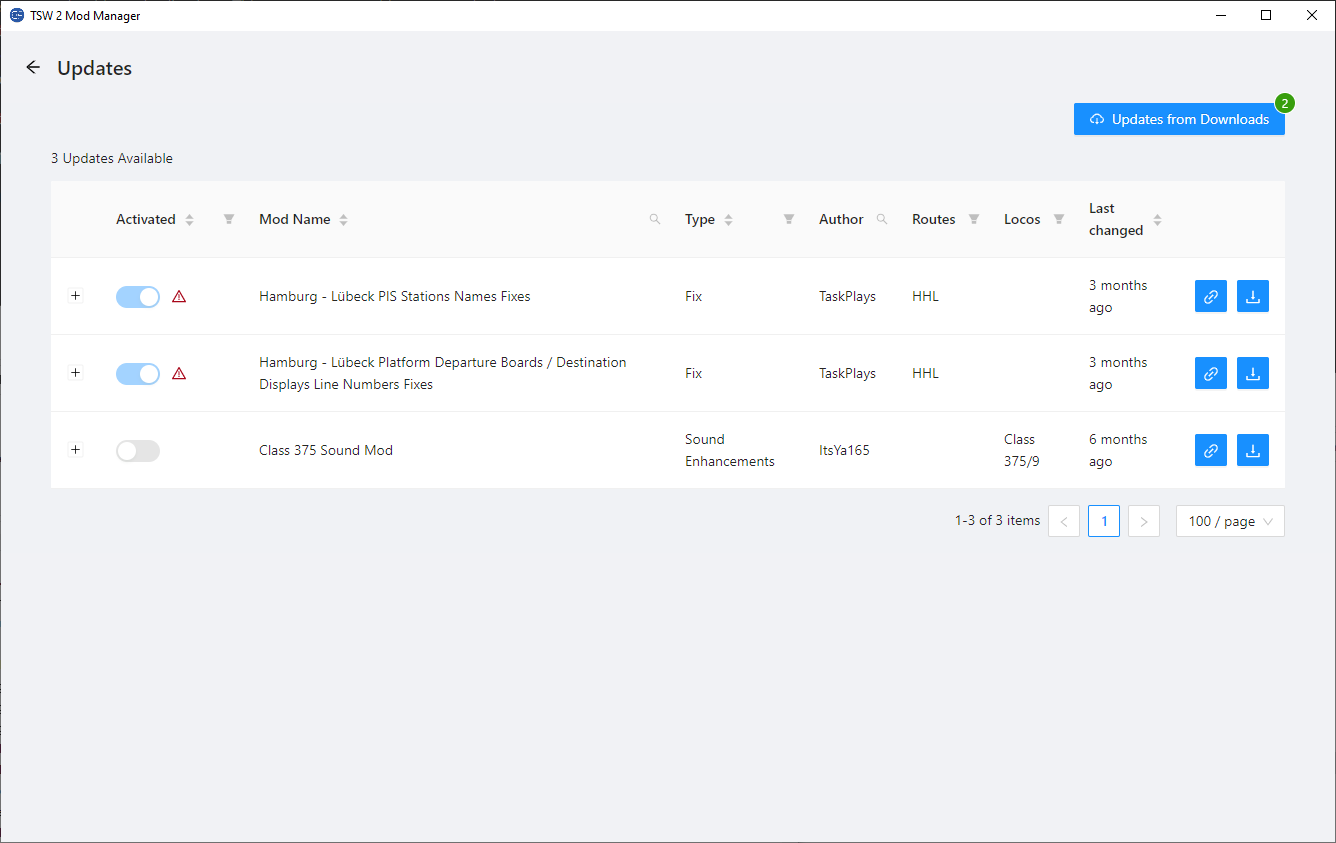
With the TSW Mod Manager you can do the following things:
- Activate and deactivate mods quickly (especially useful for mods that aren't compatible with each other or for Legacy Repaints).
- Get notified about new updates for your installed mods or when some of your mods aren't compatible with the current game version anymore.
- Browse a mod database to find new mods you could like.
- Download and install mods and updates directly within the Mod Manager.
- Install mods directly from your downloads directory, even from within zip archives.
- Manage your mods with mod collections. This way you can enable many mods that belong together at once or make sure you don't have conflicting repaints activated.
- The Mod Manager automatically downloads metadata for your installed mods (when they are available). With the metadata you can easily filter and search for the mods to quicker find what you searched for.
The patch notes for previous version as well as an alternative download link are available at https://tsw-mod-manager.de/.
The TSW Mod Manager updates itself automatically as soon as an update is available.
Support My Work
If you would like to support my work, help me with the server costs for the Mod Manager and contribute to any new DLC that allow me to make even more awesome mods, feel free to leave a donation here: PayPal
Tags: mod-browser mod-manager mods tsw-2 tsw-3 tsw-4 tsw-5
Files
Comments
About this mod

- Created
- 30 May 2021
- Updated
- 1 Sept 2022
- Game
- Train Sim World
- Type of content
- Utility
- Train Sim World Version
- Train Sim World 2: Steam version (UE4 4.26), Train Sim World 2: Epic Games Store version (UE4 4.26), Train Sim World 3, Train Sim World 4, Train Sim World 5
More by TaskPlays

German Platform Departure Boards Enhancements
Patch for Train Sim World · by TaskPlays · 10 Dec 2025


Linke Rheinstrecke Timetable: BR 101 Substitution
Patch for Train Sim World · by TaskPlays · 15 Jan 2024
Loading comments…