iR | Common Files & Dependencies
- by ilo sama RAIL and Nagiphaaa
- 8 upvotes
- Downloaded 3,802 times
Description
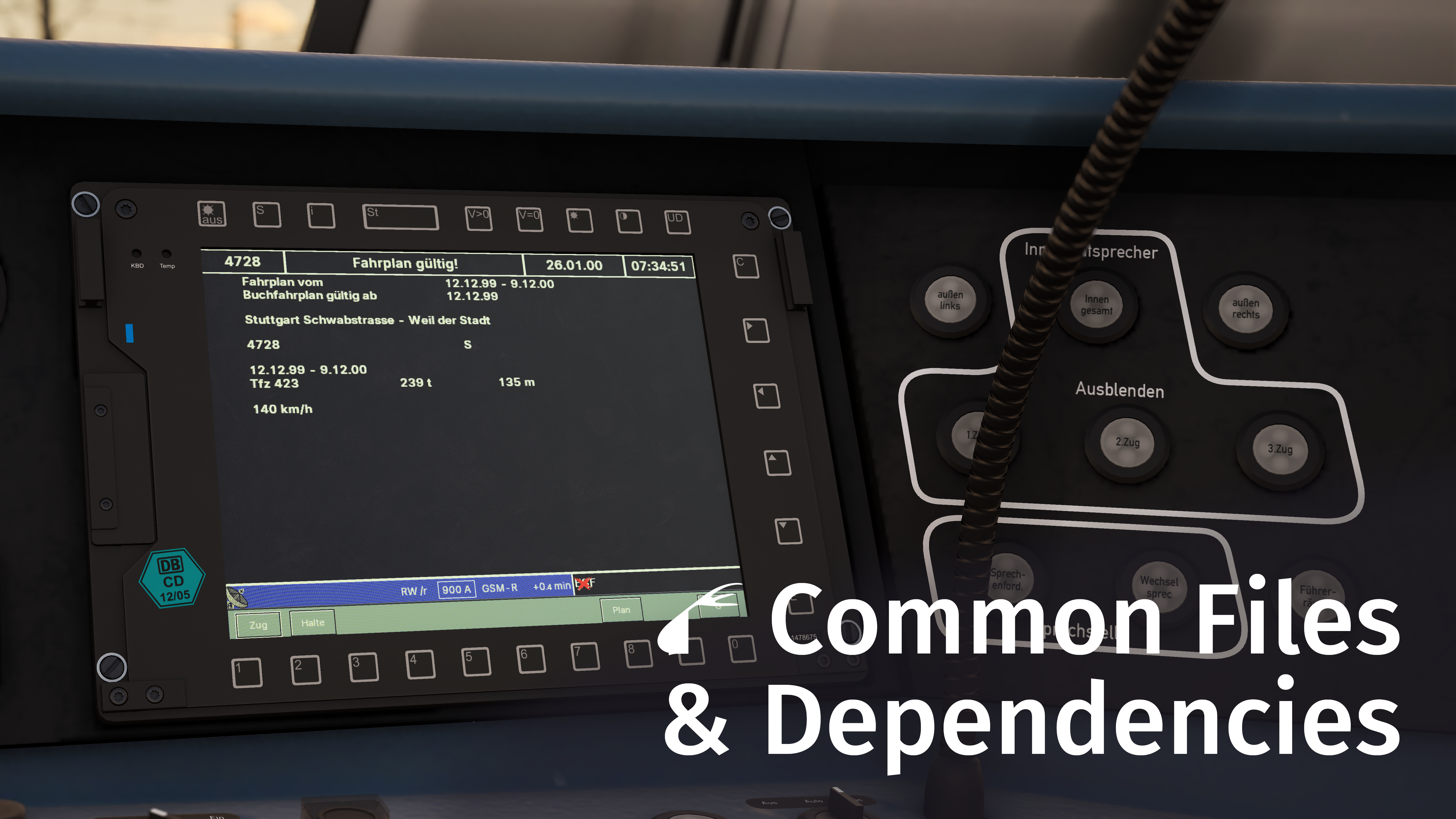
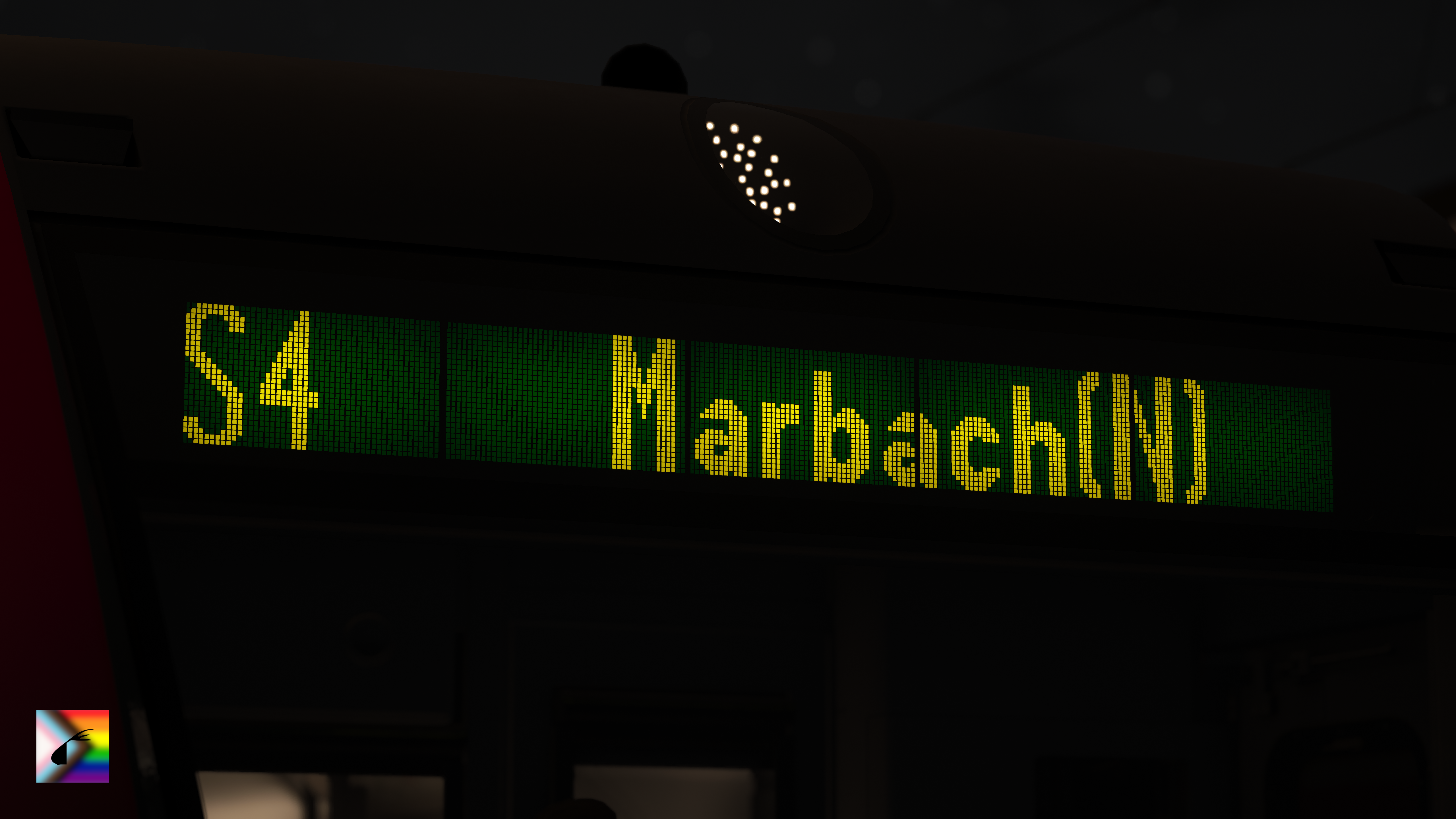
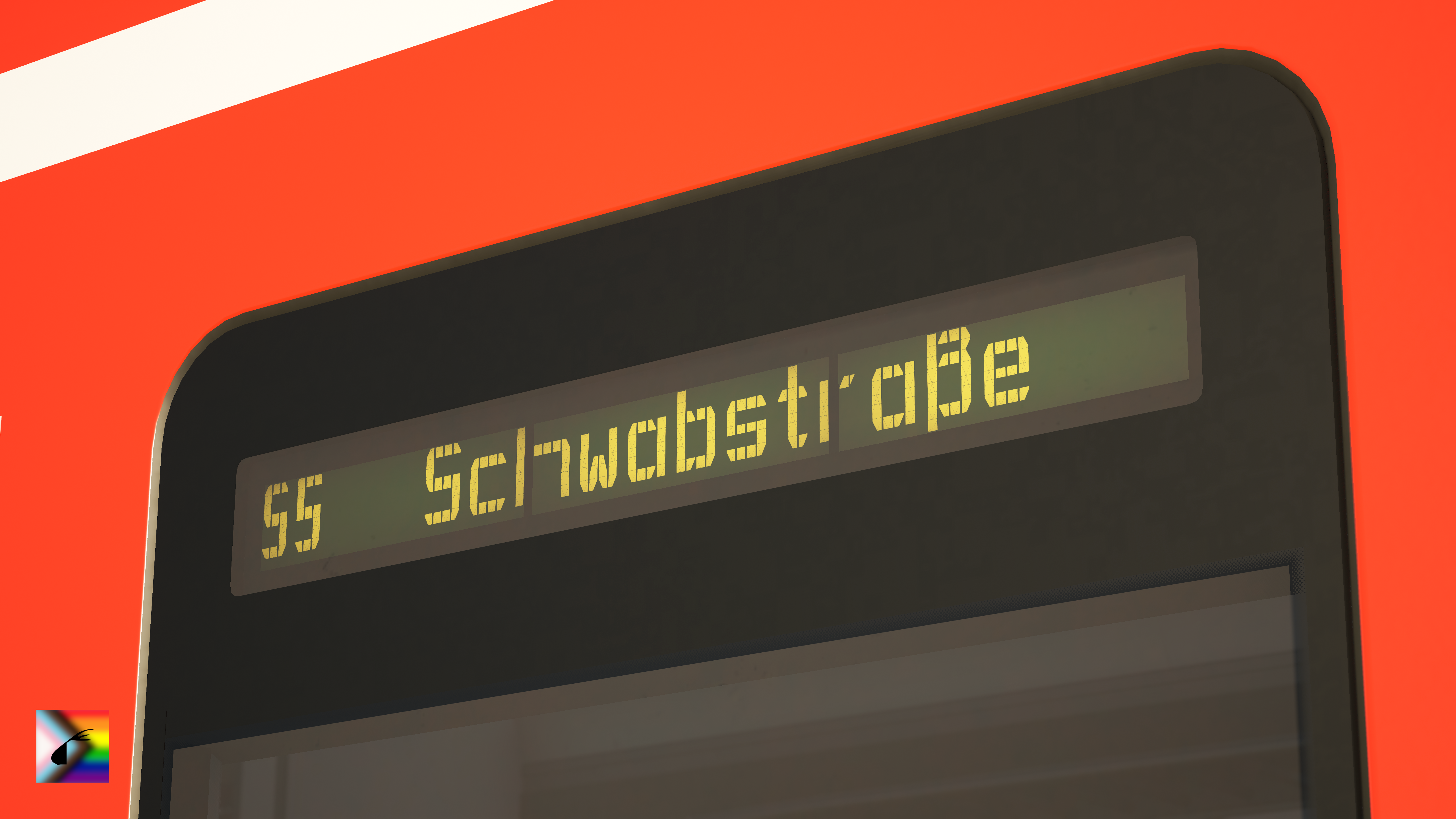
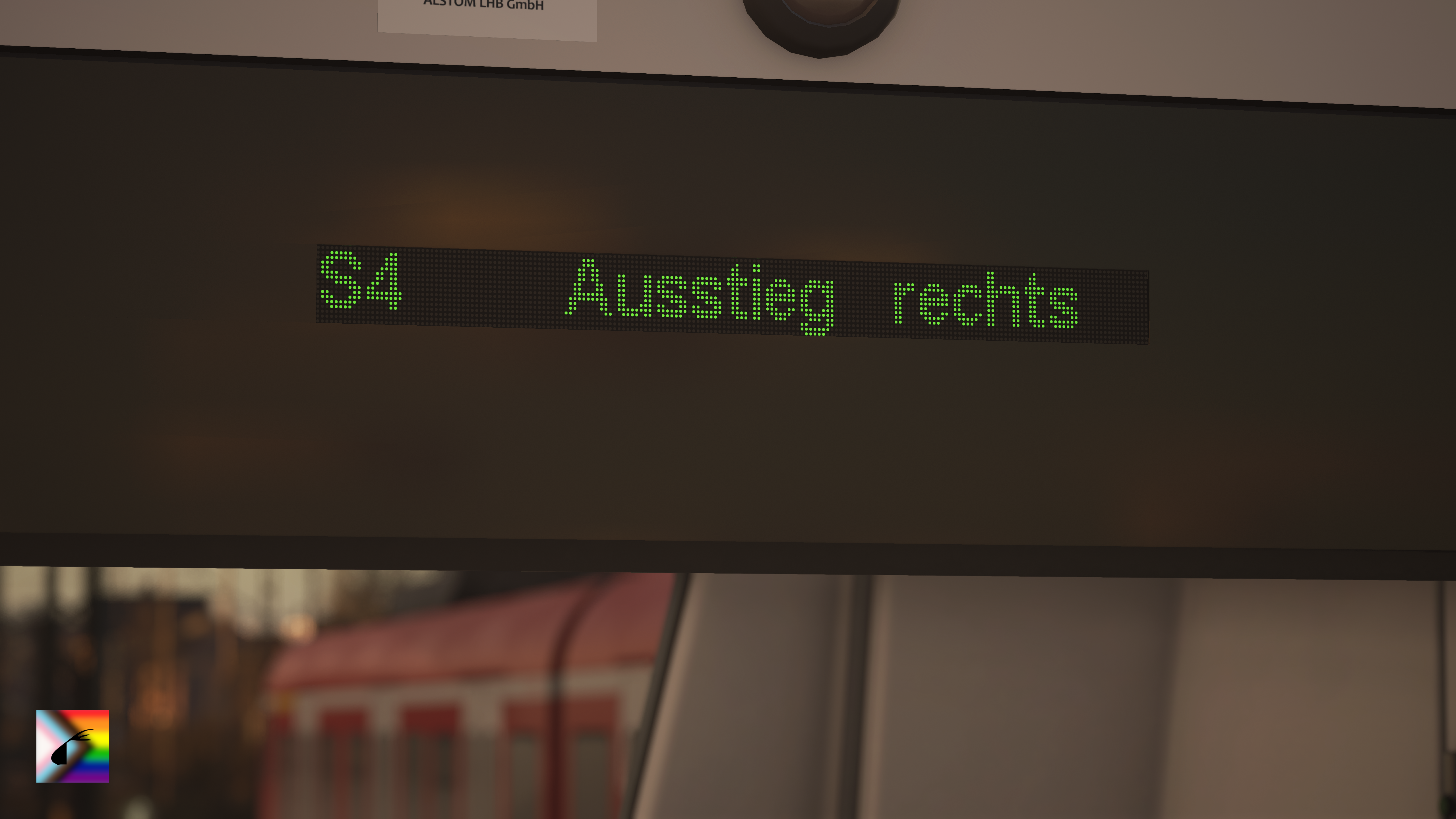
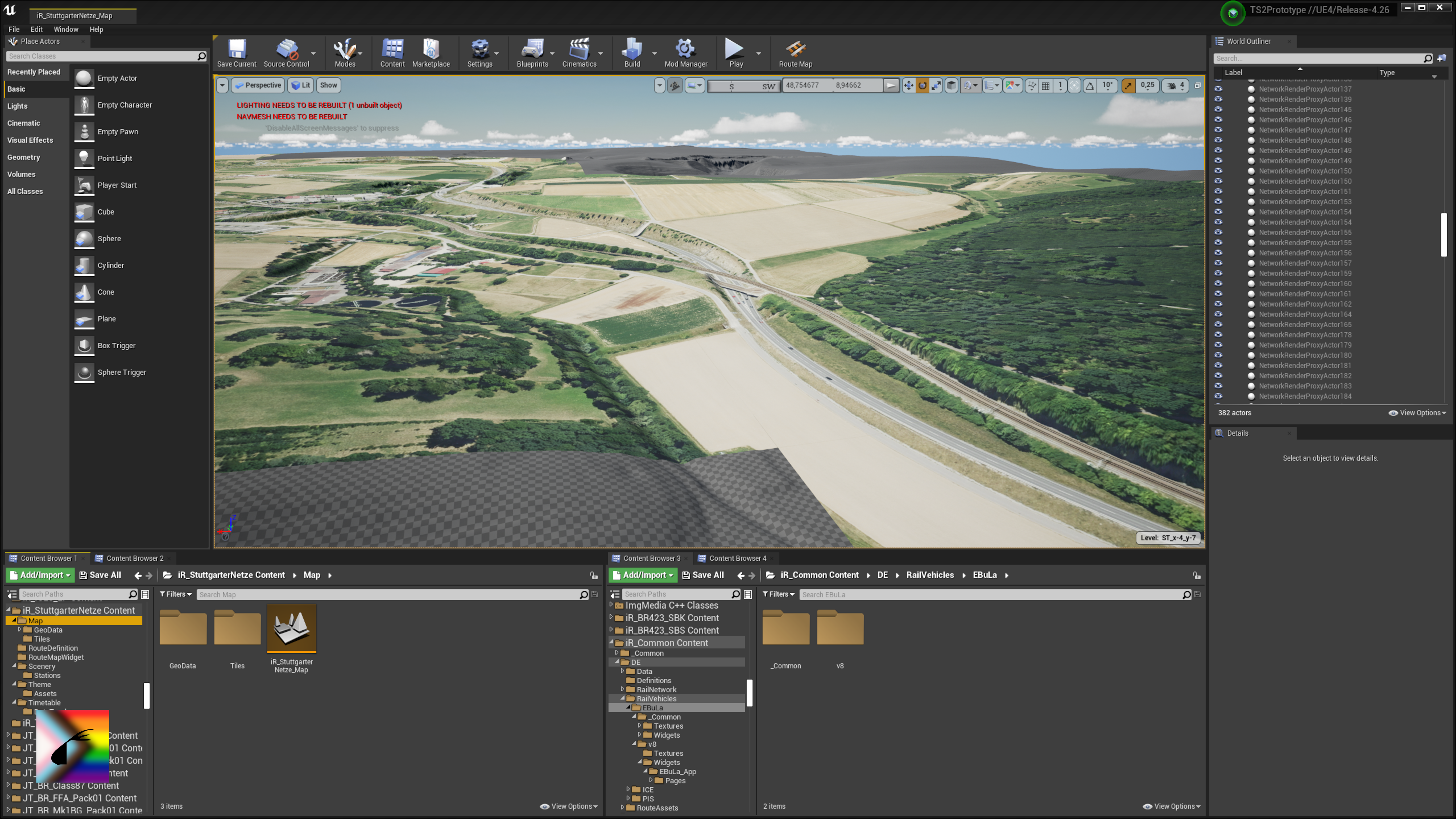
This mod poses as a foundation for many (future) iR projects, and perhaps also for some other people's projects. It includes many assets and systems which can be used by multiple routes or vehicles, to prevent compatibility issues between mods using thoes assets, and to reduce download sizes. In most cases, if you have been linked to this mod from another mod, it is almost certainly a requirement for that mod to work.
Please note that this mod does not change anything in-game by itself; features like the EBuLa have to be manually implemented on each train by us or by other modders.
For now, this is a closed source beta release; once we have polished up our new assets and the documentation, we're planning to make this mod open source with release v2.0!
But either way, enjoy!
Features
This list only contains the most notable additions of this mod important to players. For more details on any and all features in this mod, consult the changelog below.
- Added rudimentary EBuLa v8 implementation
- Added new track assets
- Added various ADtranz destination displays (bitmap fonts & materials)
- Added bitmap fonts for bustec destination displays
- Added multiple generic screen/display materials
- Added multiple typefaces
- FreeSans
Helvetica substitute - Inter
- modified Inter as Arial subsitute
- SourceSans3
DB Sans/Head substitute
- FreeSans
Known Issues
- None at the moment. If you found an issue, see further below to report it! :)
Found issues? Want to contact us?
If you come across any issues or inaccuracies with this mod, or if you'd like to ask us something, please reach out to us, either by leaving a commment on the mod page, or by pinging someone from our team on the Train Sim Community Discord! We'll be dealing with it as soon as we can!
Project Spotlight
In this section we'd like to put light on projects using this mod for their own cool purposes! If you got anything cool to share with us, reach out to us describing your project and we'll consider adding it to this list! :D
- None at the moment, maybe your project could be the first on this list? 👀
Support this Project
If you like what you're seeing from us and would like to financially support us and our work (we're mostly still students, after all), you're more than welcome to do so on Nagi's Ko-fi page! It helps us with making new stuff, be it with us able to put more time into development, or with us being able to buy new equipment for even better stuff. We'll fairly split any donations between our team :)
Also, anyone contributing 5€ or more may be added to the list of supporters below!
Monthly supporters (i.e. First Class members through Ko-fi memberships) may be listed on all mods released or updated during the period of their membership and the next mod or mod update after the end of that period.
One-time supporters may be listed on the next mod or mod update after the donation.
Supporters 💜
We're really grateful for your support, it means a lot to us. We hope you enjoy all of our current and future work ^^
Thank you 💜
First Class
One-Time
- Steve
Developer Information
The documentation for this mod's asset will be released with the source code, so please be patient for that.
In case you already want to tinker around with our assets before the open source release, please follow the conditions beneath for releasing your mod:
- You must not redistribute any original iR_Common assets in your own project. This does not include assets made by you inheriting from orignal iR_Common assets (e.g. child blueprints of iR_Common blueprints).
- You must list this project or a devrivative thereof as a dependency where appropriate. This can be either as a link to its project page (e.g. on TSC) or to its repository.
Proudly 🏳️🌈 made with 💜 by Nagi & the iR Team, without AI
Version v2.0.0-b1 – released 27/01/2026
last updated 26/01/2026
Tags: common-files dependencies
Installation Instructions
- Place
iR_Common_vX_Y_Z.pakin%userprofile%\Documents\My Games\TrainSimWorld6\Saved\UserContent. (You may have to create theUserContentdirectory.) - Ensure that the Allow Mods option is enabled in-game (Settings > Advanced Settings). Restart the game if it wasn't enabled.
Additional Comments
Changelog
Please always take note of the minimum version required by any mod you're trying to use.
🟪 Release v2.0.0 – Work in Progress, TBC
- 🟣 Open-source release
- 🔵 The features listed below are already work in progress, however this is not a guarantee that they will appear in this specific release.
Systems
Front-End
- 🟡 Expand EBuLa v8 implementation
- 🟢 Add startup sequence
- 🟢 Add manual data entry
- 🟢 Add light mode
Passenger Information Systems
General
- 🟢 Added on-board announcement system based on TDM
- 🟡 Extend all bitmap fonts to include the full specified character set
DB Regio
- 🟢 Added interior screen implementation – RI2022
- 🟢 16:9 variant
DB ICE
- 🟢 Added interior screen implementation – Design zigzag
- 🟢 16:9 variant
- 🟢 9:16 variant
- 🟢 Added new, orange exterior PIS display material
- 🟢 Added 12px high LED bitmap font, for intermediate stops
- 🟢 Added 13px high LED bitmap font, for service numbers
- 🟢 Added 14px high LED bitmap font, for destinations
- 🟢 Added 28px high LED bitmap font, for coach numbers
DB LCD Station Destination Displays
- 🟢 Added DB LCD station destination displays in the current software version, using the TDM
- 🟢 Added 8px high LCD bitmap font, for delays
- 🟢 Added 10px high LCD bitmap font, for service numbers, intermediate stops & other information
- 🟢 Added 21px high LCD bitmap font, for destinations
Station Assets
DB Station Signage – Wegeleitsystem Design CDC
- 🟢 Added simple station sign blueprint, automatically adjusts size depending on text length.
Generic Assets
Audio
- 🟢 Added dispatch whistle sound resources & cues
🟨 Beta v2.0.0-b1 (Beta 1) – released 27/01/2026
- 🔵 Only compatible with TSW 6
- 🔴 Replaces v1.0 entirely, previous features not ported
Systems
Front-End
- 🟢 Added rudimentary EBuLa v8 implementation
- 🟢 Basic timetable data page (FSD)
- 🟢 Schedule (FSD > Halte)
- 🟢 Accurate delay calculation
- 🟢 Automatic data entry only
- 🟢 Dark mode only
Back-End
- 🟢 Added TimetableDataManager (TDM) - parses timetable data to one simple, decluttered format for any other systems (PIS, EBuLa, etc.).
- 🟢 Added custom DigitalDisplayService (DDS) - saves states of displays even when the Widget or the View Actor is unloaded. Separate from any official implementations.
- 🟢 Added EBuLa framework
Rail Network Assets
- 🟢 Added B 70 W-54 W 14-K sleepers
- 🟢 Added 54E4 profile rails with & without 1:40 pitch
- 🟢 Added ballast mesh - without custom materials at the moment
Passenger Information Systems
ADtranz
- 🟢 Added 8px high, 23 segmented LCD bitmap font in narrow & wide variants, with custom pixel mask & material
- 🟢 Added 7px high LCD bitmap font
- 🟢 Added 12px high LCD bitmap font
- 🟢 Added 16px high LCD bitmap font, in regular & line number variants
- 🟢 Added 26px high LCD bitmap font, in regular, wide, narrow, narrow line number and short variants
- 🟢 Added 16px high LED bitmap font
bustec
- 🟢 Added 24px high LED bitmap font
- 🟢 Added 28px high LED bitmap font
Generic Assets
Fonts
- 🟢 Added FreeSans typeface
as Helvetica substitute - 🟢 Added Inter typeface
- 🟢 Added modified Inter typeface
as Arial substitute - 🟢 Added Source Sans 3 typeface
also included as DB Neo Sans/Head substitute
Textures
- 🟢 Added multiple generic monochromatic & RGB pixel masks
- 🟢 Added masks for LCD panel wear
- 🟢 Added masks for screen dirt
Materials
- 🟢 Added generic RGB LCD screen material with variable dirt
- 🟢 Added generic monochromatic LCD destination display material
Editor Tools
- 🟢 Added map decal actor & material - for manually placing custom images (e.g. non-Google satellite imagery) into the map for development purposes
⬛ Release v1.0.0 (Legacy) – released 01/02/2023
- 🔵 Download moved to the n-Wagen EP mod page as it's the only mod dependent on that version.
- 🔵 Incompatible with TSW 4 or above, deprecated, source not part of repository
Systems
- 🟢 Added prototype for a custom numbering system (unused)
- 🟢 Added prototype for a configuration tablet (unused)
Assets
Typefaces
- 🟢 Added DIN 1451 typeface
- 🟢 Added Nimbus Sans L typeface
Files
Comments
About this mod

- Created
- 1 Feb 2023
- Updated
- 26 Jan 2026
- Game
- Train Sim World
- Type of content
- Other
- Train Sim World Version
- Train Sim World 6


Loading comments…