BNSF H1 & Golden 1050 Dash 8-40CW
- by Private Miller
- 3 upvotes
- Downloaded 268 times
Description
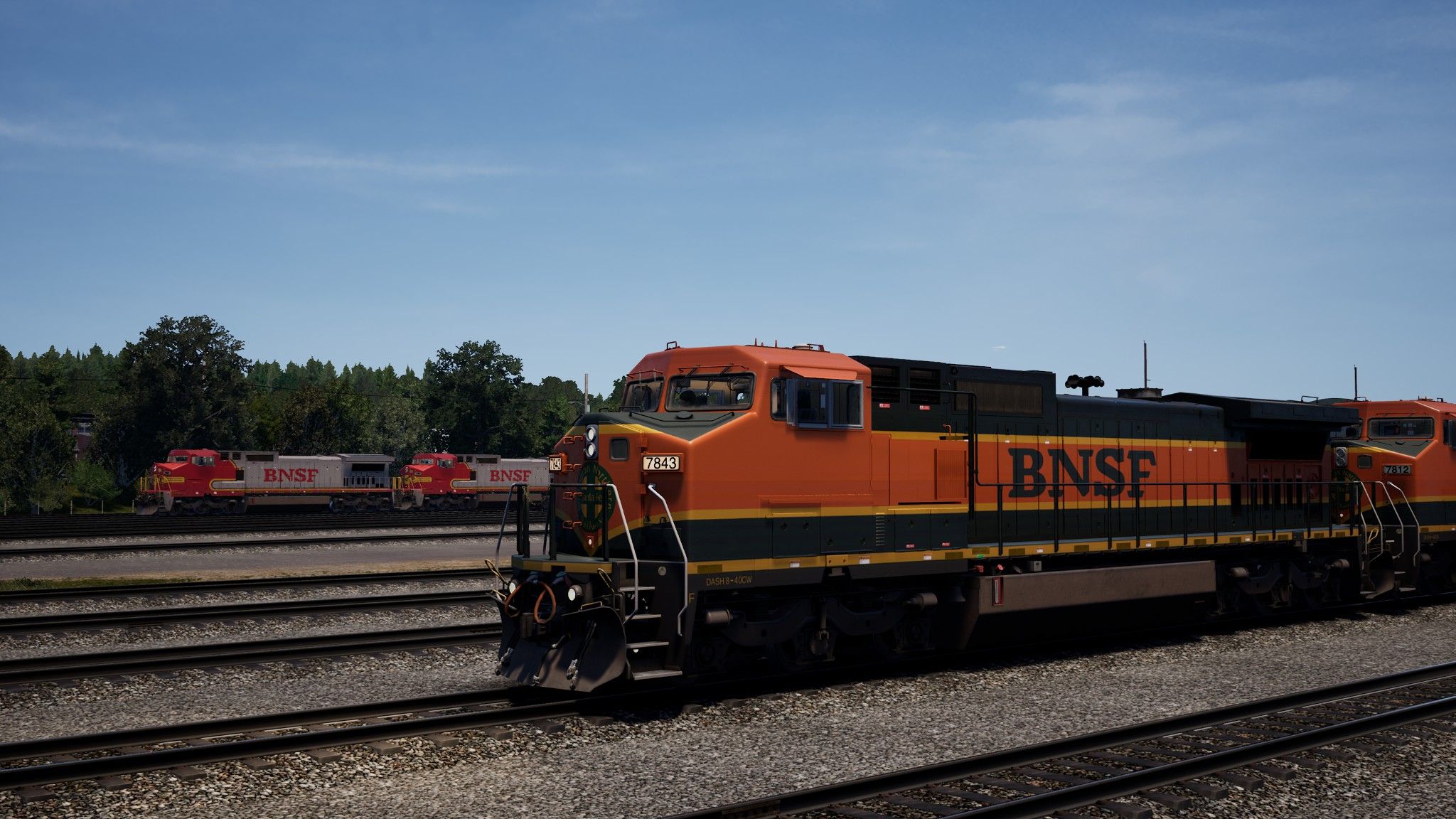
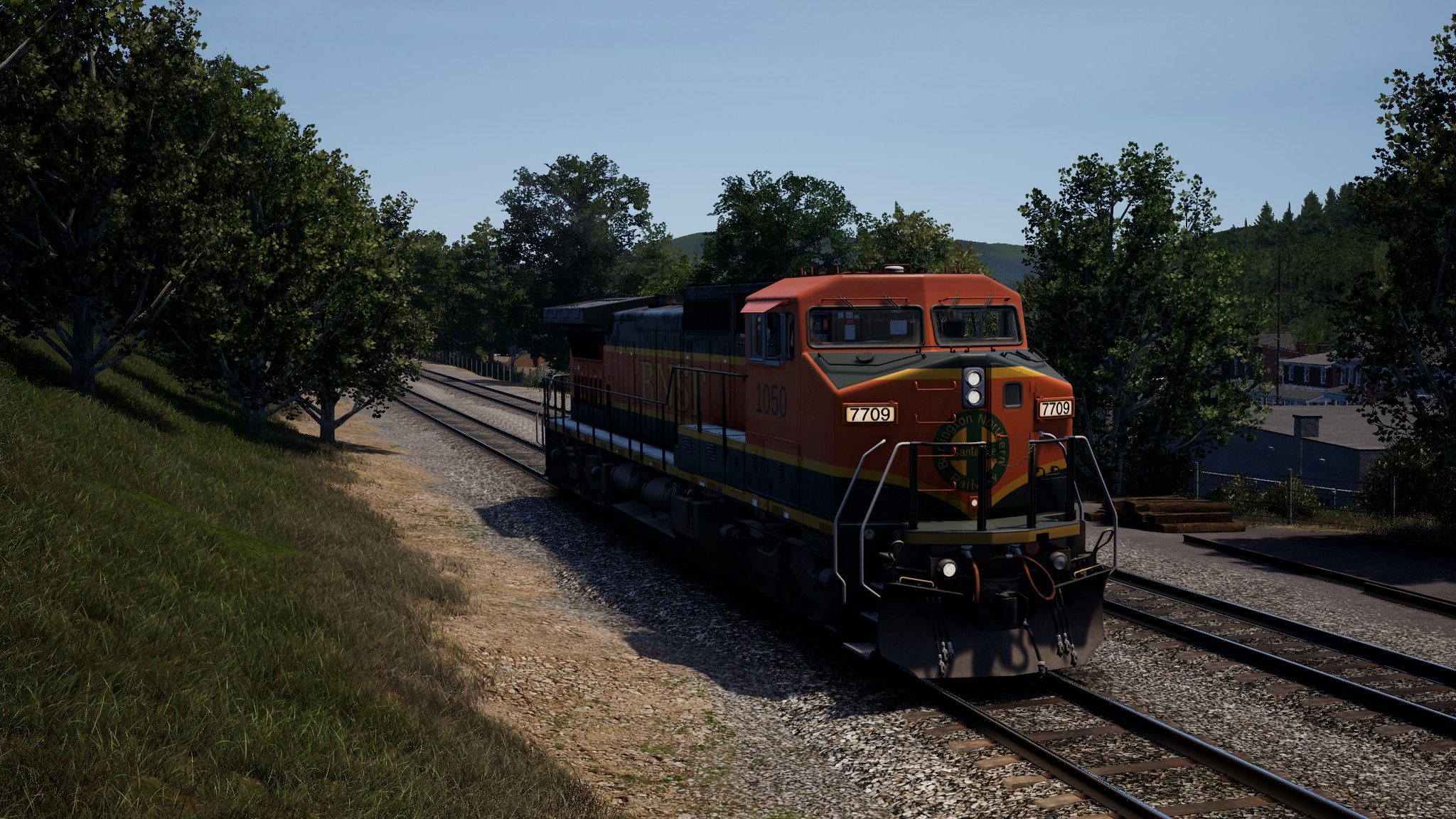
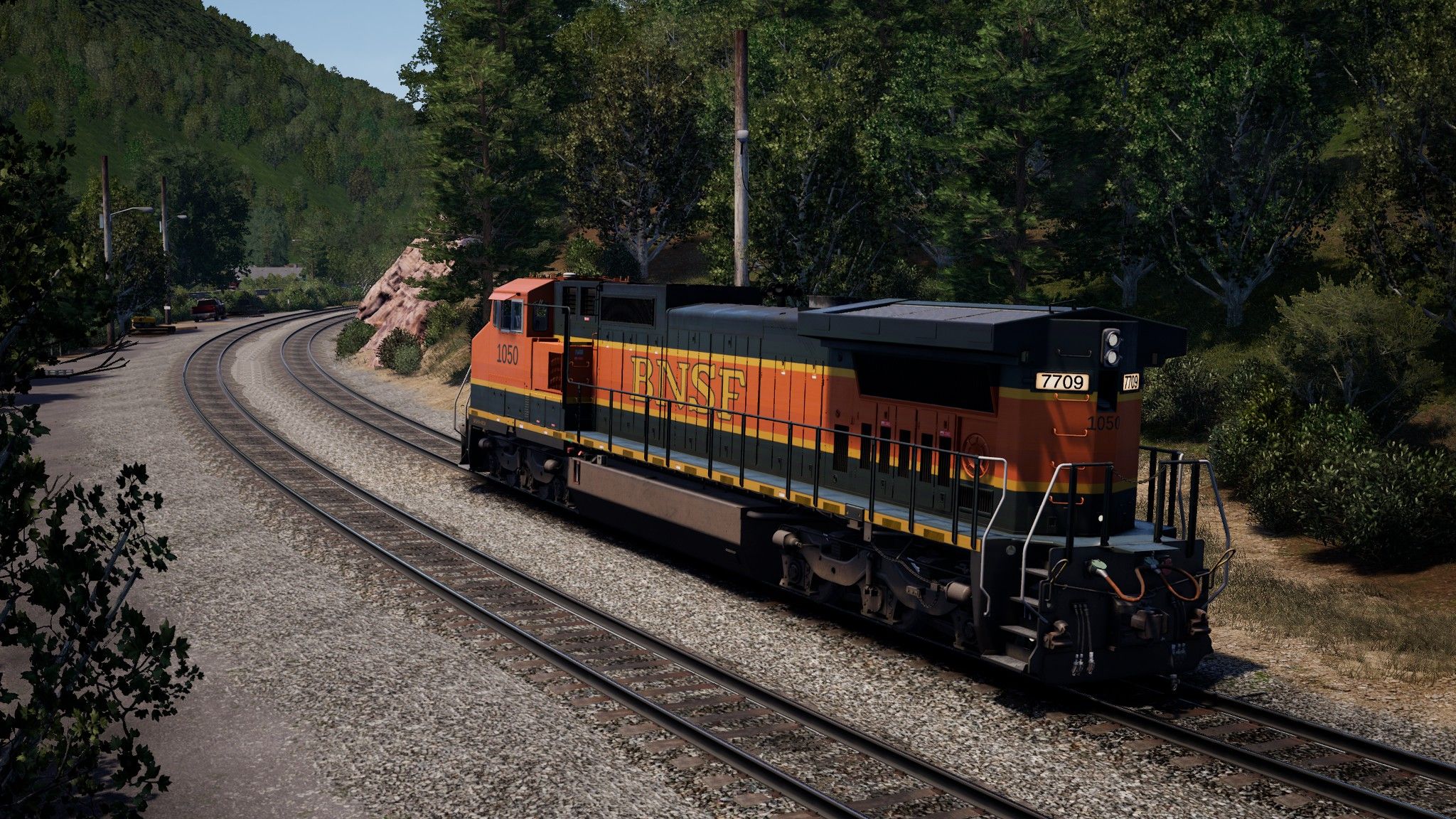
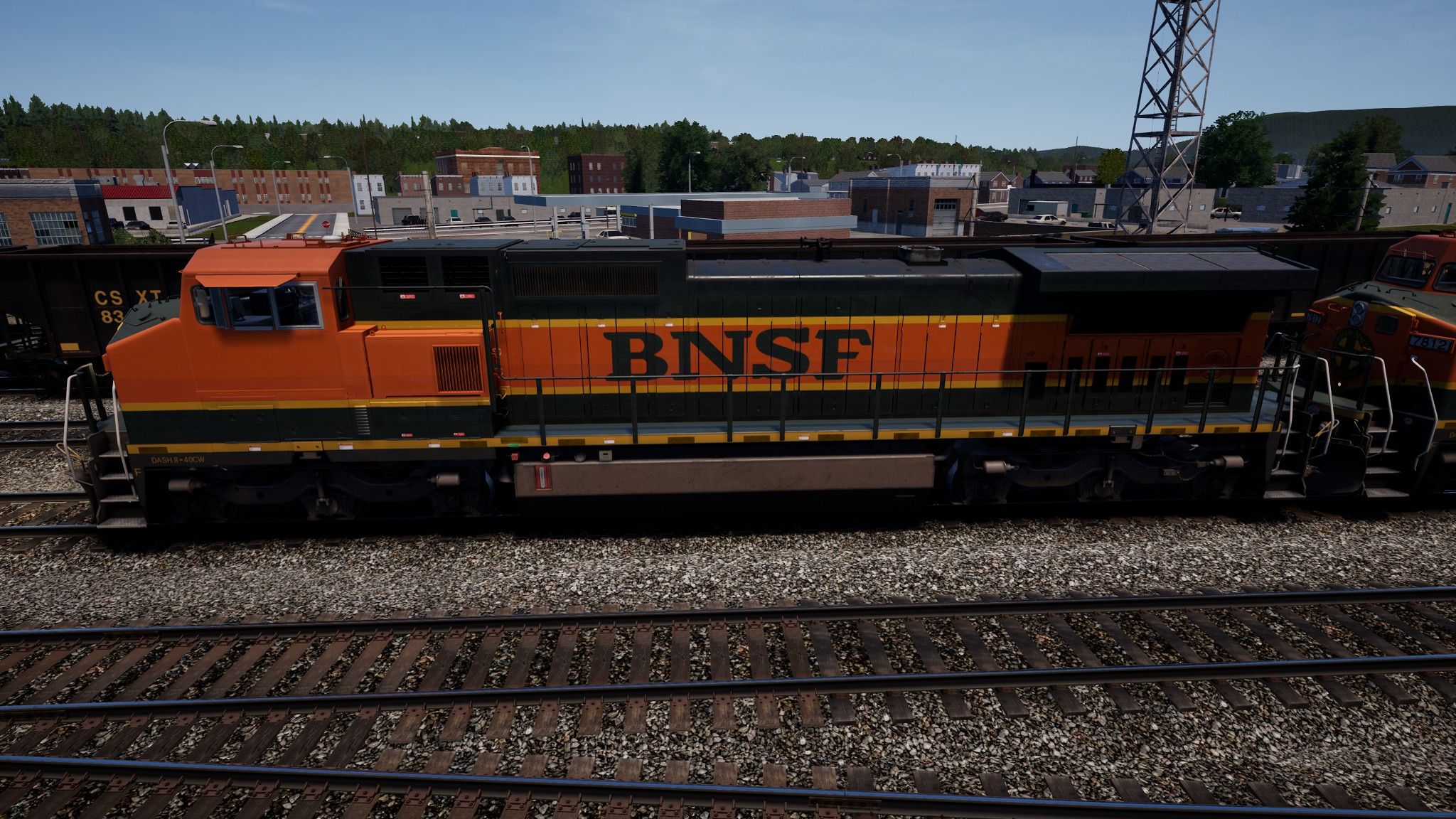
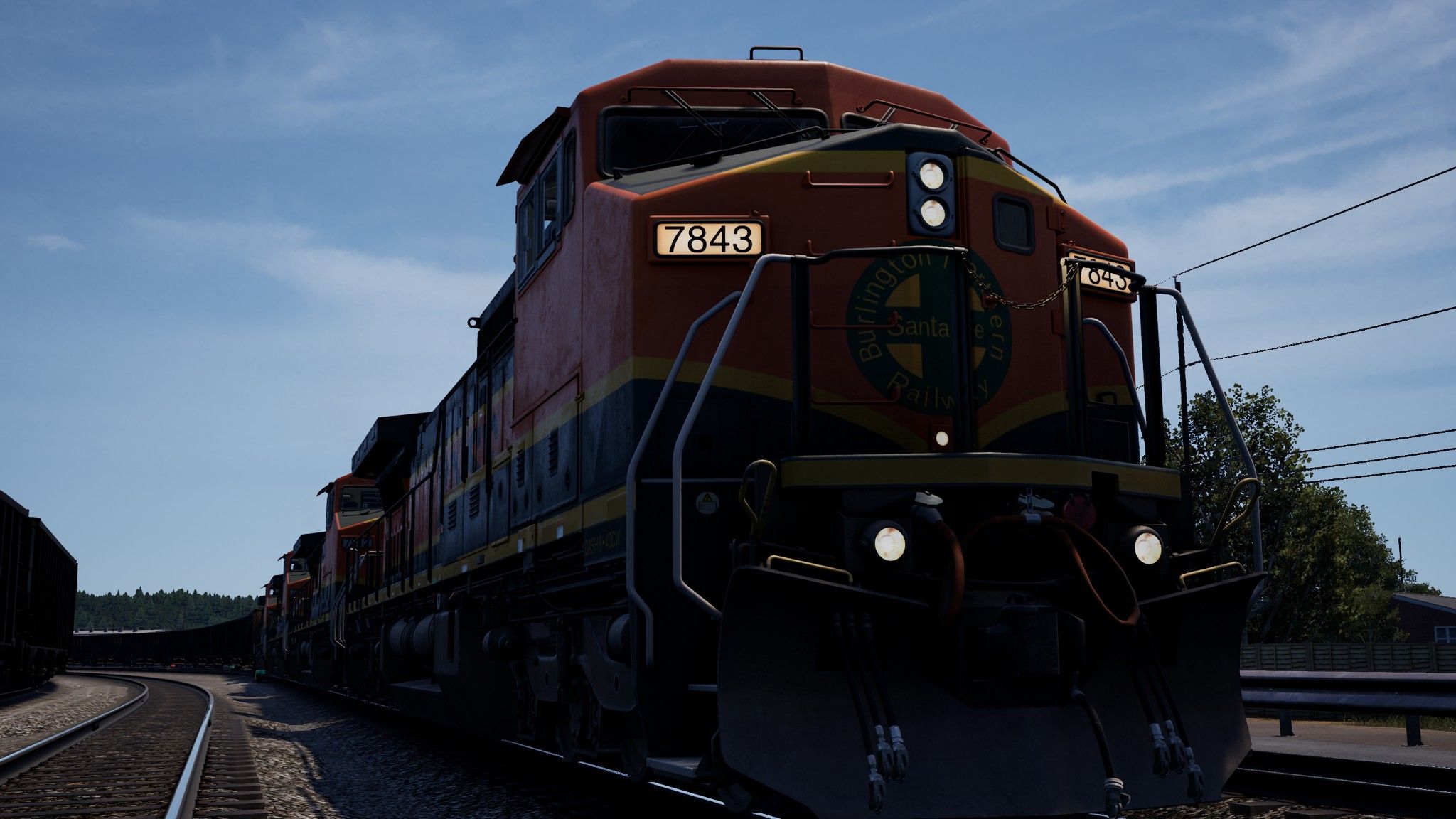
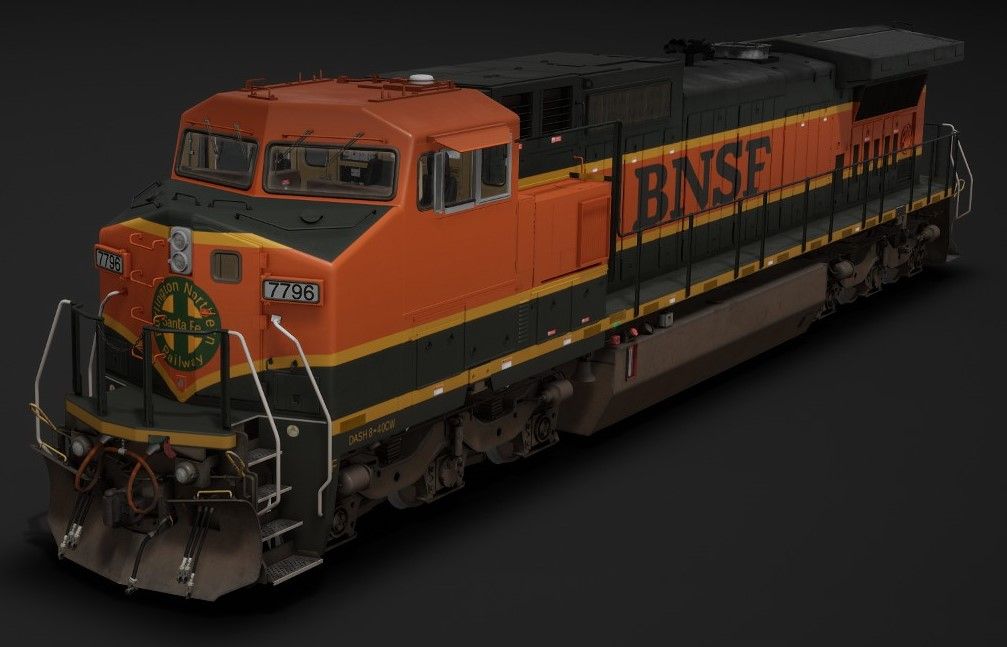
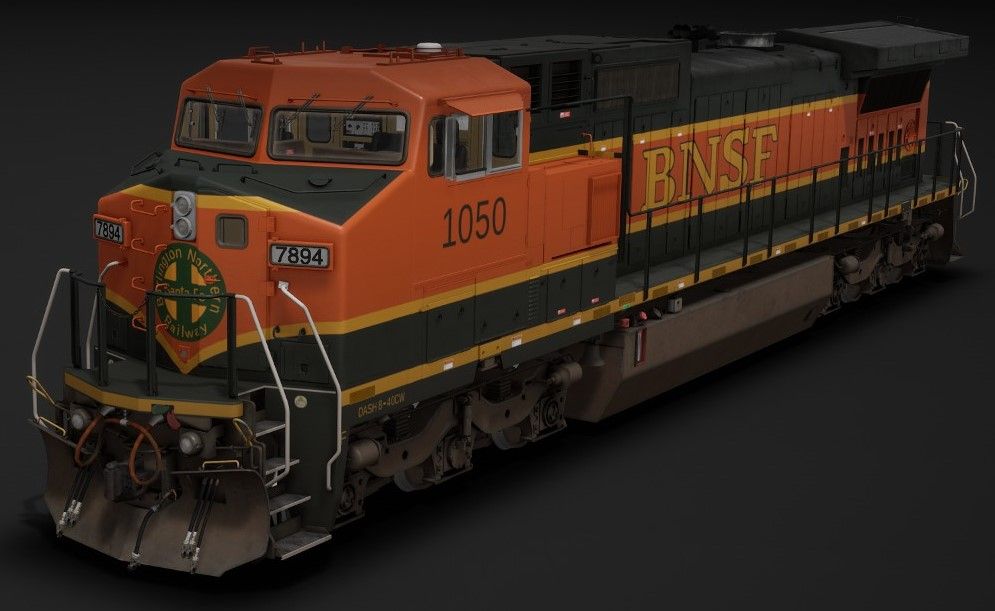
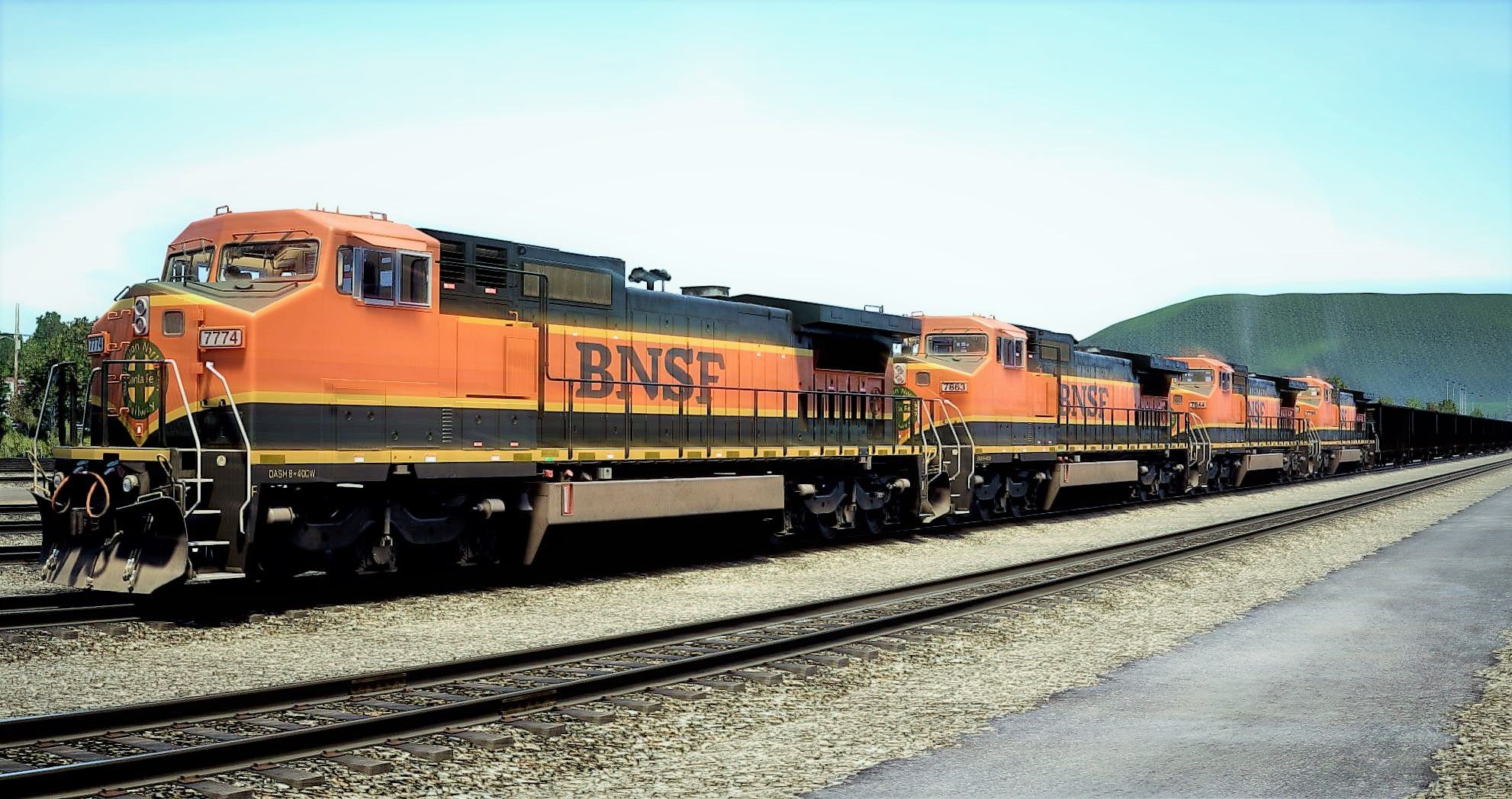
A Burlington Northern Santa Fe (BNSF) H1 livery for the C40-8W (also called the 'Dash 8-40CW' by other companies) with both the classic Northern Pacific dark green lettering and the H2 gold lettering on BNSF #1050. I figured I would include #1050 because I like these specialty liveries companies produce when trying to find the right balance for their new paint schemes, and also because I know people like locomotives with the numbers pre-included in TSW2 so I also created it to include the #1050 numbers on it for those who like them as this is the only locomotive painted that way. Aside from that, the standard, numberless H1 livery is as true to real life as I could manage, they use the Unlimited Livery Editor Layers mod for TSW2 so be certain it's installed before editing anything; and as always any feedback is more than appreciated : )
History
Following the 1995 Burlington Northern and Santa Fe merger resaulting in the very aptly named Burlington Northern and Santa Fe Railway, Burlington Northern (BN) and the Atchison, Topeka and Santa Fe (ATSF) Railway had orders for locomotives that were still being created, painted, and delivered during and after the merger. As a temporary solution, The Burlington Northern and Santa Fe Railway kept the paint they had on already and added a BNSF marker to them, but required a permanent livery. The first design was the 'Executive' scheme designed by combining the two main colors of BN and ATSF however company employees were given the choice to vote on a new livery and Heritage I (H1) was chosen, though CEO Robert Kerbs believed the company was large enough for two liveries, so the H1 and Warbonnet livereis worked together side by side until H2 was created.
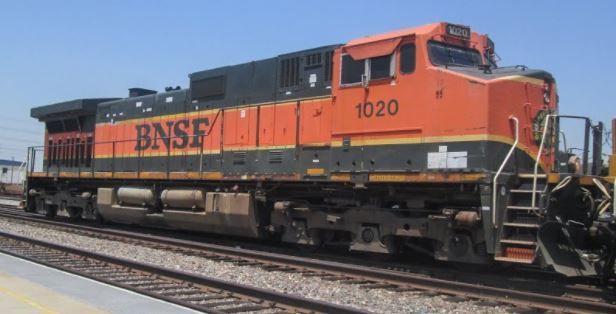
Xtremepadrefan, BNSF #1020 H1, 2016, Southern California.
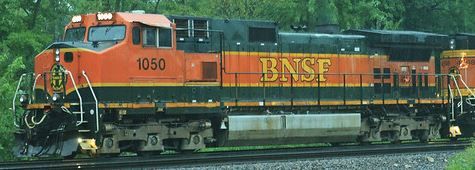
Grefe Bradley, BNSF #1050 Golden H1, 2014.
Tags: american bnsf bnsf-1050 burlington-northern-santa-fe c40-8w dash-8 h1 h1-gold sand-patch-grade train-sim-world-2 tsw2
Requirements
- Train Sim World® 2
Installation Instructions
Install using the TSW2 Livery Manager by RagingLighting and follow the necessary steps to install and setup the program before continuing.
- Unzip the file and extract the liveries' file you wish to use
- Place the livery files into your TSW2LM Reskins folder
- Open the Livery Manager and click the first reskin and click a free spot on the right
- Click " IMPORT -> "
- Repeat for other reskin if applicable
- Load TSW2 and ensure the liveries load properly
- Have fun! :D
Files
Comments
About this mod
- Created
- 2 Mar 2022
- Updated
- 2 Mar 2022
- Game
- Train Sim World
- Type of content
- Reskin
- Train Sim World Version
- Train Sim World 2 before Rush Hour update (UE4 4.23), Train Sim World 2: Steam version (UE4 4.26), Train Sim World 2: Epic Games Store version (UE4 4.26)
- NA Operator
- BNSF


Loading comments…