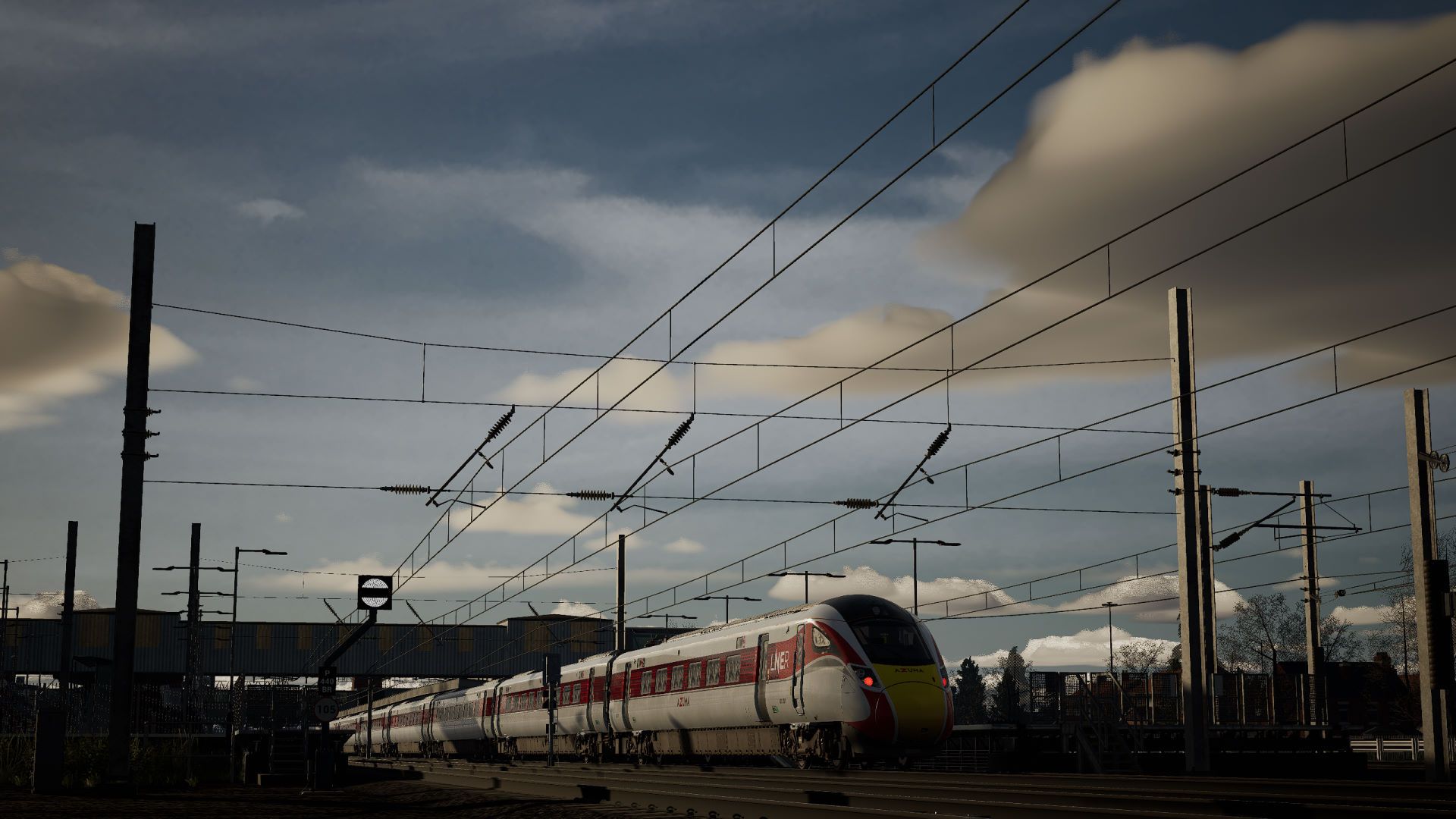
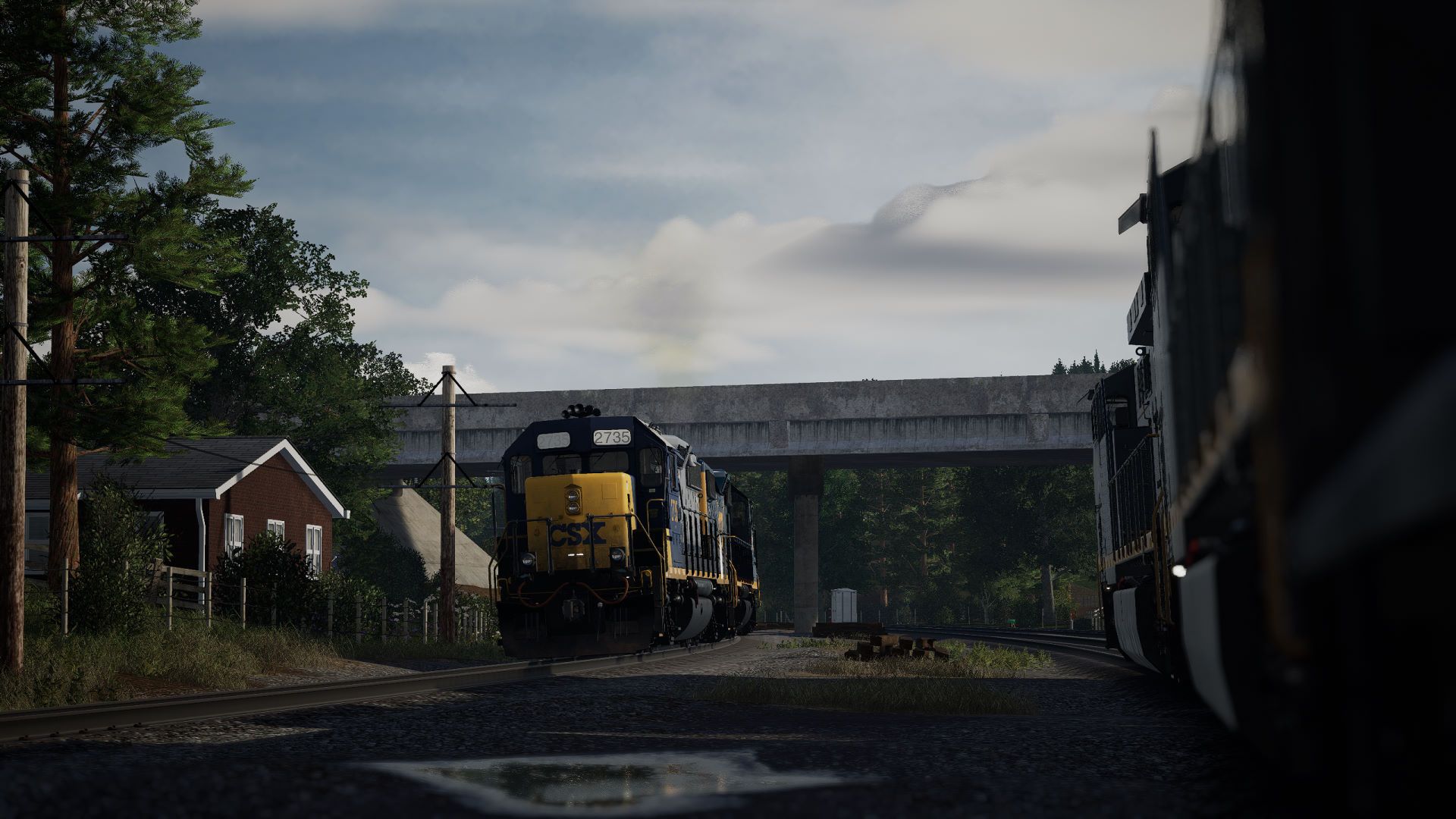
Required: Allows all older TODv3 routes to be used with this mod.
Warning: Other TOD4 mods may be compatable with this mod, but I only officially support this one for my own sanity.
TSW5:
Simply place the .pak file in C:\Program Files (x86)\Steam\steamapps\common\Train Sim World 5\WindowsNoEditor\TS2Prototype\Content\DLC (note: This mod has not been tested for any other versions than the Steam release.)
TSW6:
Simply place the .pak file in ...\Documents\My Games\TrainSimWorld6\Saved\UserContent (note: not verified to work on anything other than the Steam release of TSW6)
Also ensure you have mods enabled in your settings.
If you have an issue where the shadows in the cab look worse, try increasing the shadow resolution in your engine.ini, this will increase VRAM usage.
minimum (to not have the issue): r.Shadow.MaxCSMResolution=5120
recommended: r.Shadow.MaxCSMResolution=8192
You also have the option of lowering the shadow distance (or a combination with the settings above):
r.Shadow.DistanceScale=(less than 1)
Using GodMode you can adjust these route by route if needed.
2.11.25: First Release.
Game changer Kat!
this is huge!
excellent, no more βsunlitβ cuttings way down the line, thanks!πππππ
I can't wait to get this running now!
Thank you very much, I always hoped for such mod!
Hm, looks great when overcast but whenver there is direct sunlight the shadows at the edges of the sunlight are very flashy/flickery (inside cab). I have edited the engine.ini and used godmode to play around with the settings like you said increased to 8192 and nothing has stopped the flickering.
Hope theres a simple fix as it looks great other than the flickering shadow edges.
I hate to tell you there is no solution to this. The Cascade Shadows being 8k are a temporary work around until a better one is found.
Thanks for letting me know! Great work either way β₯οΈ
One thing to note. Whenever a lightning bolt hits the ground, the game lags HARD. For now I had to keep away from dynamic weather/any sort of rain related weather until some sort of work around is done.
please TSW 6 version
SpaceyKat
I see no different at all
This mod is compatible with TSW6, as all of my mods are, as far as I know. Please make sure you read the description for the Engine.ini changes required.
I'm noticing on the new Riviera route that i'm getting shadows from lineside shrubs & trees popping in very late as though the mod isn't installed? (The section between Teignmouth and Newton Abbott on an autumn afternoon is a good example).
Everything is fine on all the older routes so only seems to be an issue with Riviera and possibly the other new TSW6 routes?
When I get a chance, I'll look at that route. It uses the core TODv4 actor so it should work under this mod. It should be noted that Riviera is not a Dovetail made route, and so Rivet games might have made a mistake in how the grass is setup. I recommend trying God Mode's dynamic engine.ini to set Riviera's route "r.Shadow.DistanceScale=" higher than what you have in your engine.ini and seeing if that helps!
I've done some more checking and it looks to be related to the "foliage.LODDistanceScale=" rather than the mod.
It was set to 3 in the dynamic .ini but i think because of the amount of foliage they have placed very close to the track the shadows therefore become more noticeable when they also pop in late. Raising this value to anything above 5 removes the issue as the shrubs etc.... appear when they are further away and therefore the shadows do too.
quite fps killer :( i will try adjusting settings
looks like it doesnt work on MunichAugsburg route
Please read the description. This mod is only compatible with TODv4.
Thanks i see!
Is there a list of TODv4 ONLY routes? Which are TOD4, which doesnt?
I cannot play without this mod anymore, so i will buy only TOD4 routes. thanks
The easiest way to tell is if it was released with or after TSW3. Otherwise, look at the clouds, if they're 3D it's TOD4.
If you wish to leave a comment, please log in .
Brilliant!