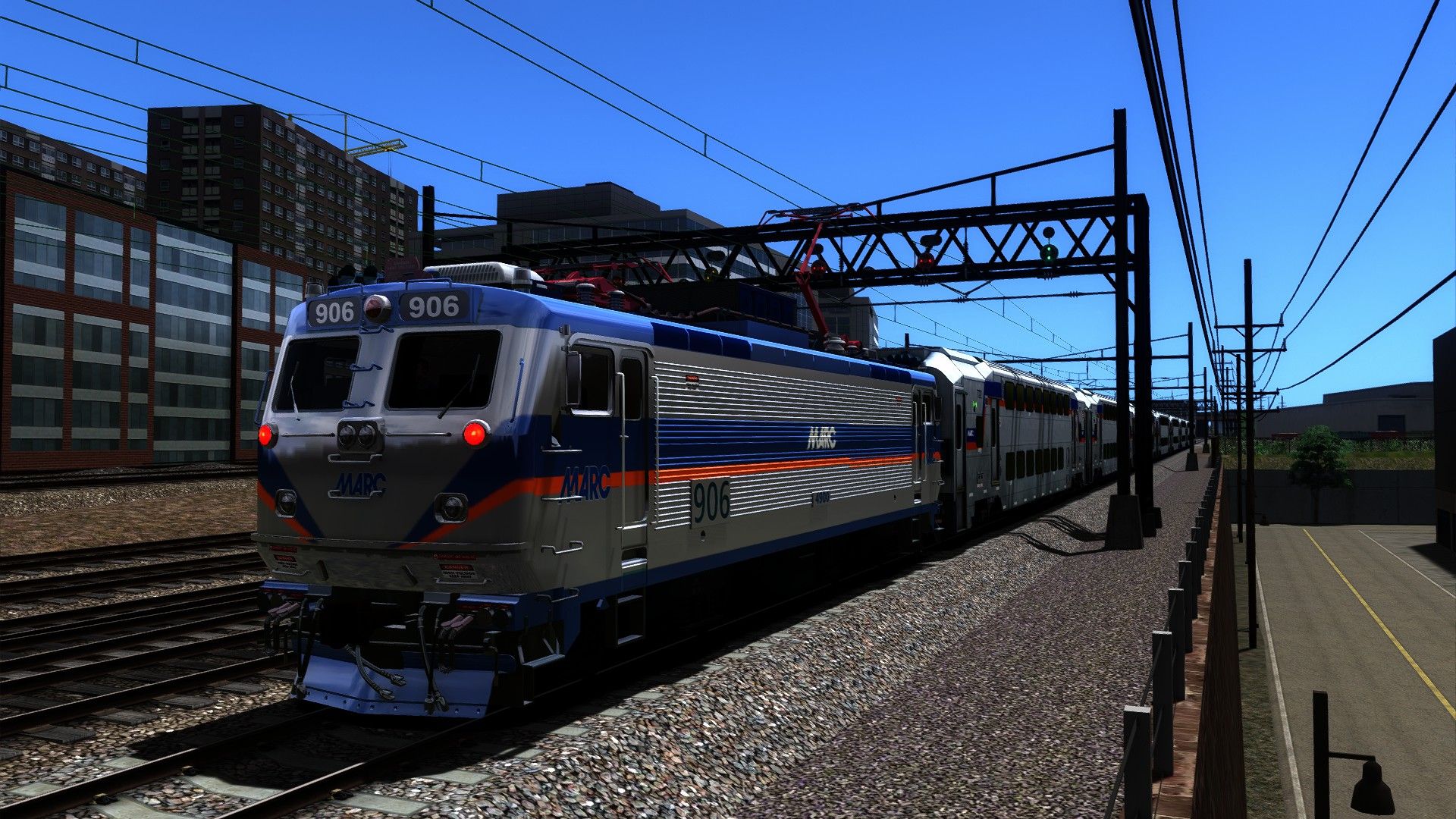
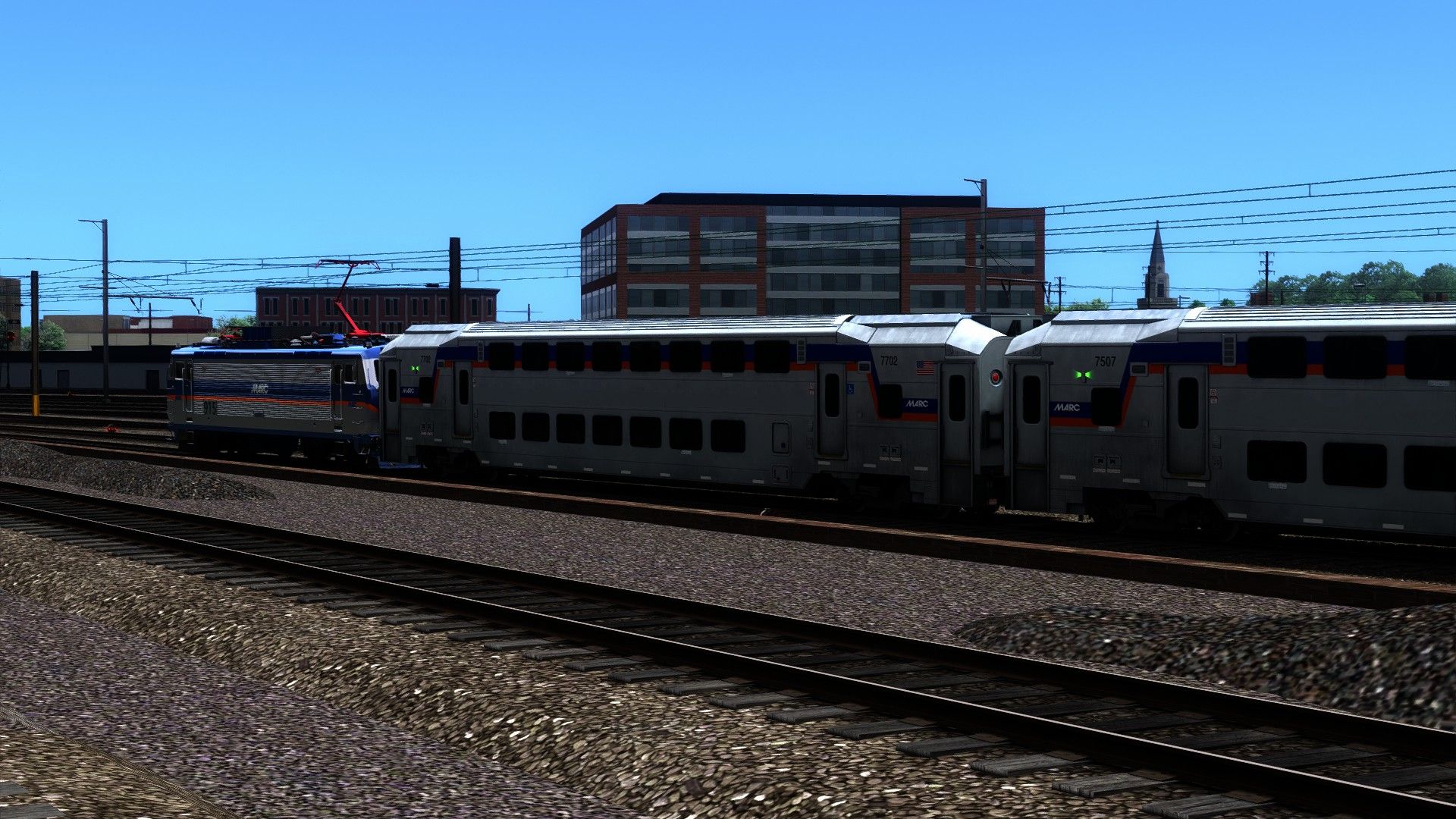
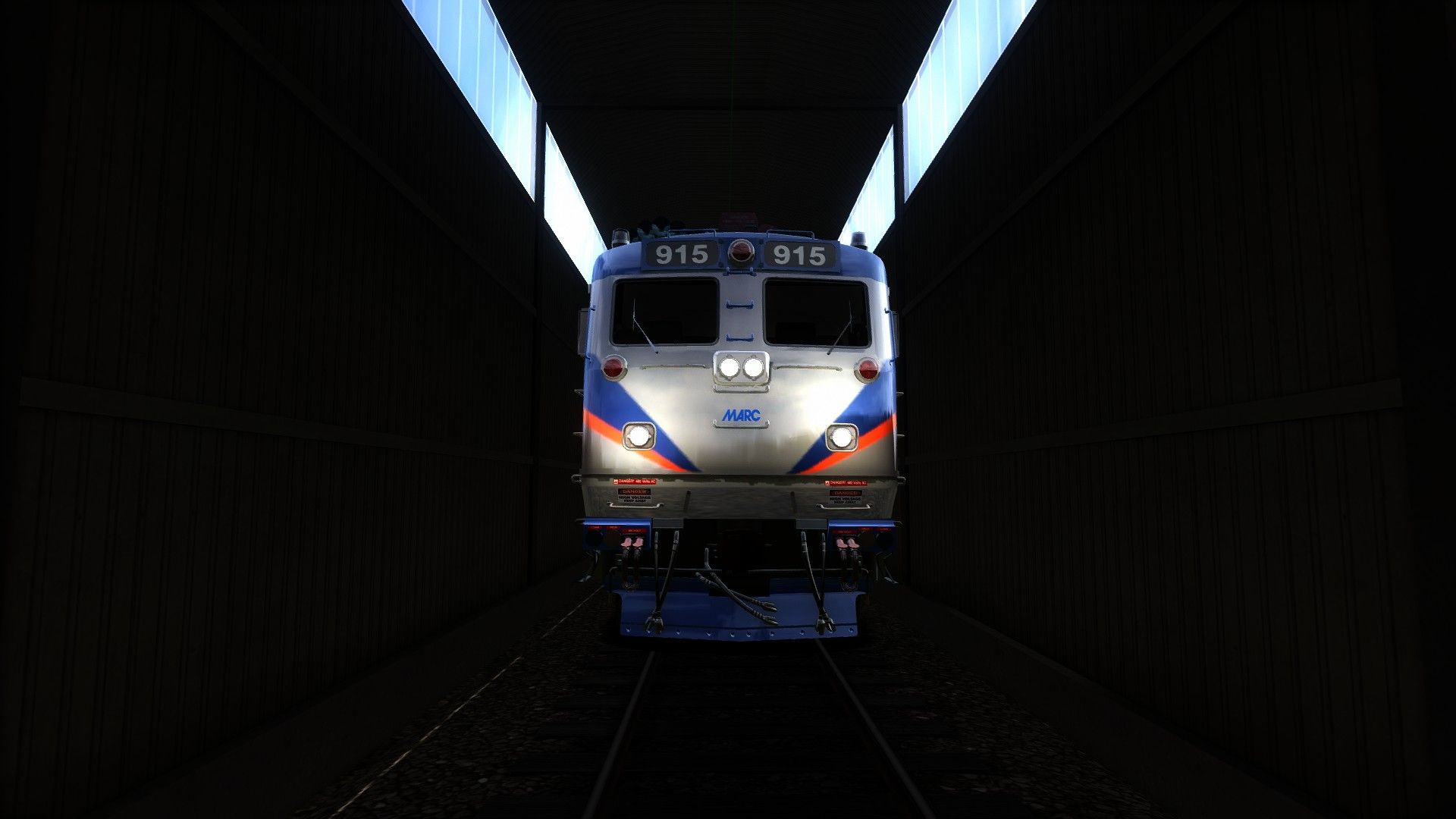
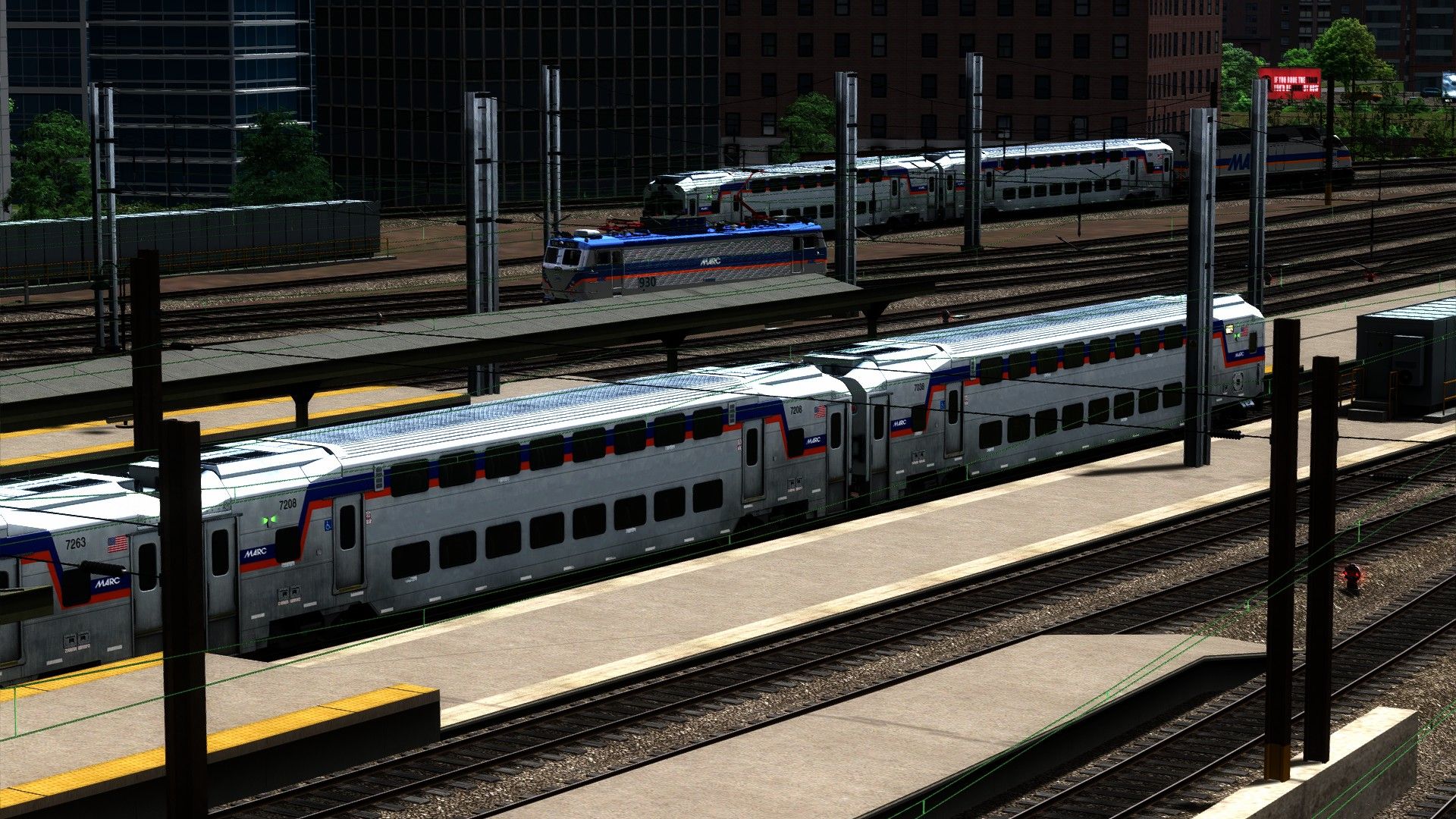
MARC AEM-7 & MARC Kawasaki III Bi-Level Skin MEGA PACK ! MAJOR!!
- by NJTransitCommuterRail
- 5 upvotes
- Downloaded 898 times
Description
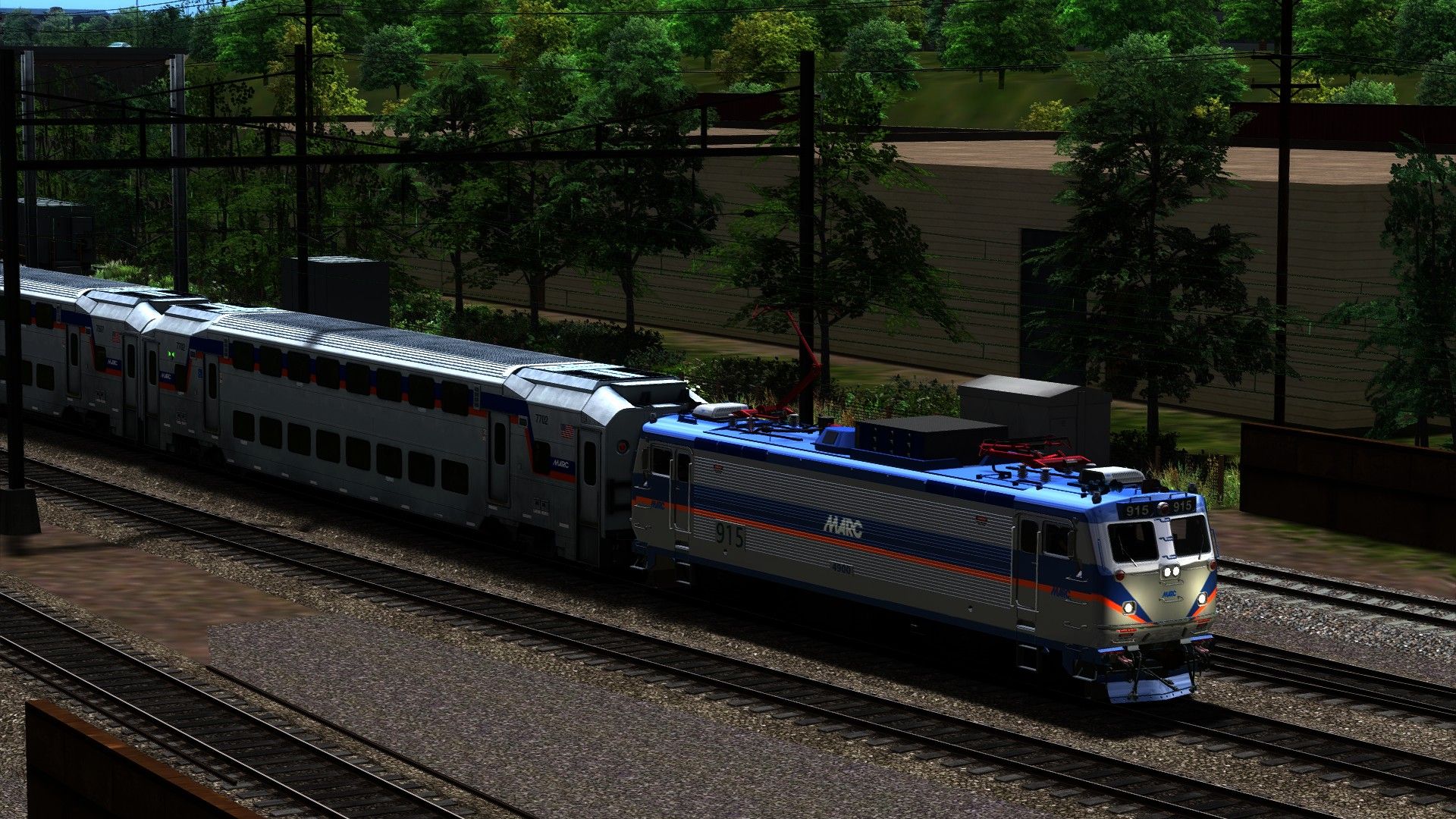
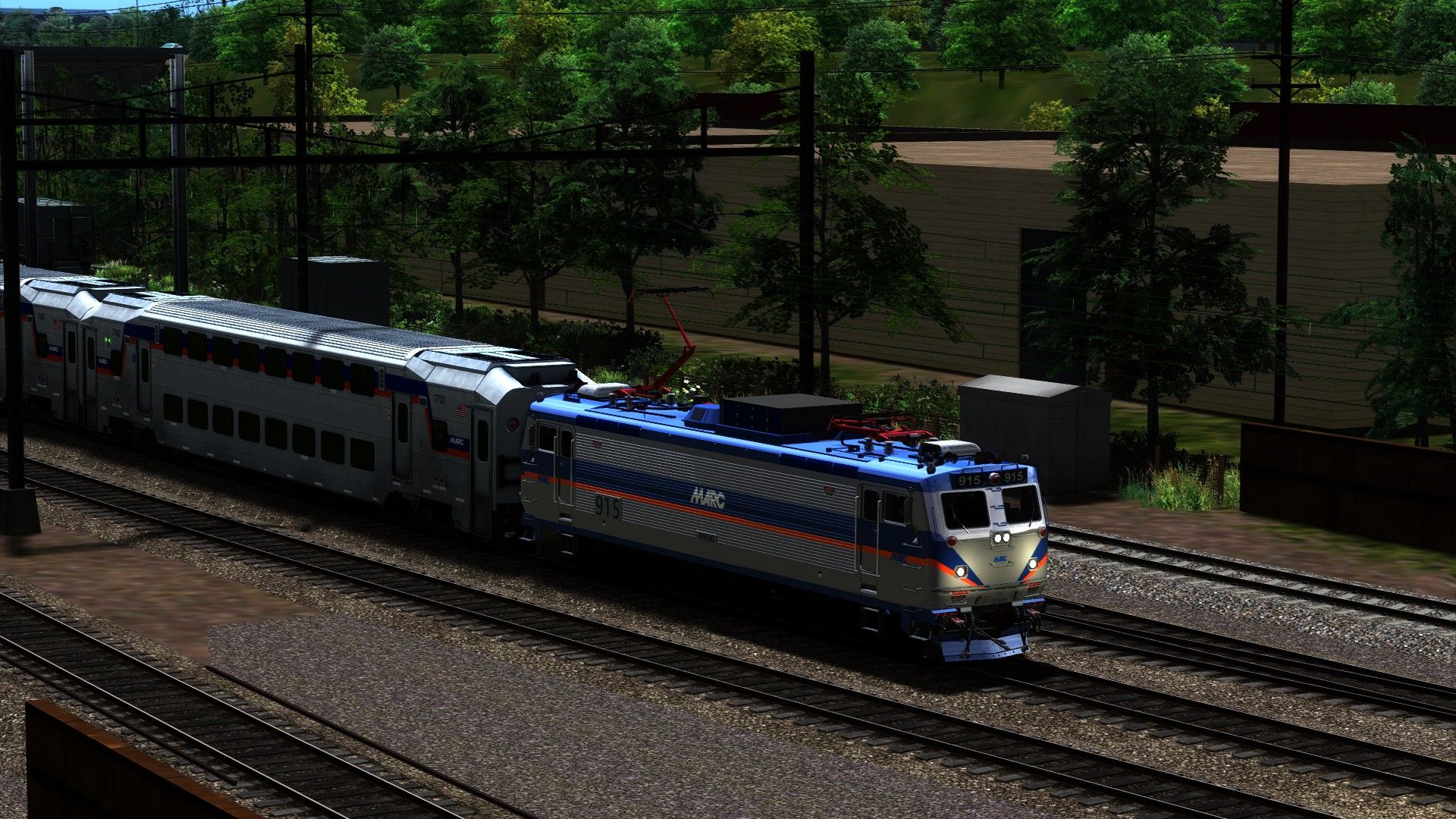
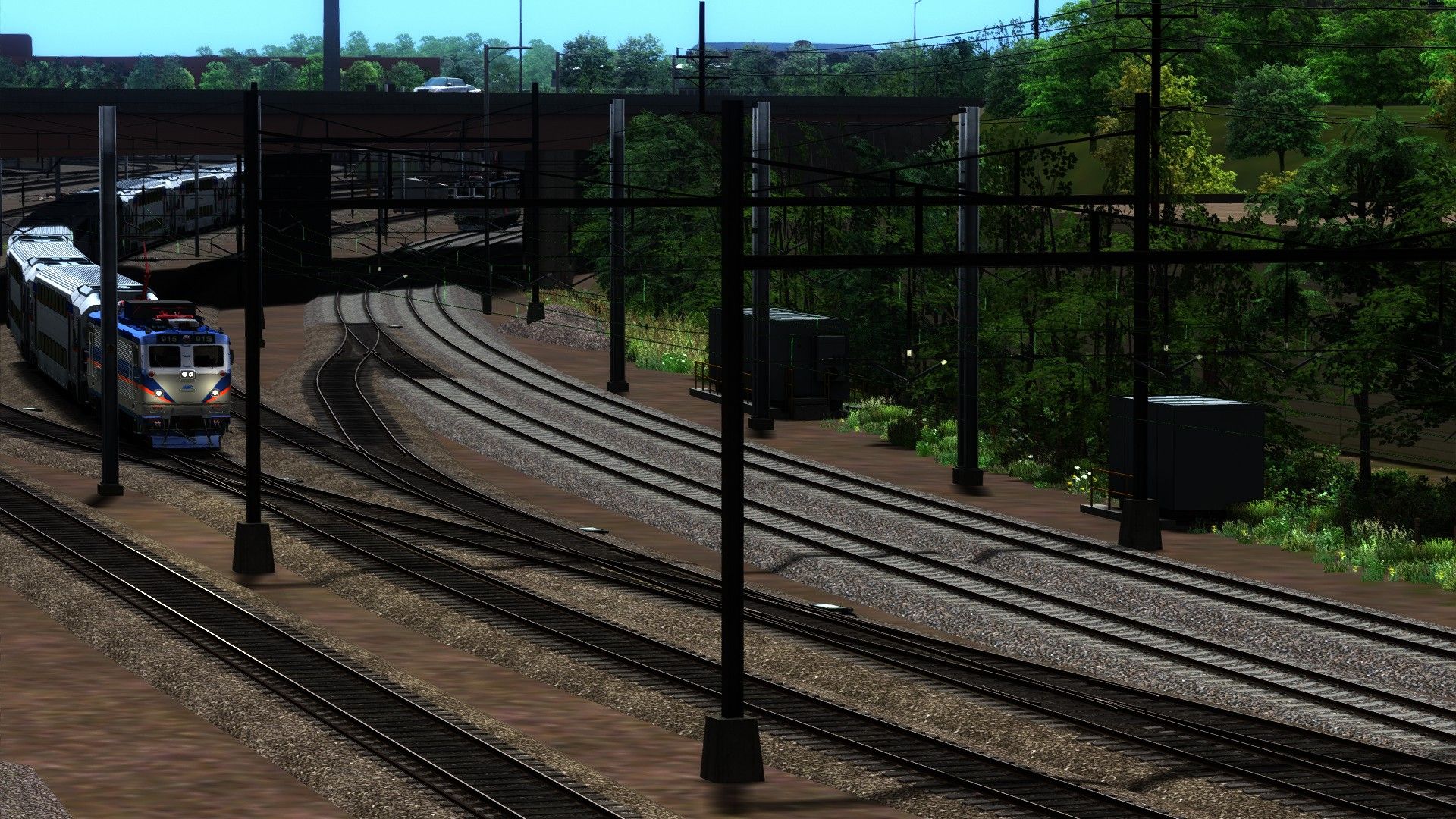
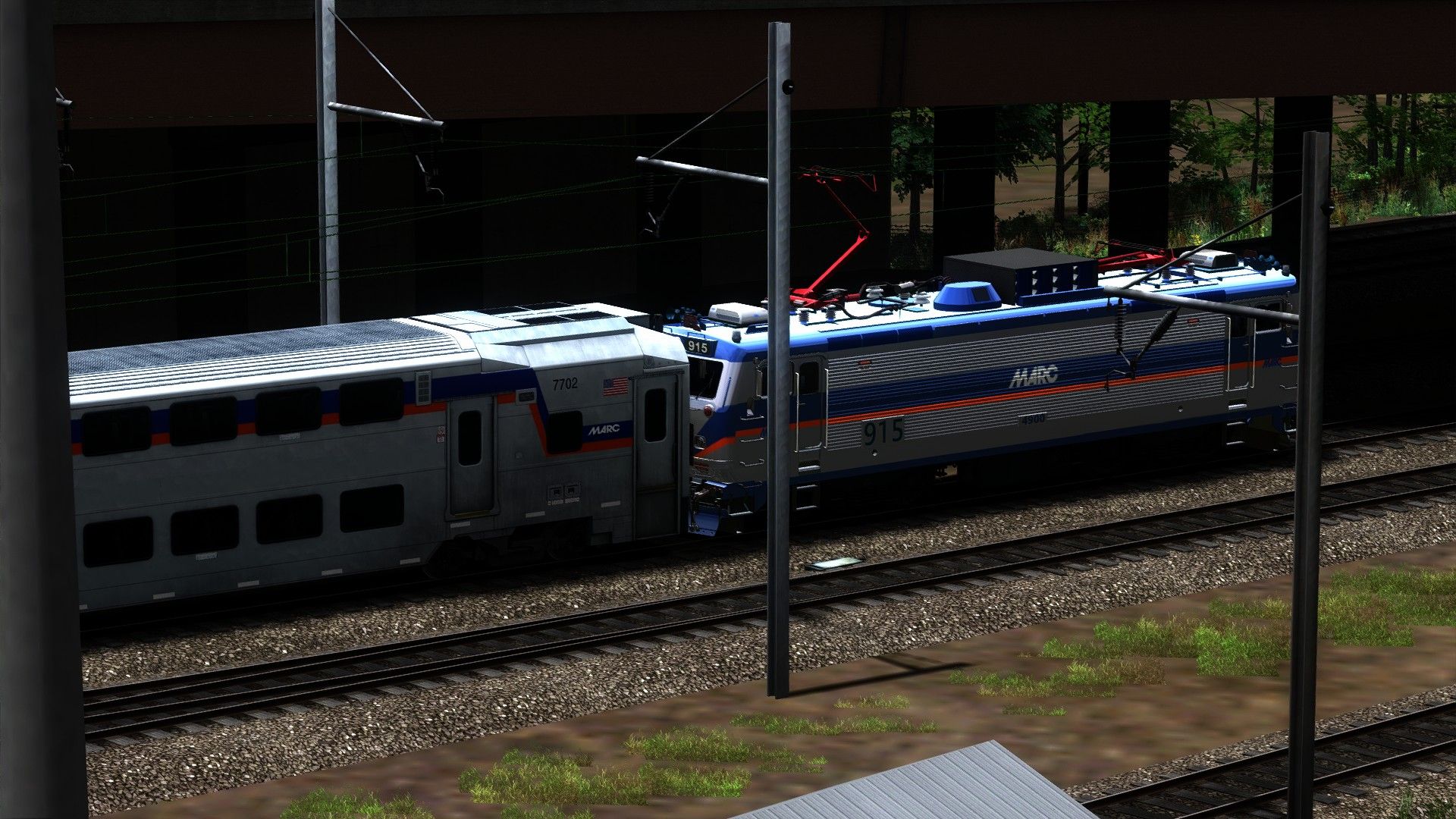
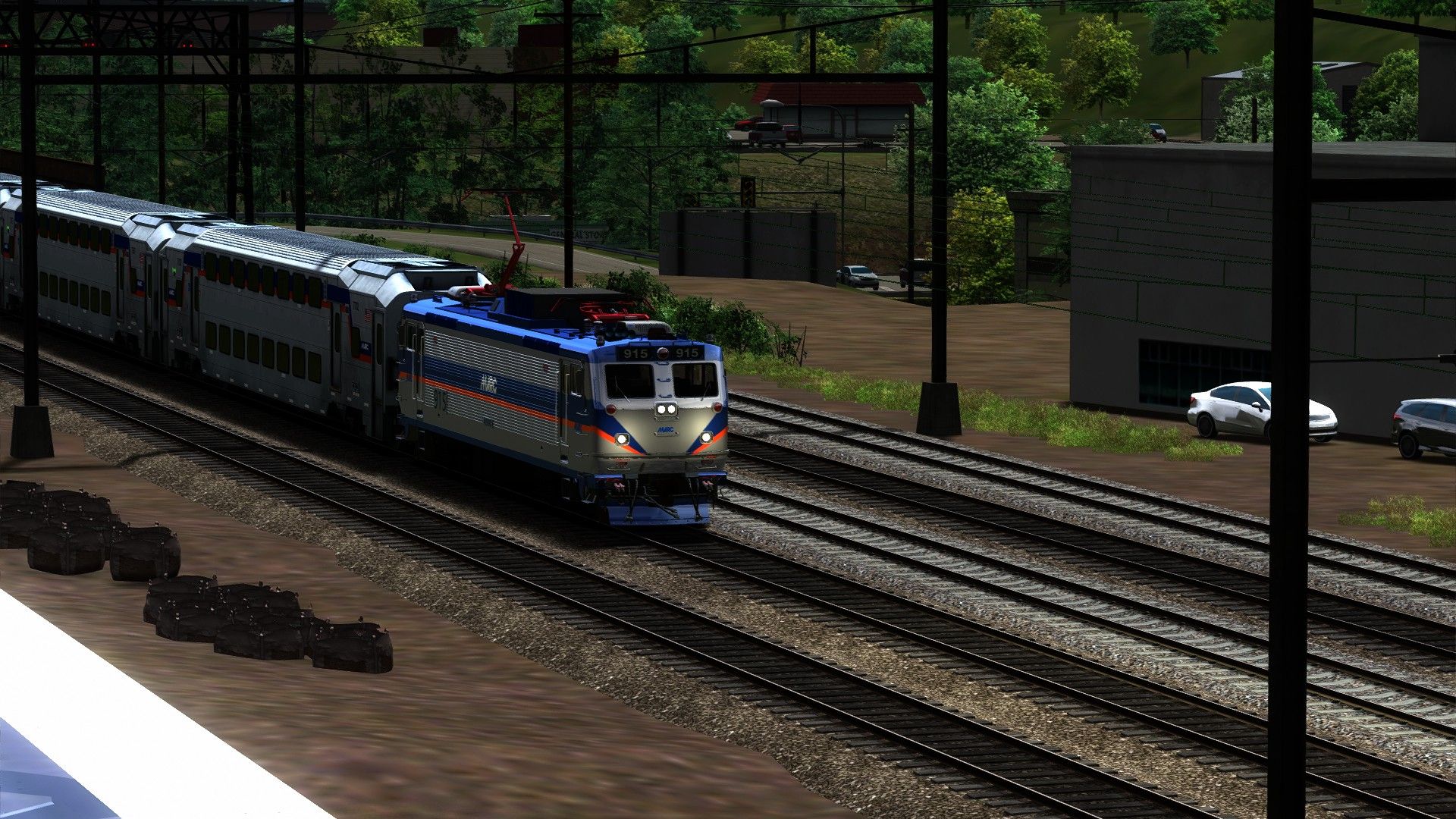
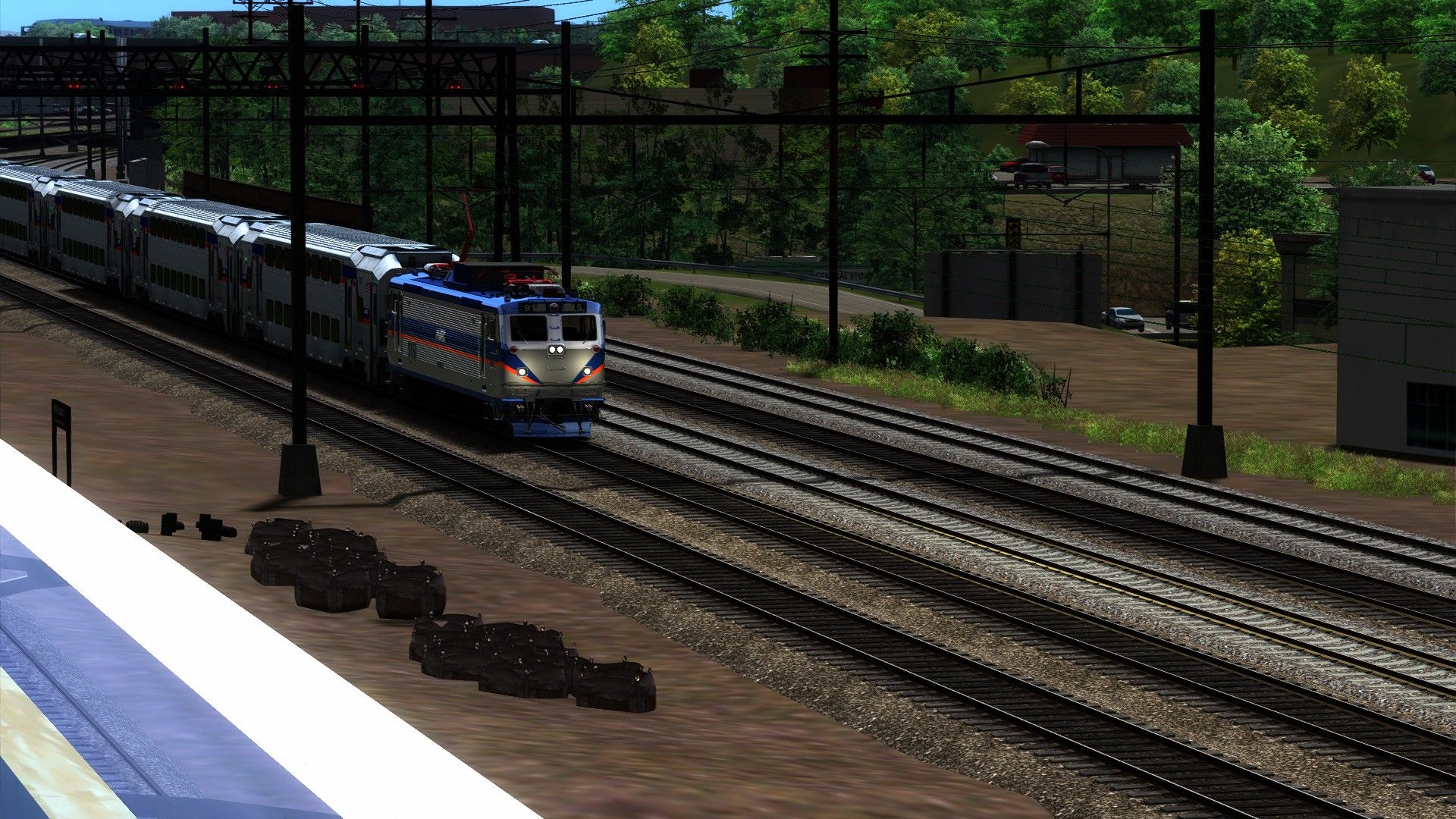
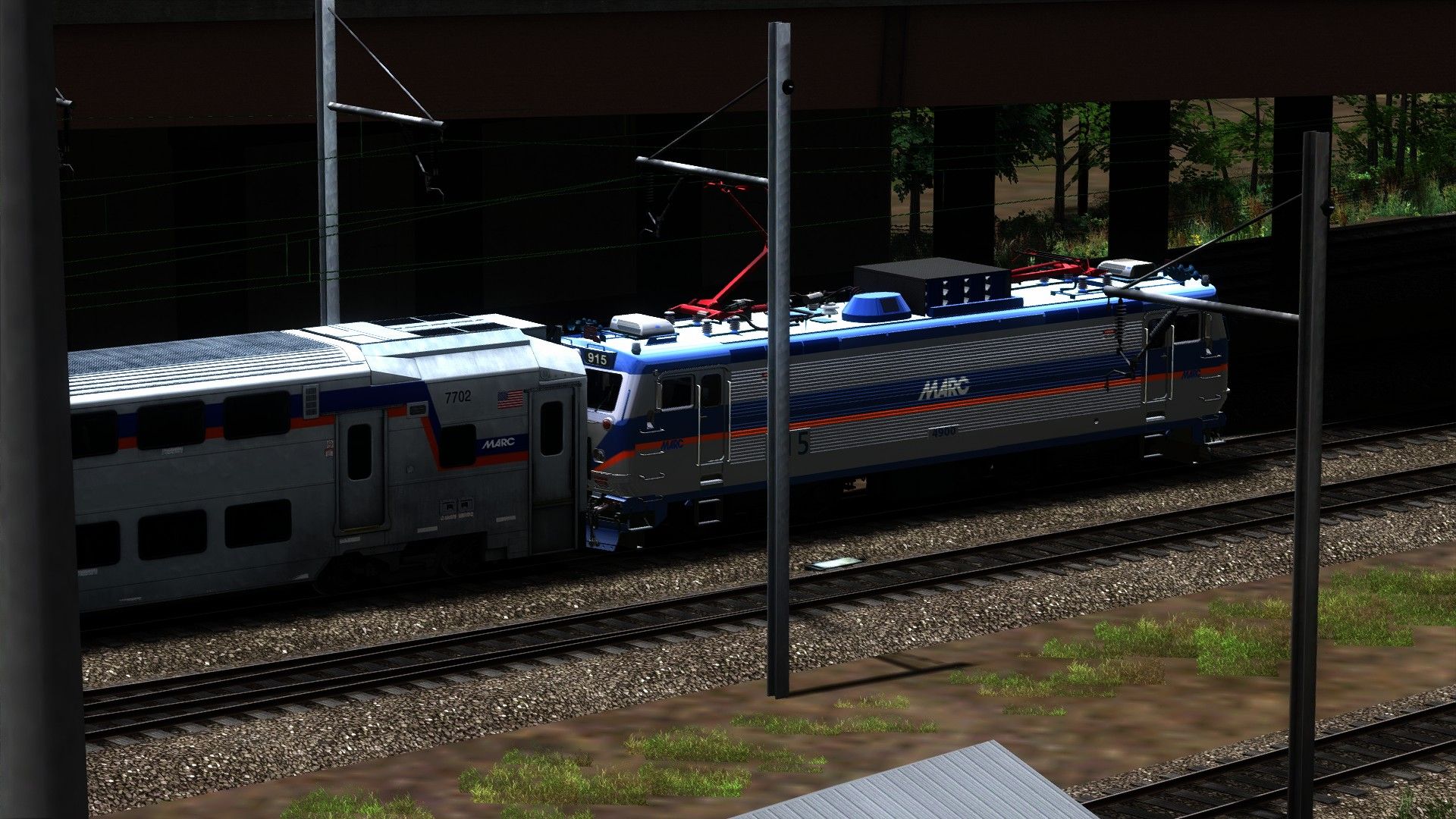
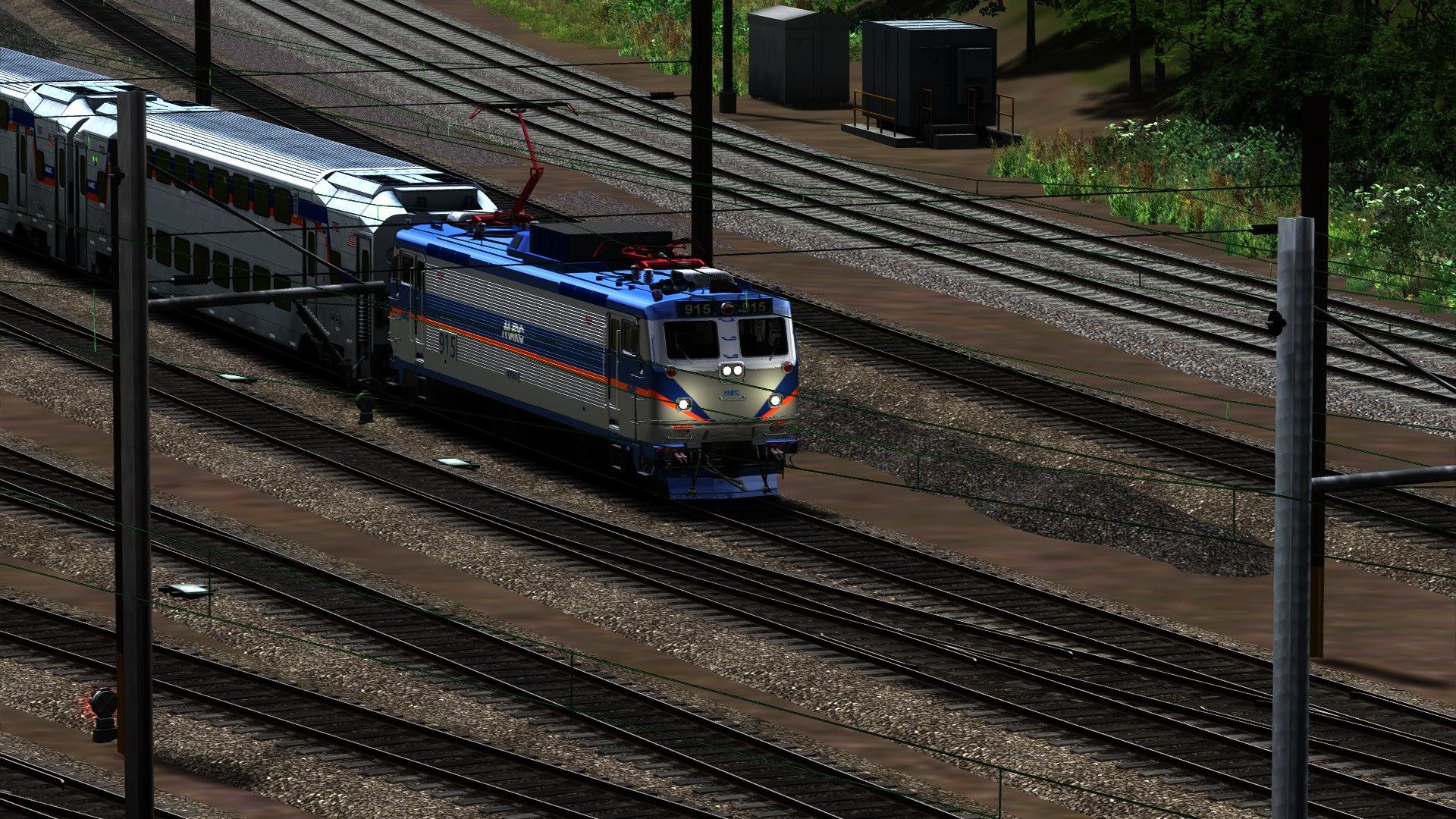
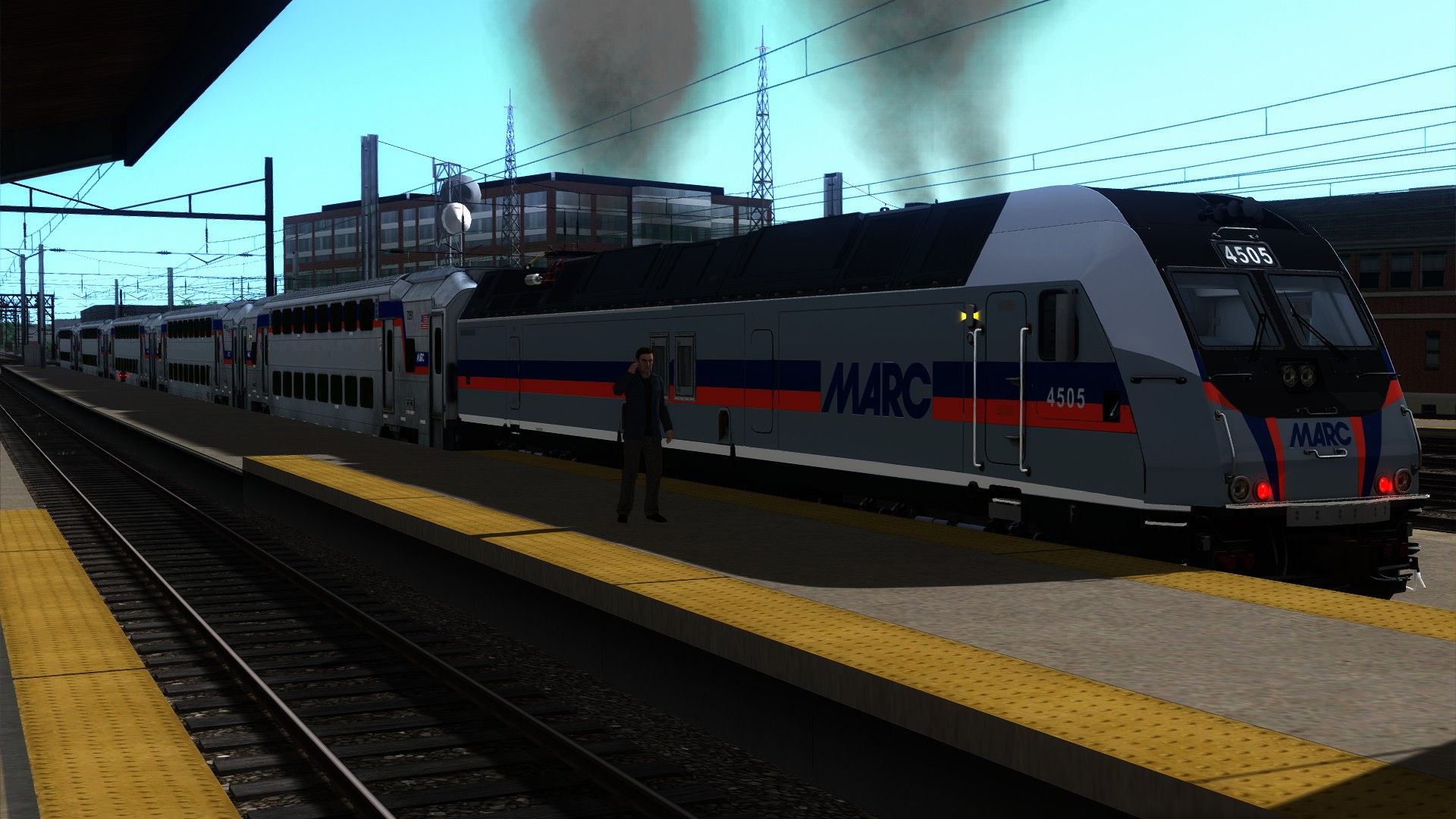
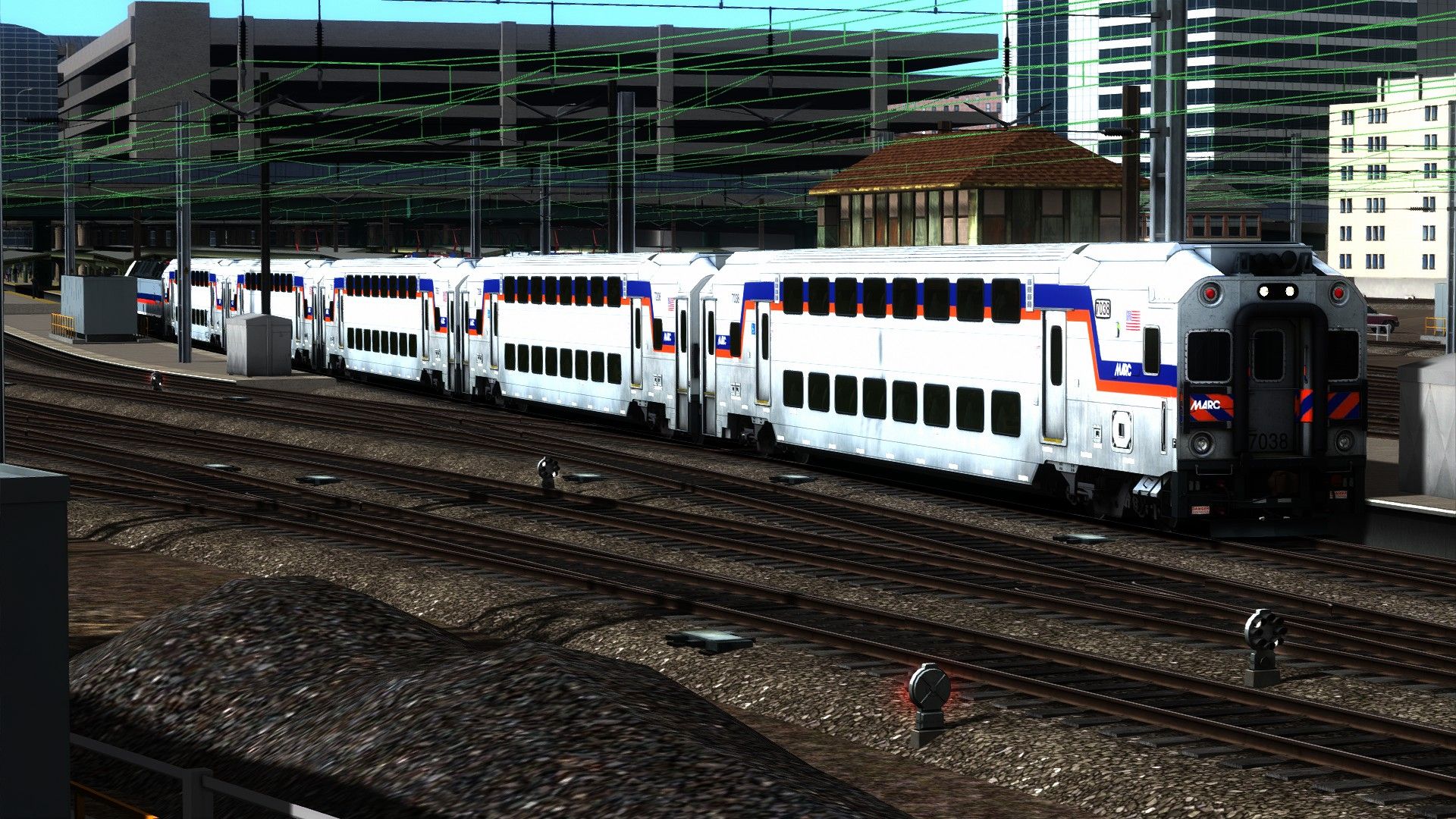
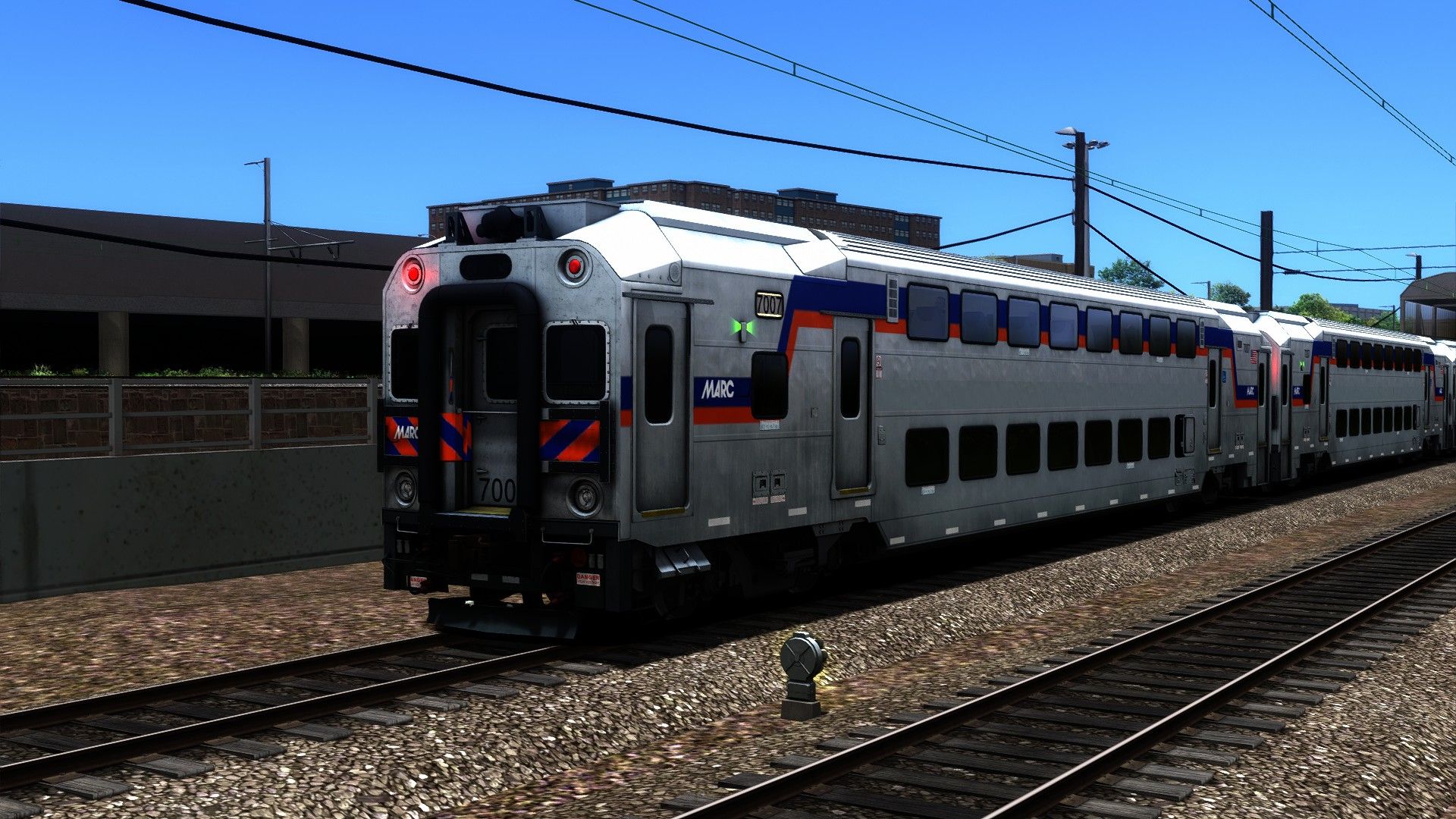
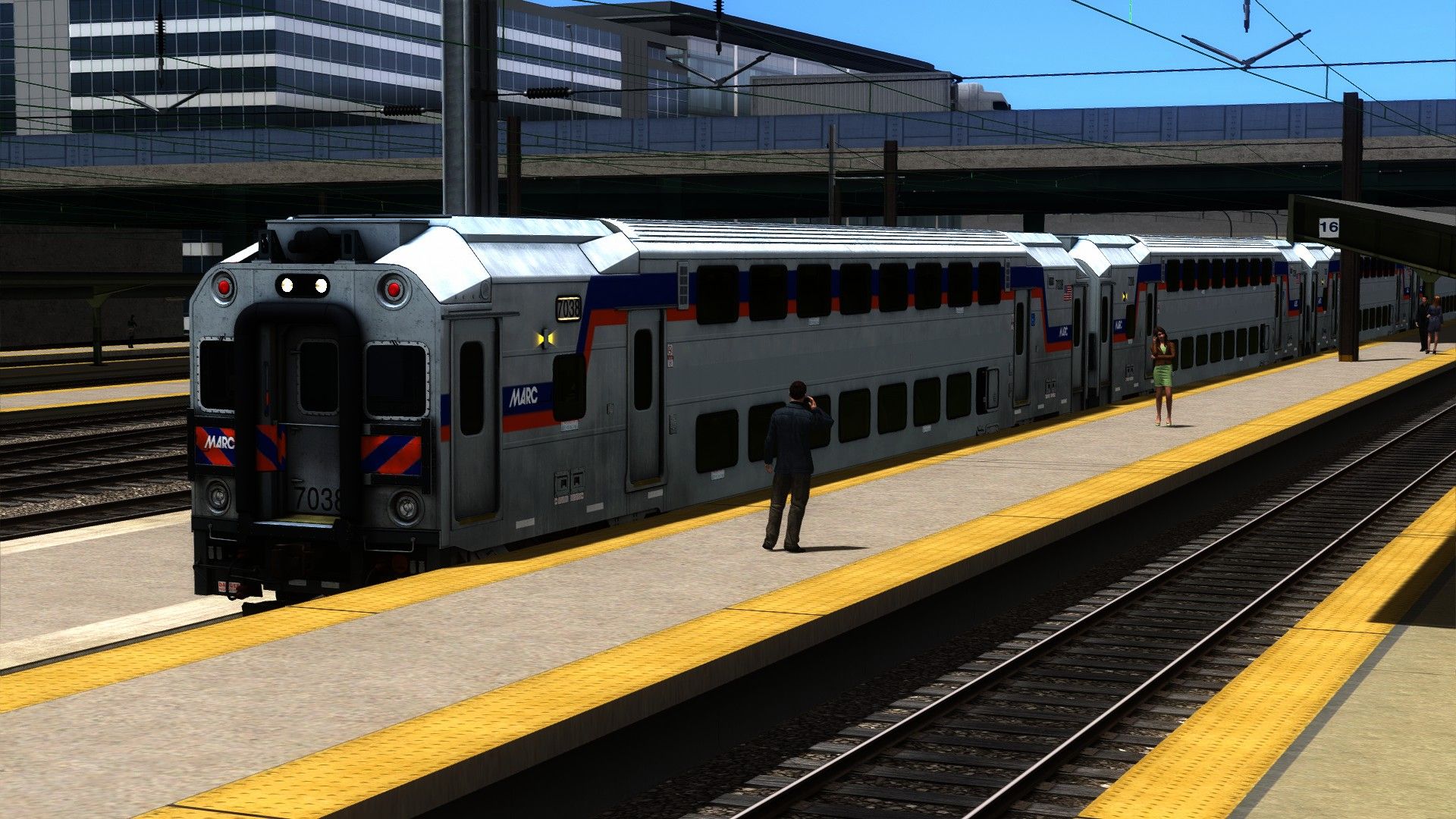
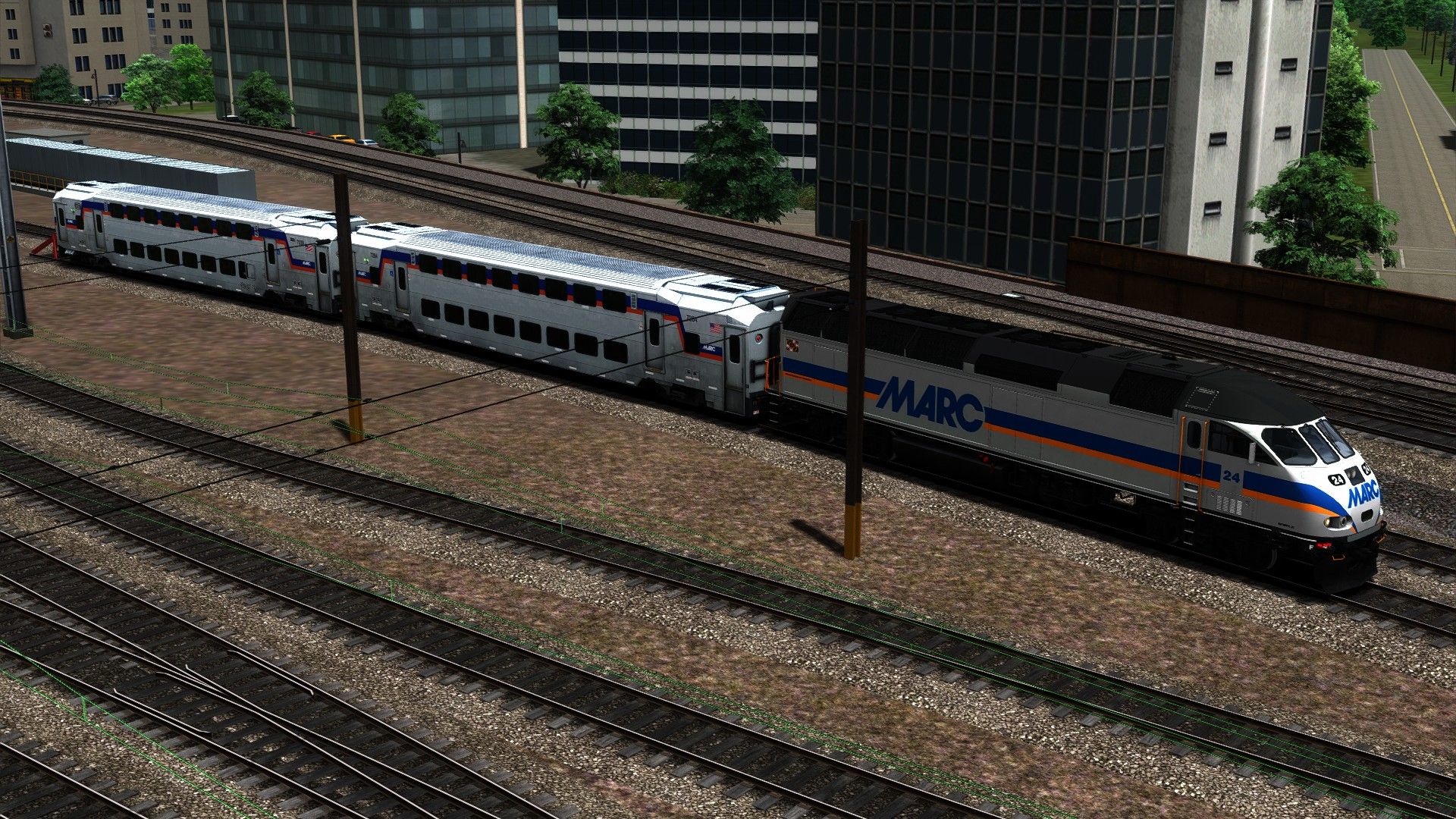
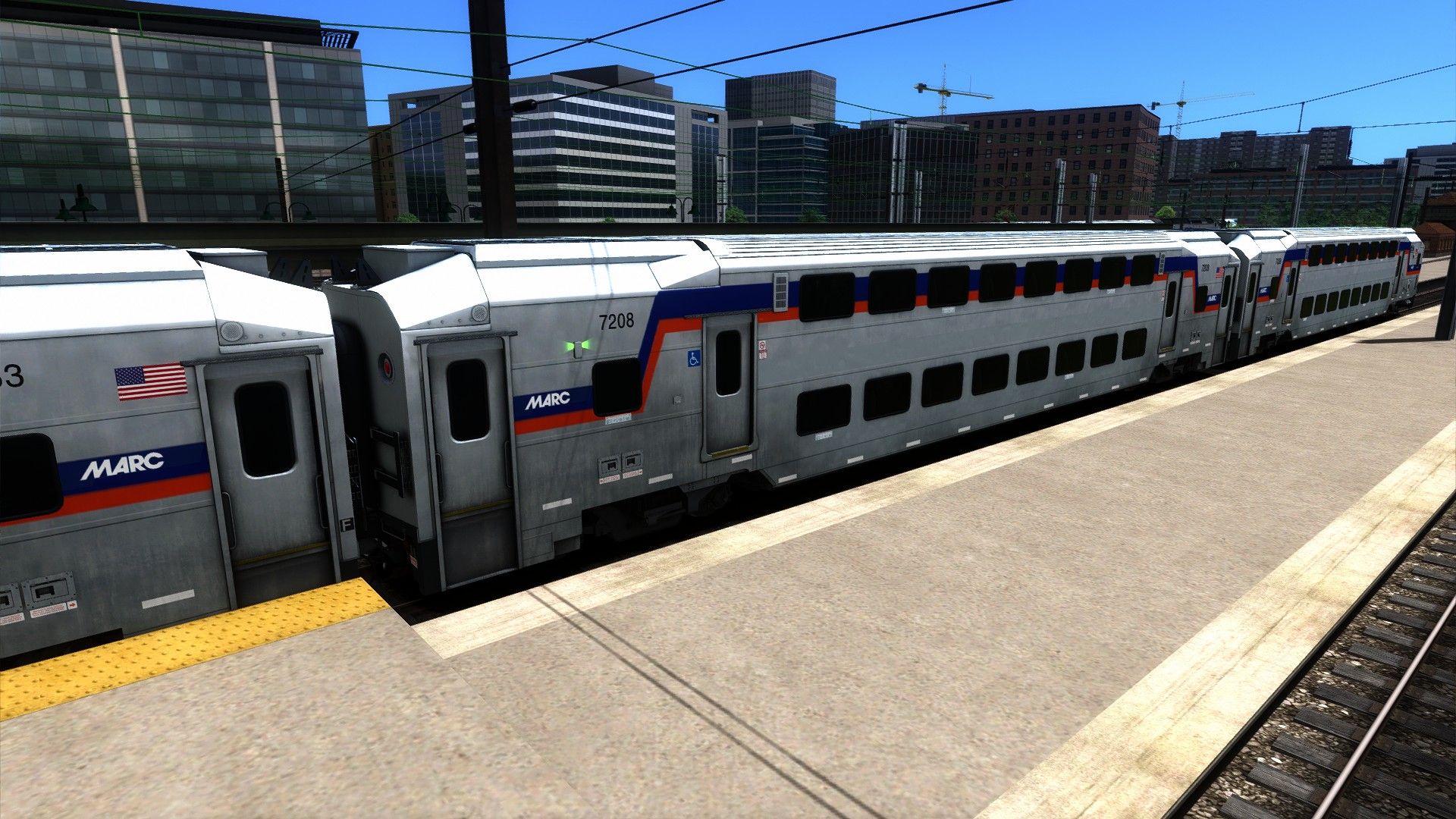
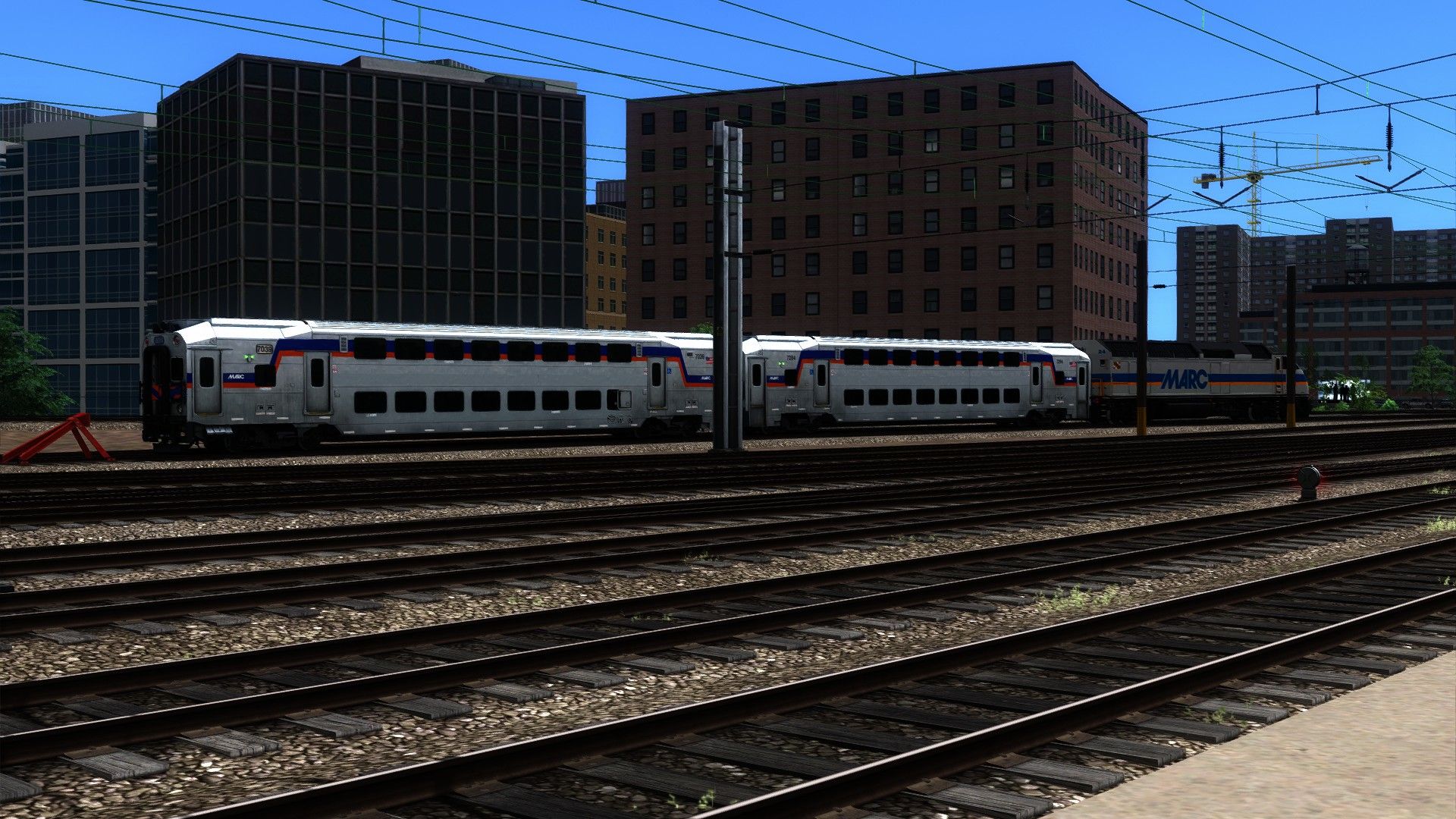
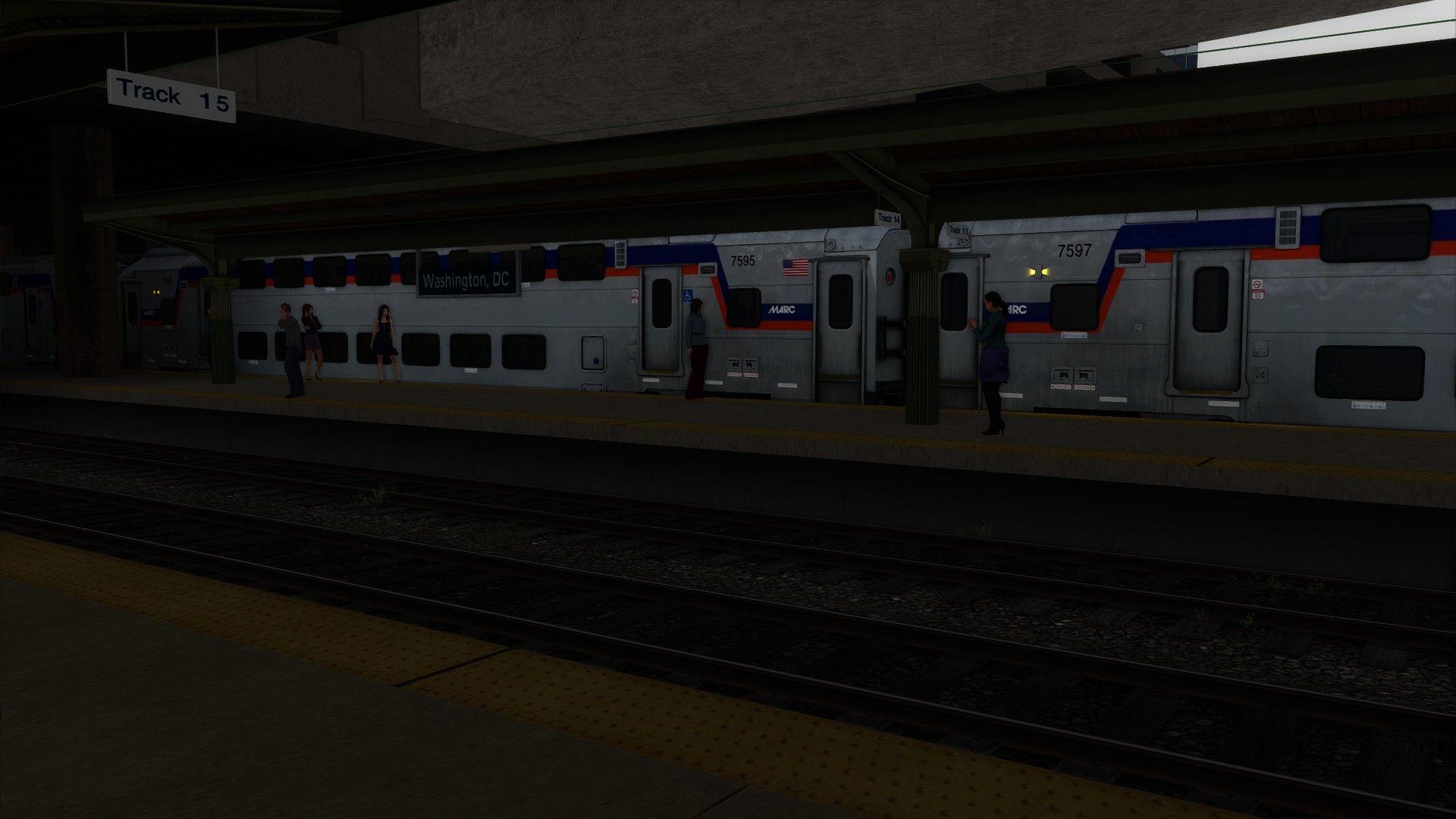
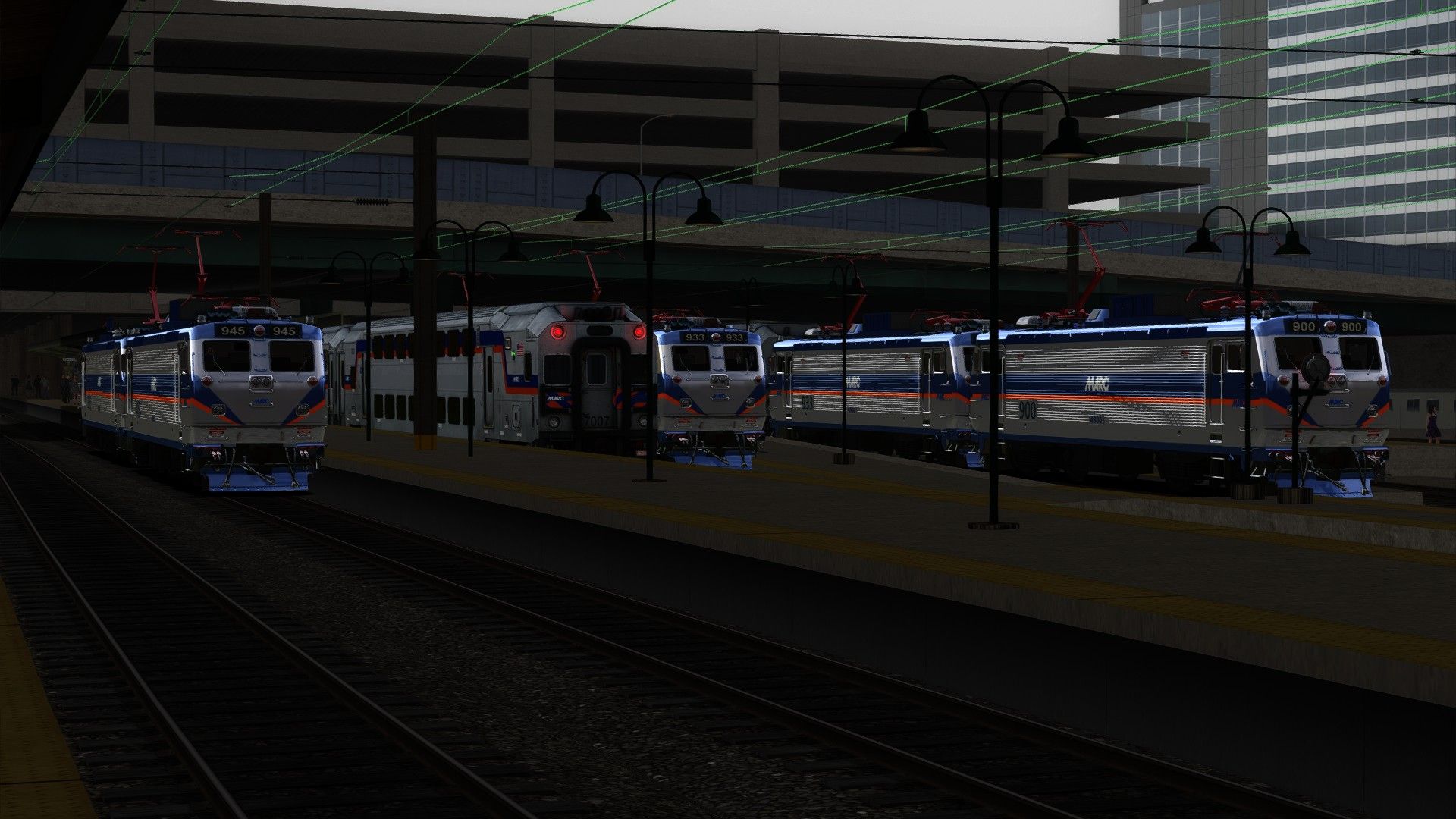
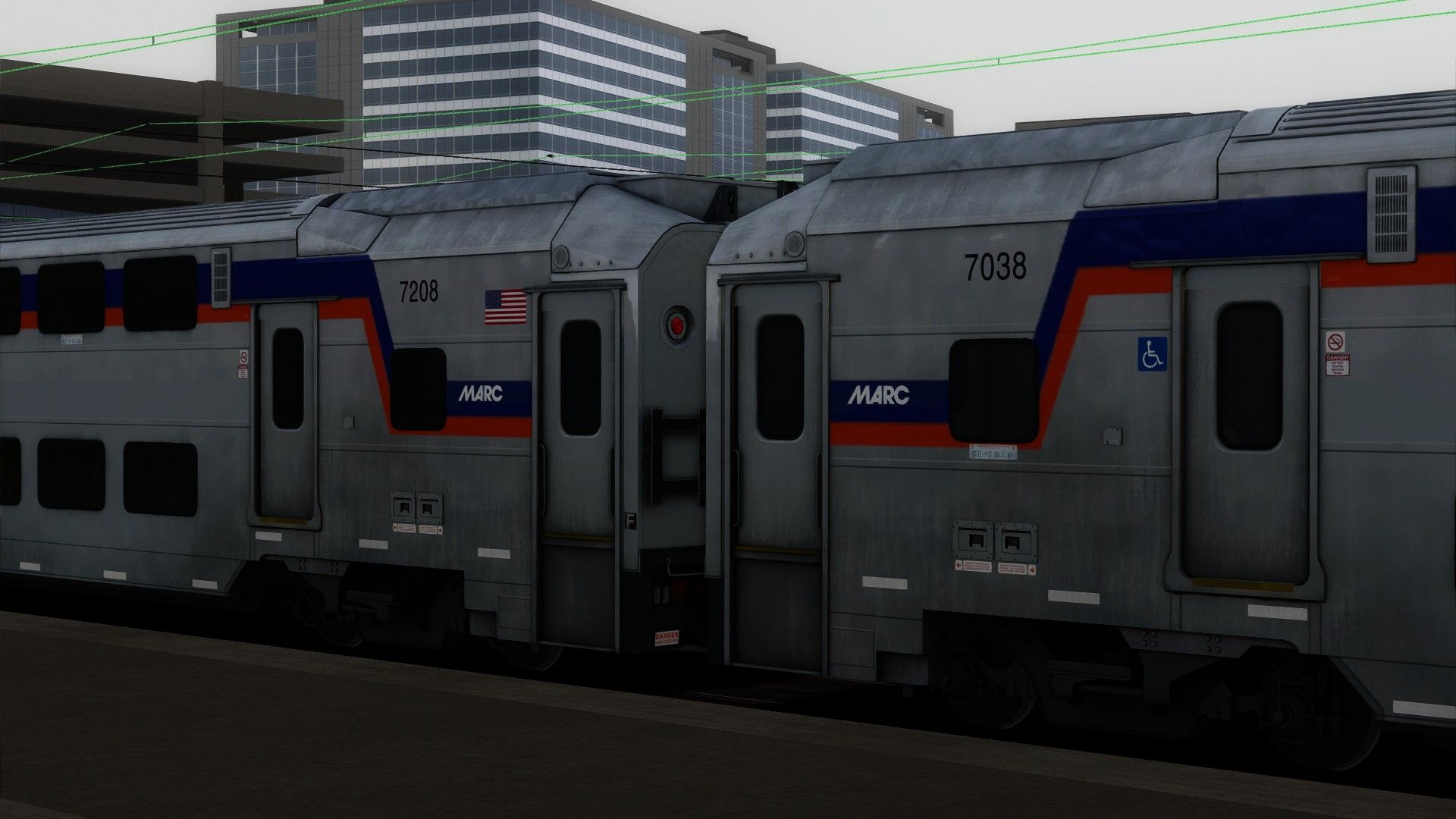
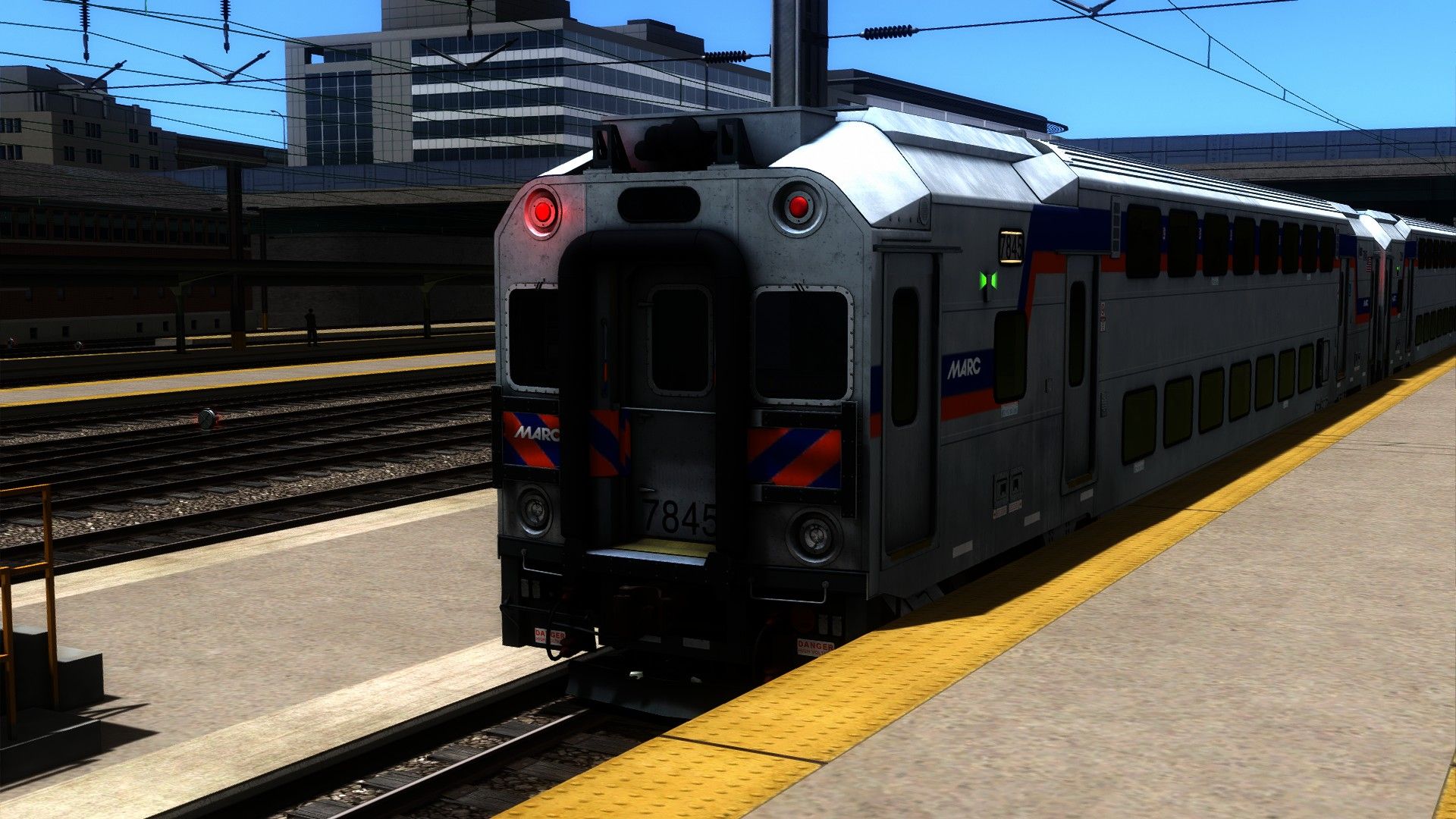
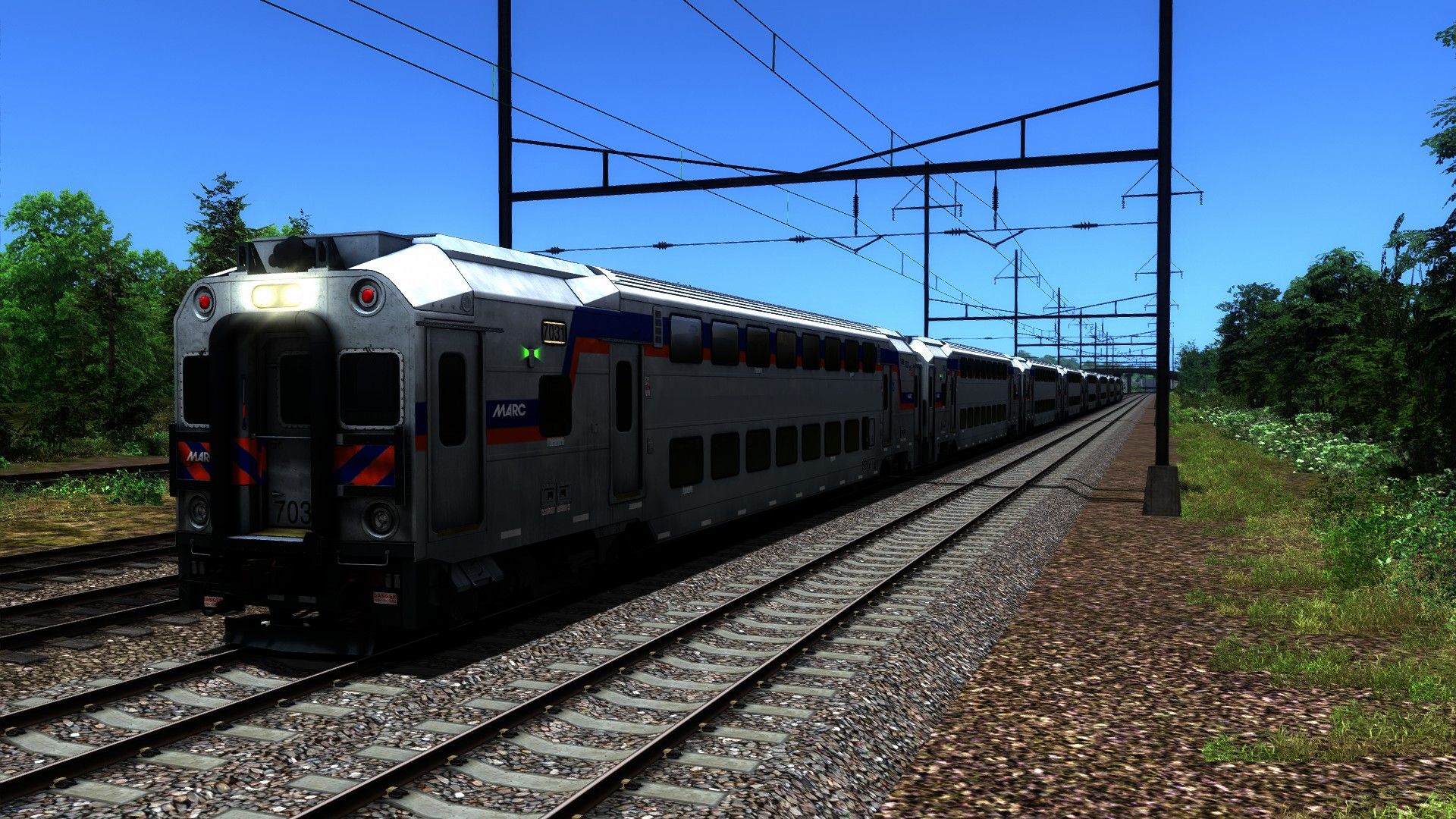
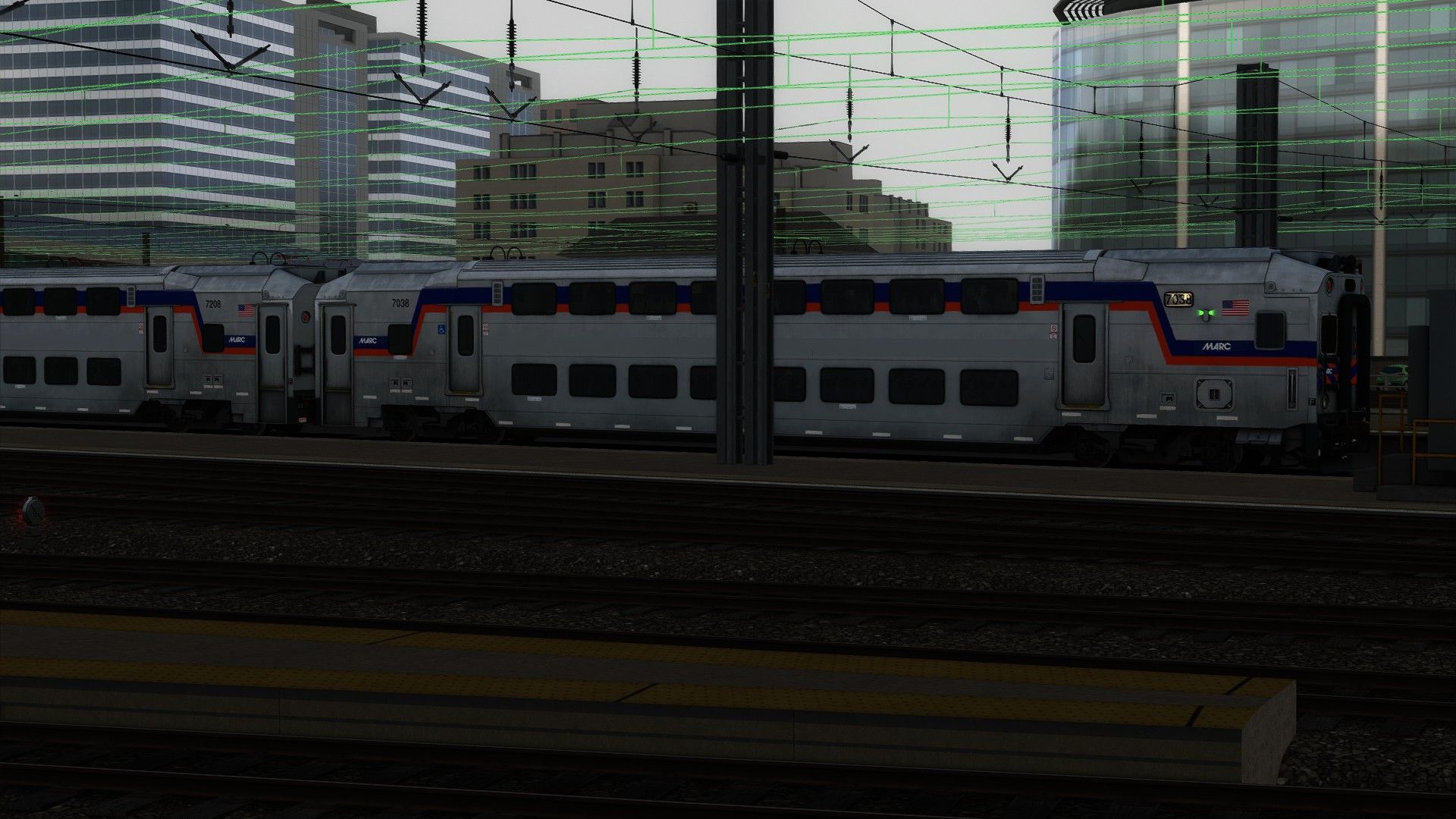
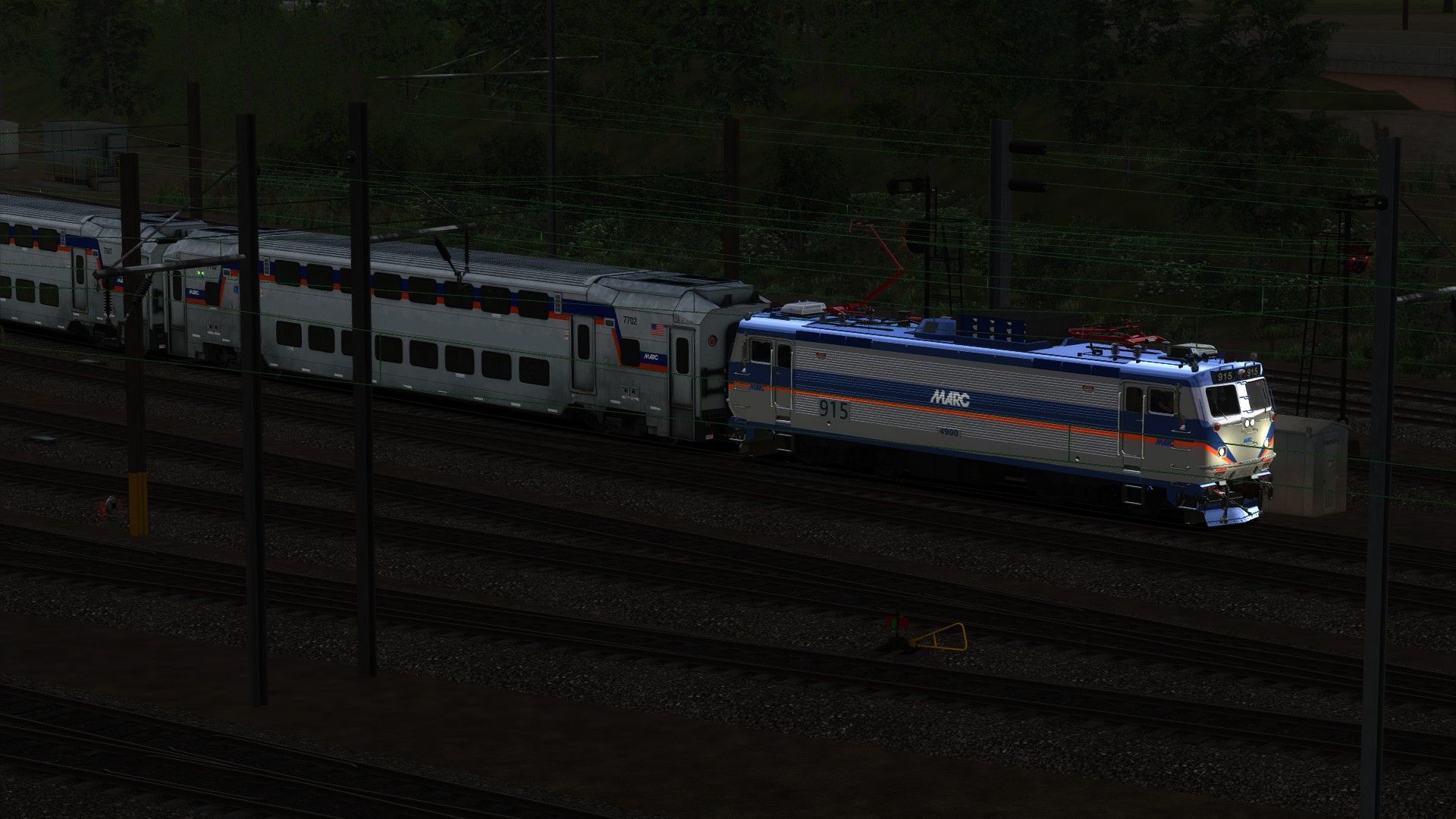
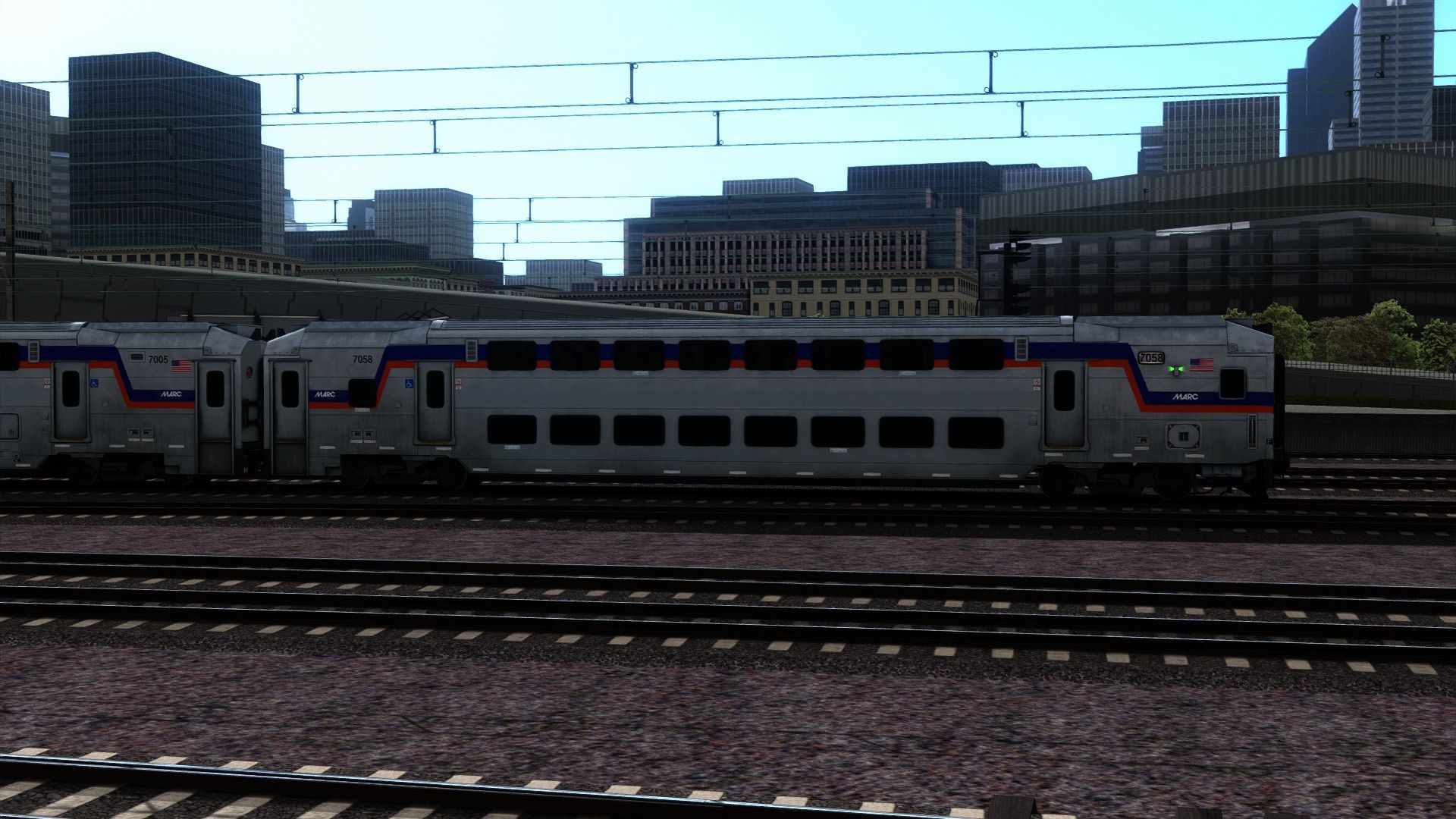
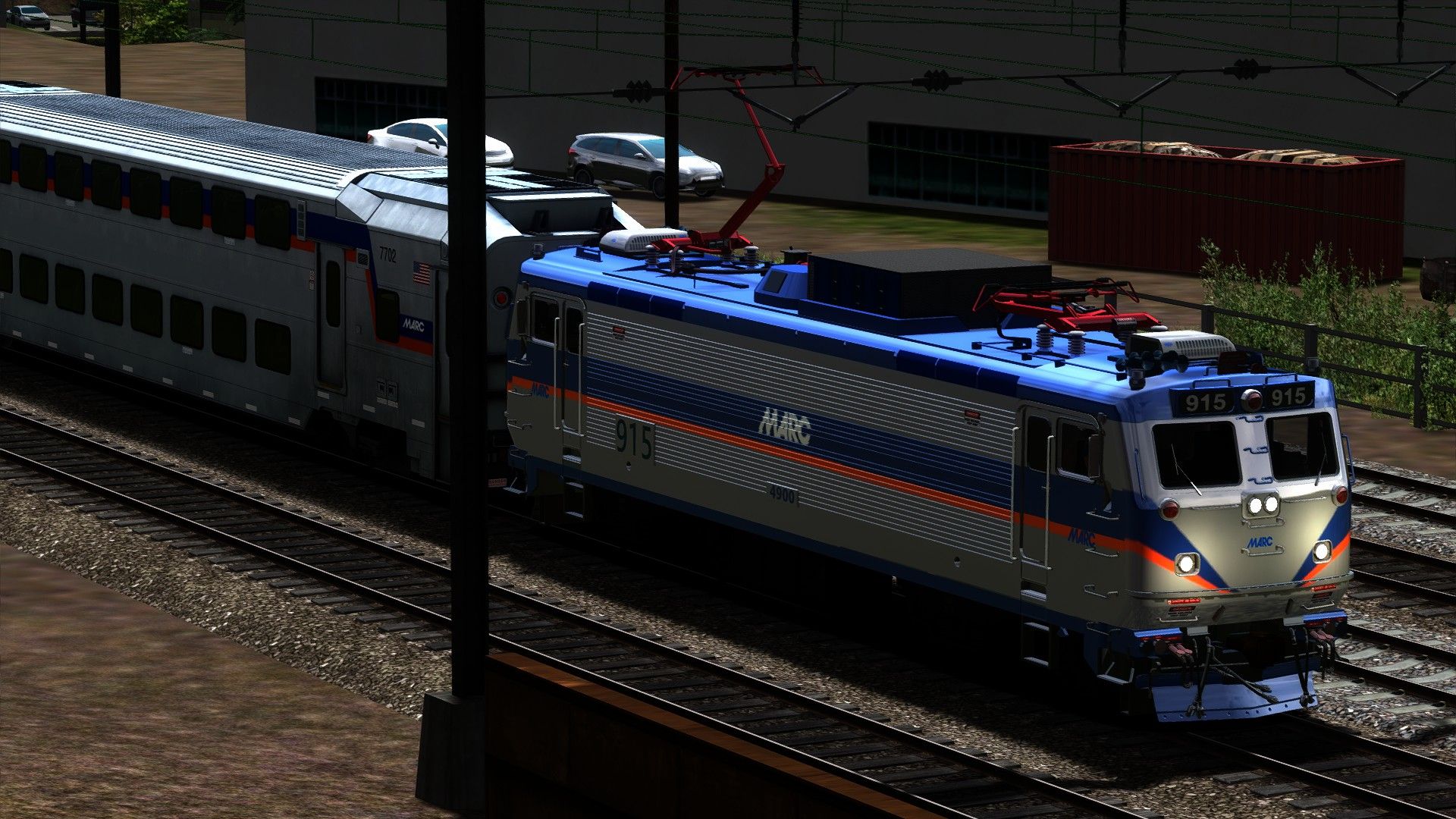
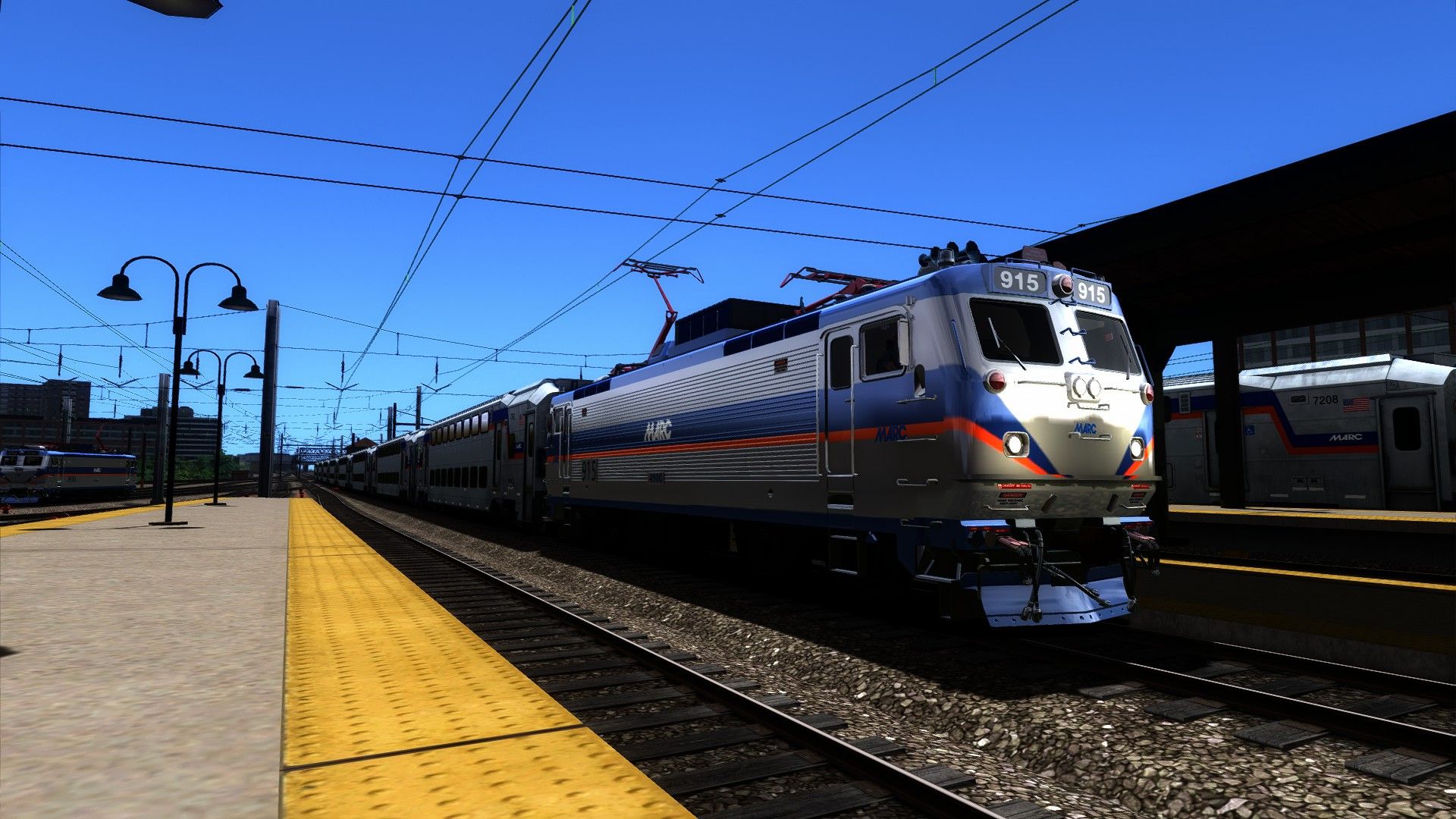
Alright here's the Deal
YOU'LL WILL NEED TO READ THIS IT'S VERY IMPORTANT !
IF YOU DO NOT READ THIS AND SKIP THE RESKINS WILL NOT WORK
UNDERSTAND?...
OK.
You'll get the
MARC Kawasaki III Bi-Level Cab &
Bi-Level Coach Cars
MARC AEM-7 Functional
-9400
-9401
-9402
-9403
Tags: aem-7-marc-marc-kawasaki-iii-bi-level-skin-washington-to-baltimore multi-levels north-east-corridor north-jersey-coast reskins
Requirements
Requirments: Must Have: - "Northeast Corridor-Add-On & NorthJerseyCoast Line-Add-On" - It's a MUST! Or your Skins will be invisible!
Installation Instructions
To Install:
Copy all folders ACCEPT the "ASSETS" Folder and go to:
Steam/steamapps/common/Railworks/Assets/RSC/NortheastCorridor/RailVehicles/Electric/AEM7
and Paste them
1.Now go to:
NortheastCorridorAssets/RailVehicles/Electric/AEM7/Default/Cabview
Copy the "aem_cab.GeoPcDx" File
And paste it Here:
NortheastCorridor/RailVehicles/Electric/AEM7/MARCAEM-7/CabView
Do this for Each Folder:
MARCAEM-7
MARCAEM-7 4901
MARCAEM-7 4902
MARCAEM-7 4903
2.Now go to:
NortheastCorridorAssets/RailVehicles/Electric/AEM7/Default/Driver
Copy the "dan.GeoPcDx" and "Driver.GeoPcDx" Files
and paste it Here:
NorthEastCorridor/RailVehicles/Electric/AEM7/MARCAEM-7/Driver
Do this for the current folders:
MARCAEM-7 4901
MARCAEM-7 4902
MARCAEM-7 4903
3.Now go to:
NortheastCorridorAssets/RailVehicles/Electric/AEM7/Default/Engine
Copy the "AEM-7.GeoPcDx" File
And paste it Here:
NorthEastCorridor/RailVehicles/Electric/AEM7/MARCAEM-7/Engine
Do this for the current folders:
MARCAEM-7 4901
MARCAEM-7 4902
MARCAEM-7 4903
4.Now go to:
NortheastCorridorAssets/RailVehicles/Electric/AEM7/Default/Lights
Copy the "point_lightGeoPcDx" and "spot_light.GeoPcDx File
And paste it Here:
NorthEastCorridor/RailVehicles/Electric/AEM7/MARCAEM-7/Lights
Do this for the current folders:
MARCAEM-7 4901
MARCAEM-7 4902
MARCAEM-7 4903
SECOND PART*****************
Now for the MARC Kawasaki III Cab & Coach Bi-Levels
Please Note these ARE SKINS! And I am grateful to let you guys Enjoy these Btw lol
To Install:
Copy the "Assets" Folder to your Main RailWorks Directory
Should look something like this:
(C)Steam/steamapps/common/RailWorks
If asked to replace Folder "Accept"
1.Now go to:
Assets/DTG/NorthJerseyCoast/NorthJerseyCoastAssets/RailVehicles/Passengers/MultiLevel/Characters
Copy the "Passengers.GeoPcDx" File
And paste it Here:
NorthJerseyCoast/RailVehicles/Passengers/MultiLevel/Characters
2.Now go to:
NorthJerseyCoast/NorthJerseyCoastAssets/RailVehicles/Passengers/MultiLevel/Driving Trailer/Cabview
Copy the "multilevel_CAB.GeoPcDx" File
And paste it Here:
NorthJerseyCoast/RailVehicles/Passengers/MultiLevel/Driving Trailer/Cabview
3.Now go to:
NorthJerseyCoast/NorthJerseyCoastAssets/RailVehicles/Passengers/MultiLevel/Driving Trailer/Engine
Copy the: "MultiLevelCoach.GeoPcDx" File
And paste it Here:
NorthJerseyCoast/RailVehicles/Passengers/MultiLevel/Driving Trailer/Engine
4.Now go to:
NorthJerseyCoast/NorthJerseyCoastAssets/RailVehicles/Passengers/MultiLevel/Driving Trailer/Passview
Copy the: "PASS_VIEW.GeoPcDx" File
And paste it Here:
NorthJerseyCoast/RailVehicles/Passengers/MultiLevel/Driving Trailer/Passview
5.Now go to:
NorthJerseyCoast/NorthJerseyCoastAssets/RailVehicles/Passengers/MultiLevel/TrailerCar
Copy the: "MultiLevelTrailer.GeoPcDx" File
And Paste it Here:
NorthJerseyCoast/RailVehicles/Passengers/MultiLevel/TrailerCar
6.Now go to:
NorthJerseyCoast/NorthJerseyCoastAssets/RailVehicles/Passengers/MultiLevel/TrailerSpecial
Copy the: "MultiLevelSpecialTrailer.GeoPcDx" File
And Paste it Here:
NorthJerseyCoast/RailVehicles/Passengers/MultiLevel/TrailerSpecial
AND YOUR GOOD TO GO! ! !
Additional Comments
All I can say is I tried I just wanted to improve the skins make them look a lot better then before
To think that DTG can have a Bi-level with no paint job or nothing is just very odd
You Got Admit those MARC Bi-Levels Look Good, It's the only thing we we get since DTG Could not get a License for MARC
I do hope you guys enjoy
Just wanted to have fun over here making these
and I didn't make these for one person I made em for everyone
CHEERS"-MORE RESKINZ TO COME!
THANK YOU FOR TAKING THE TIME TO READ
Files
Comments
About this mod

- Created
- 5 Jul 2021
- Updated
- 5 Jul 2021
- Game
- Train Simulator Classic
- Type of content
- Reskin


Loading comments…