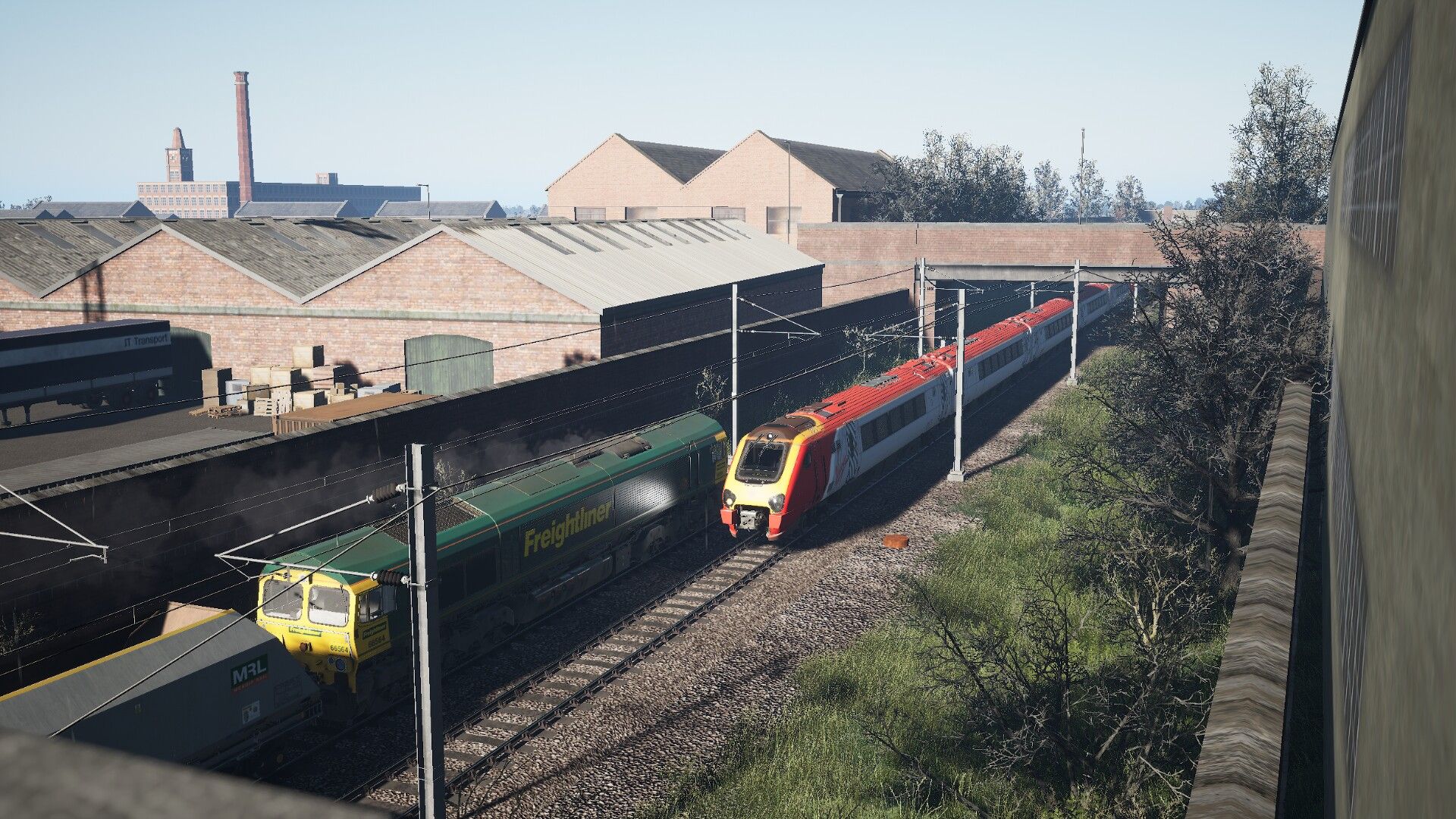
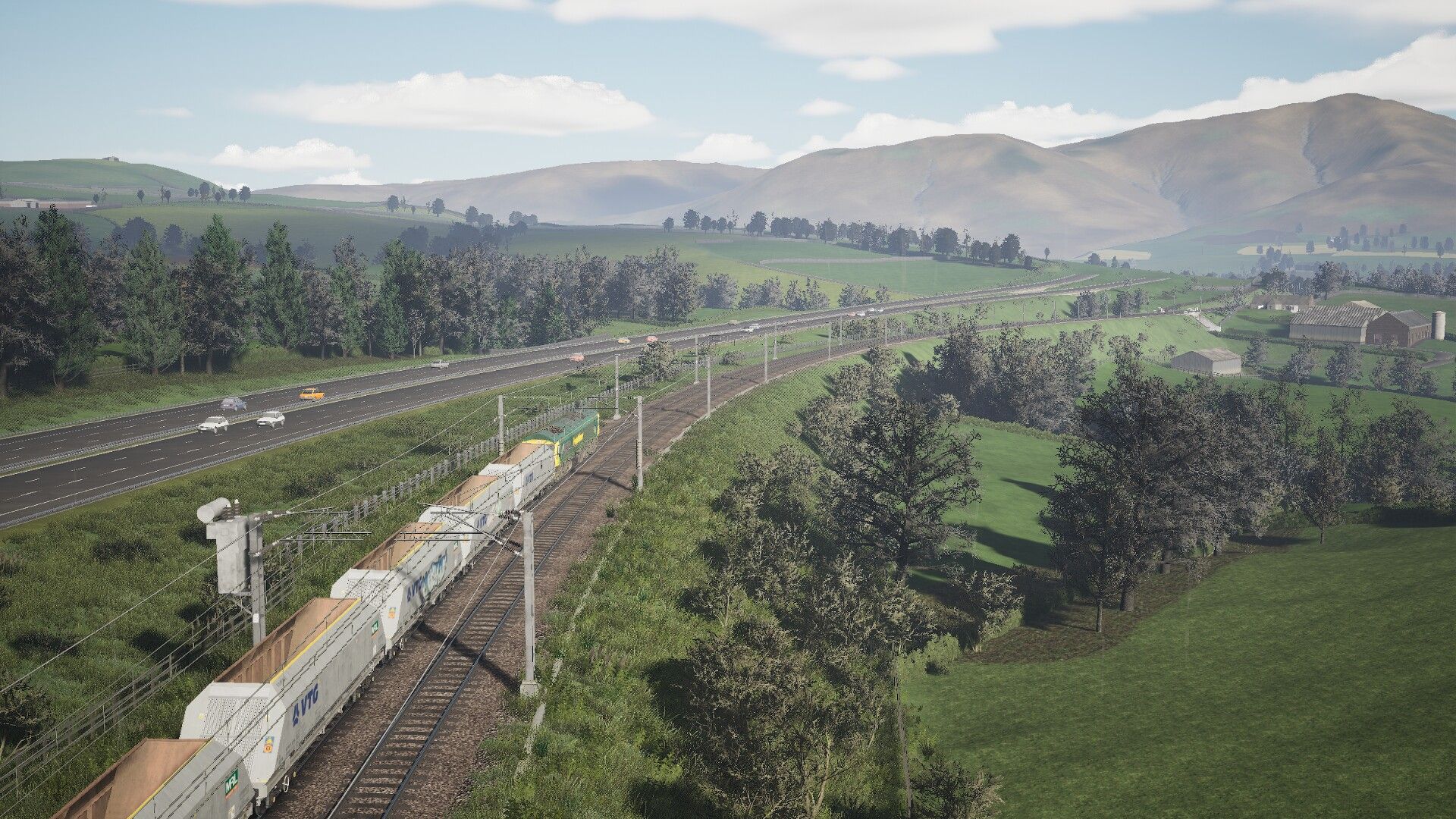
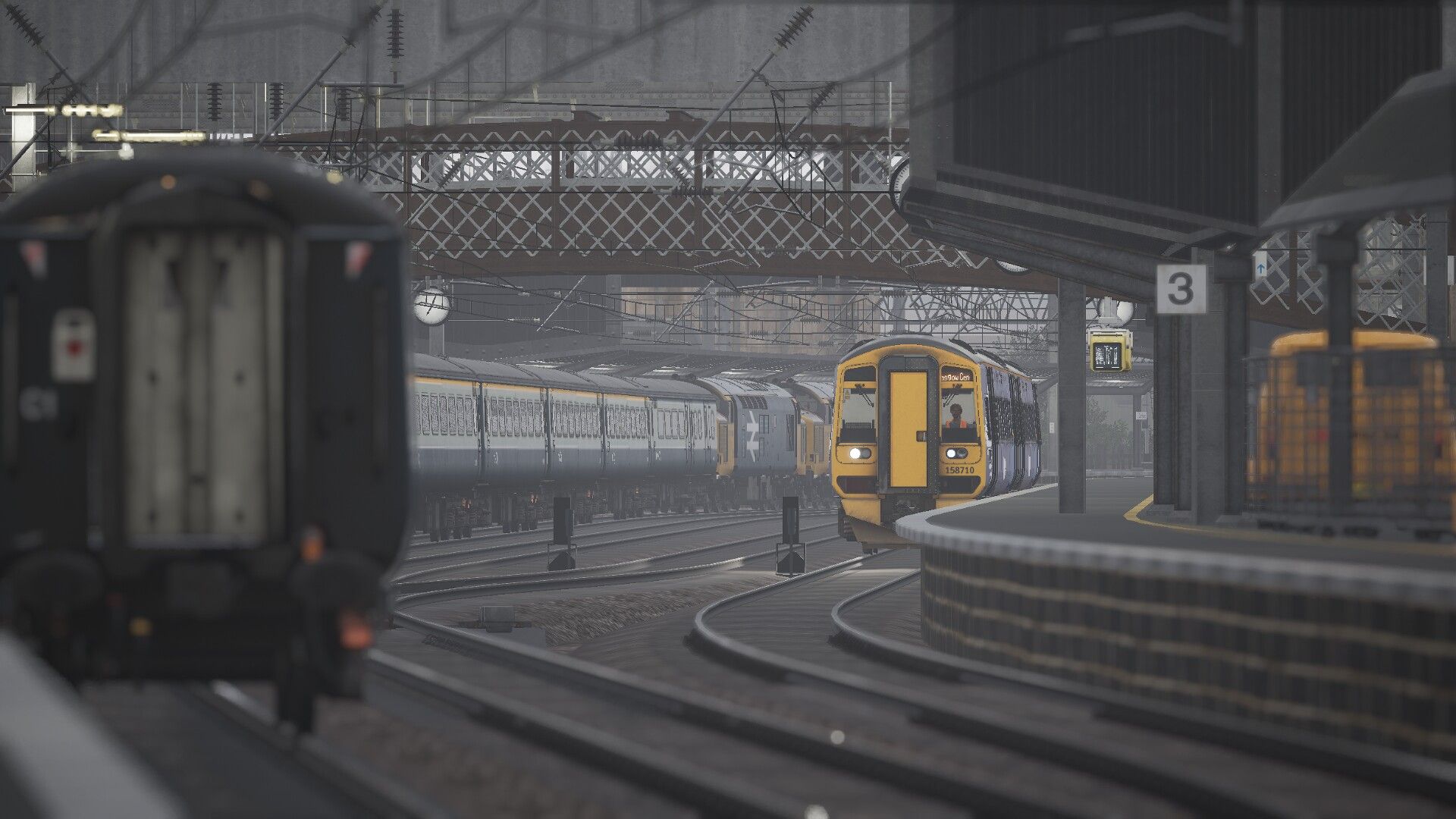
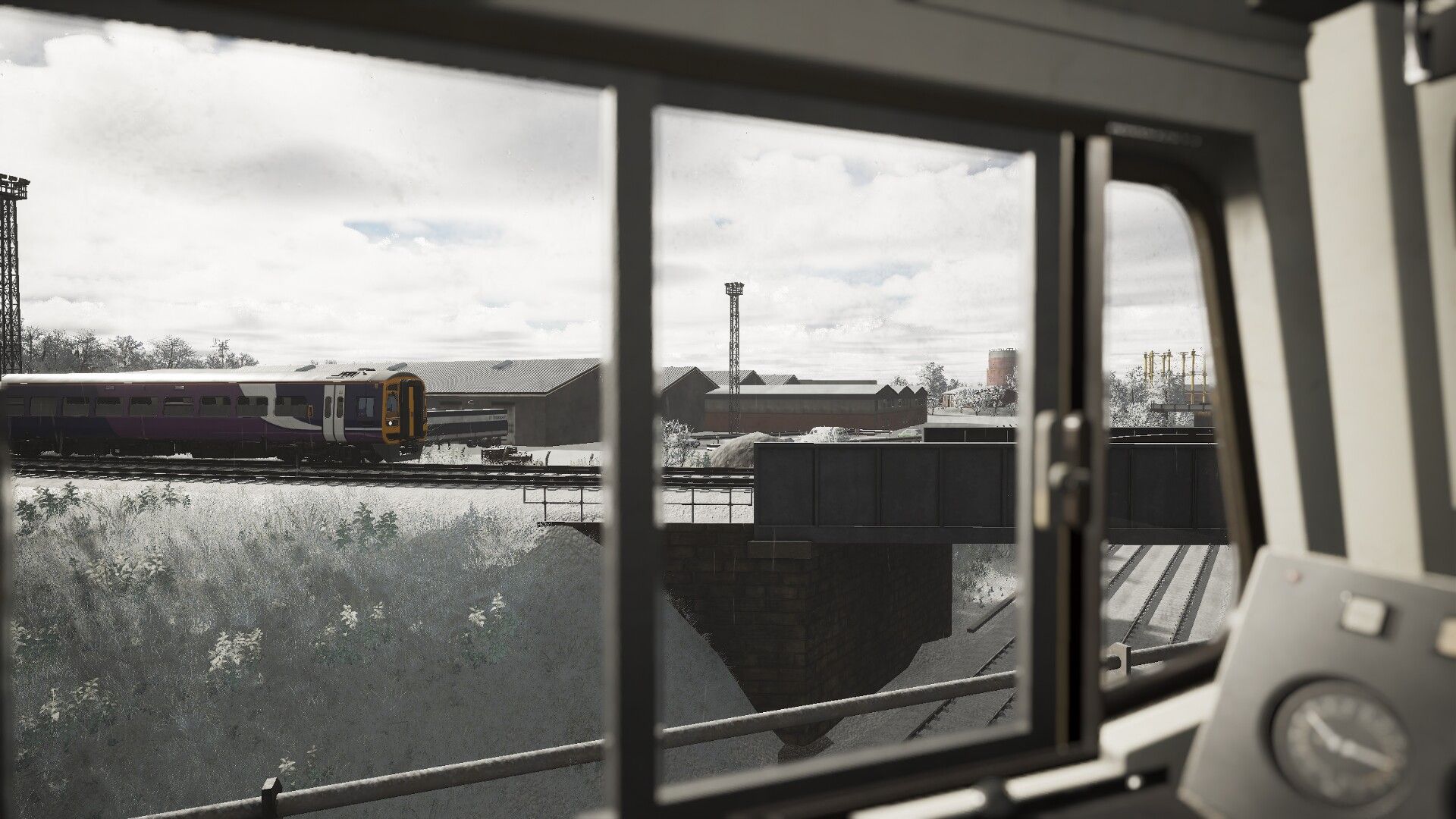
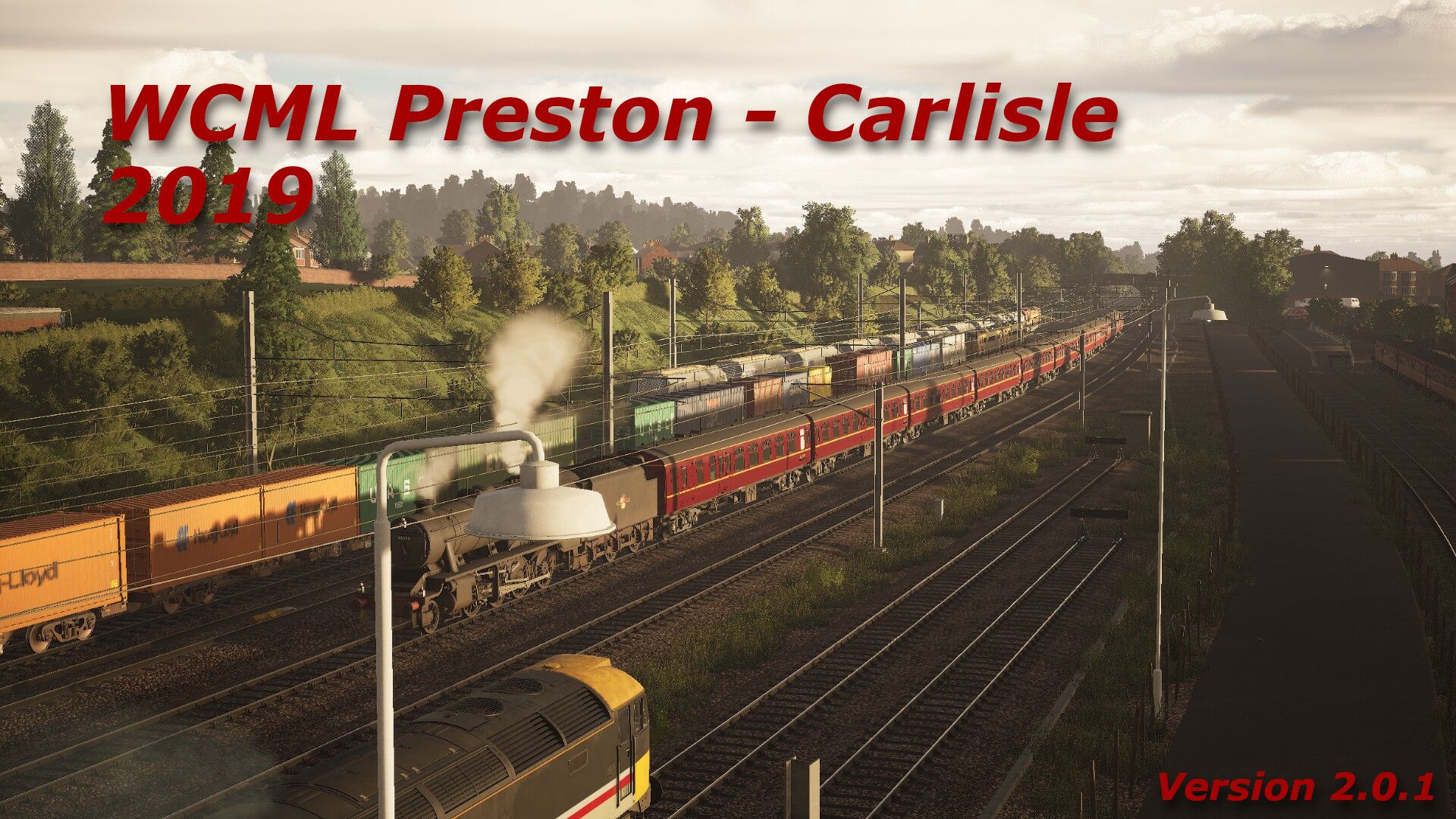
West Coast Mainline Preston to Carlisle 2019 V2.0.1 (MODERNISTATION)

Description

Hello all!

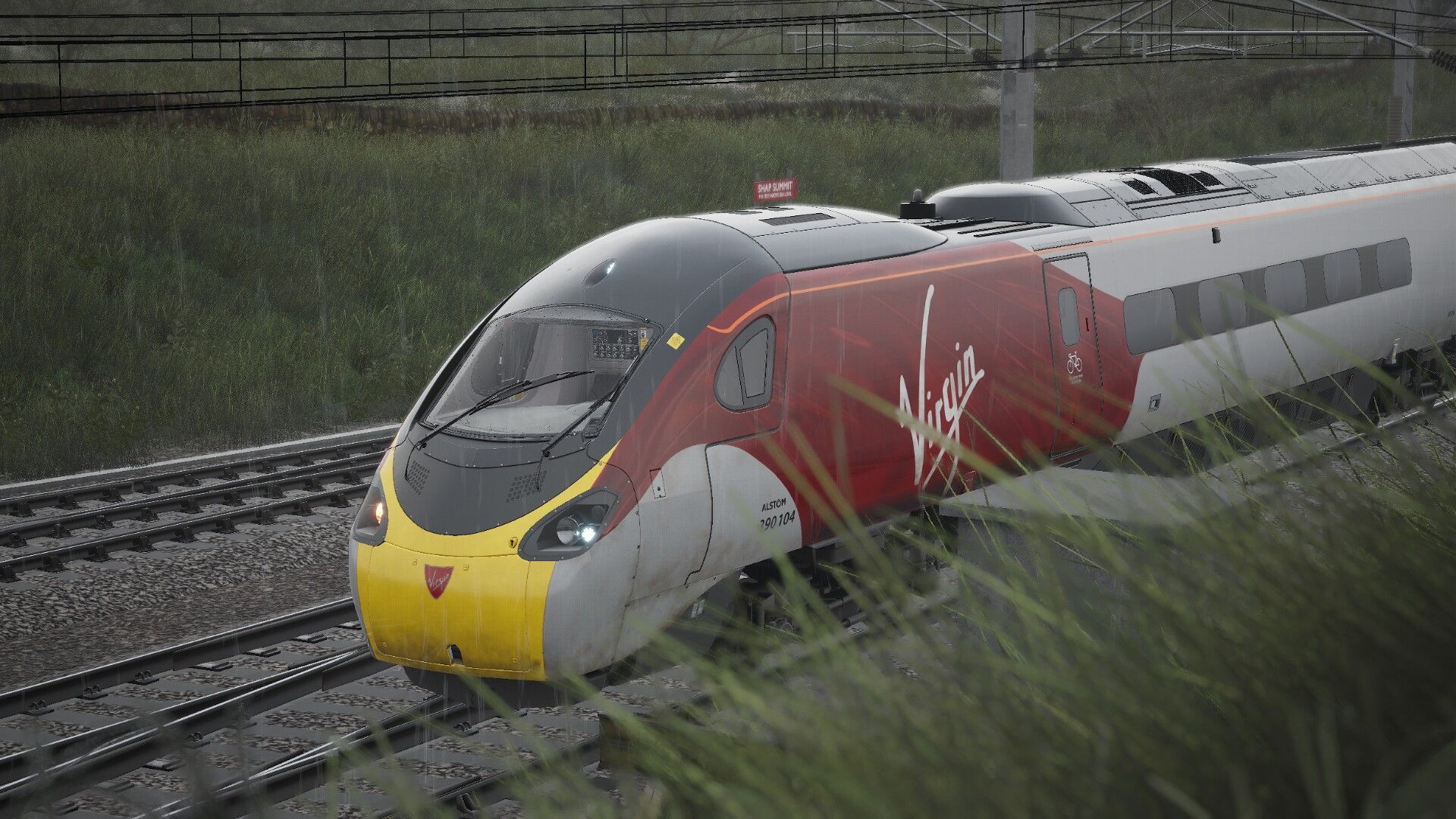
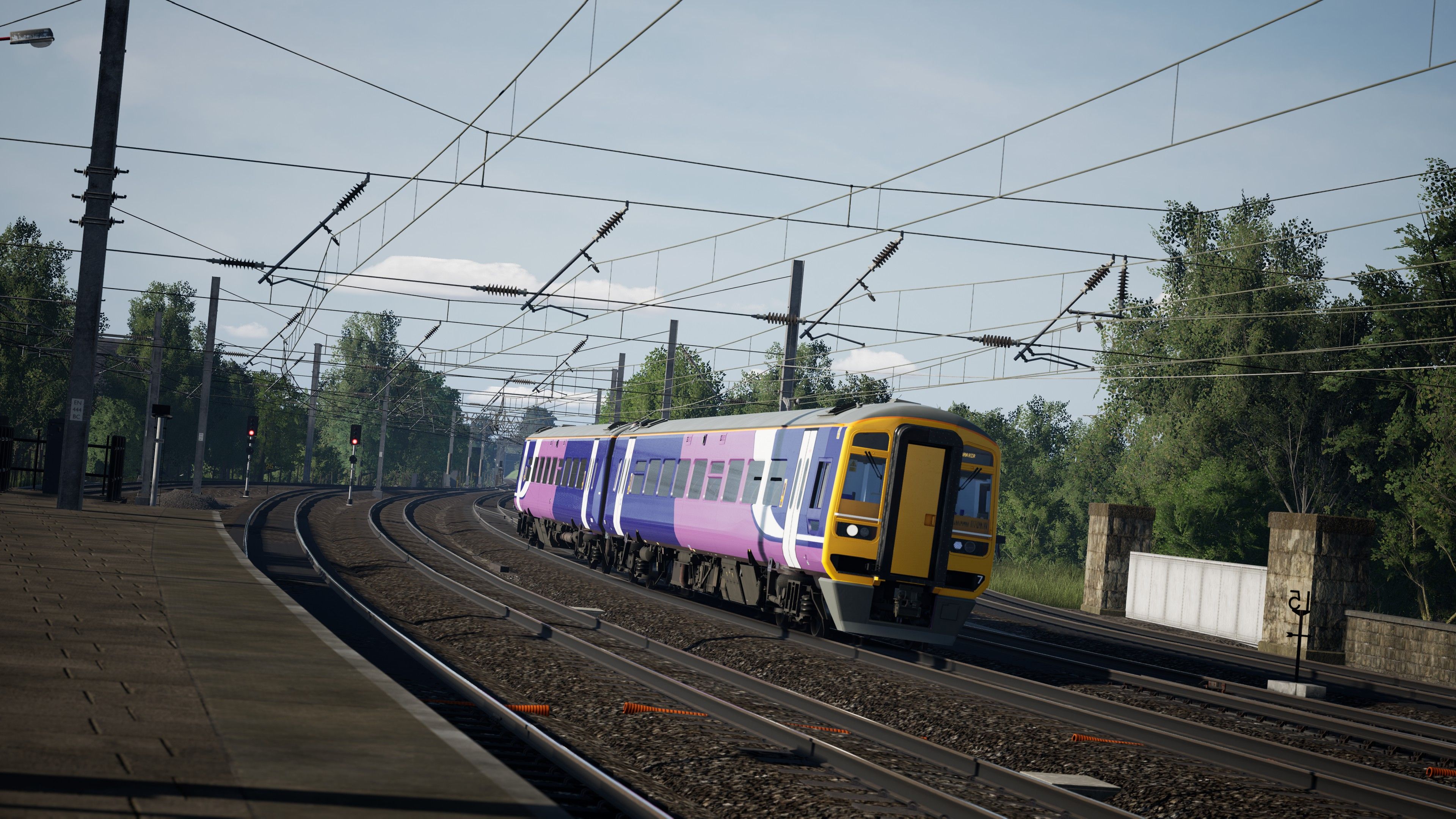
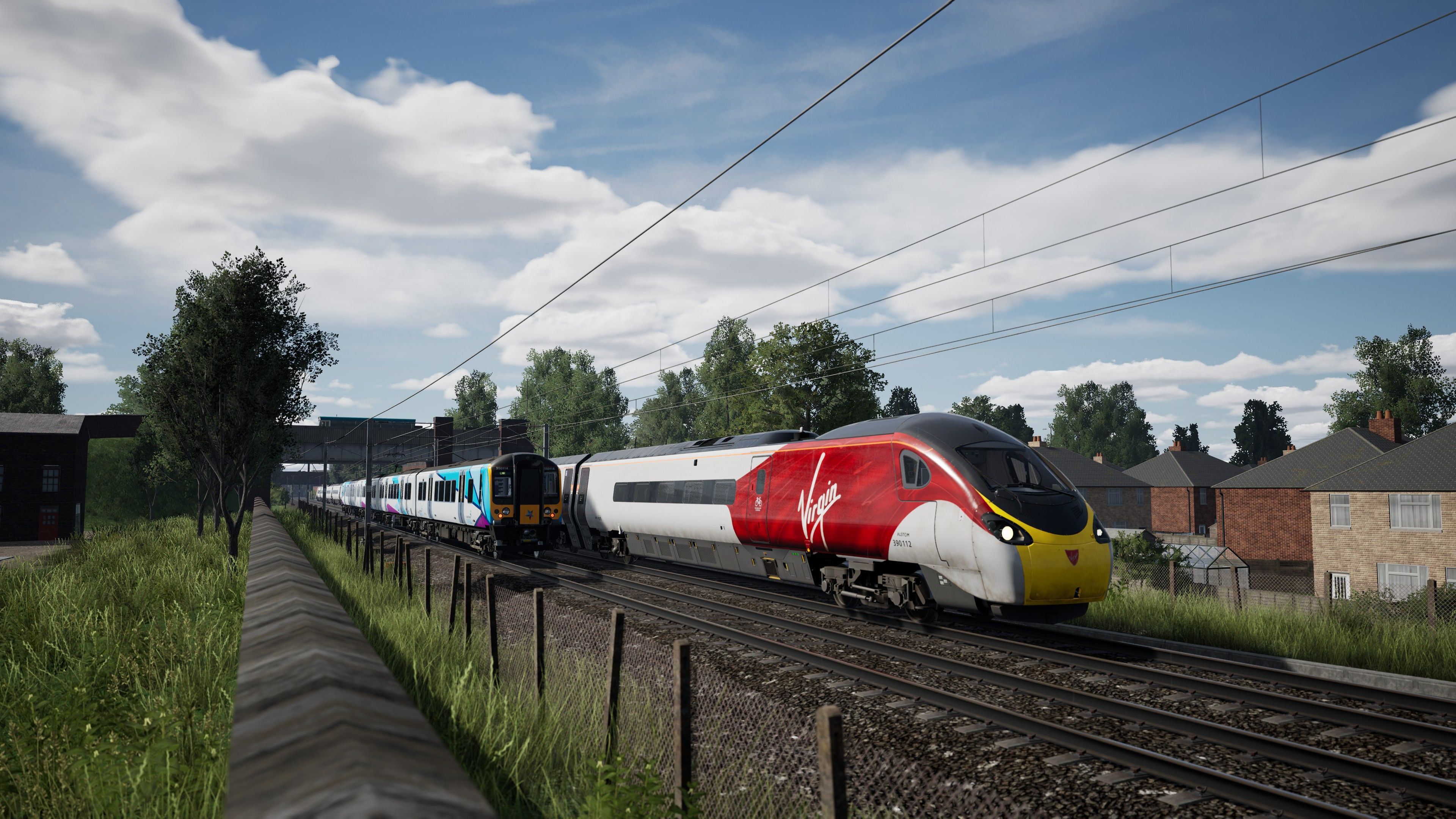
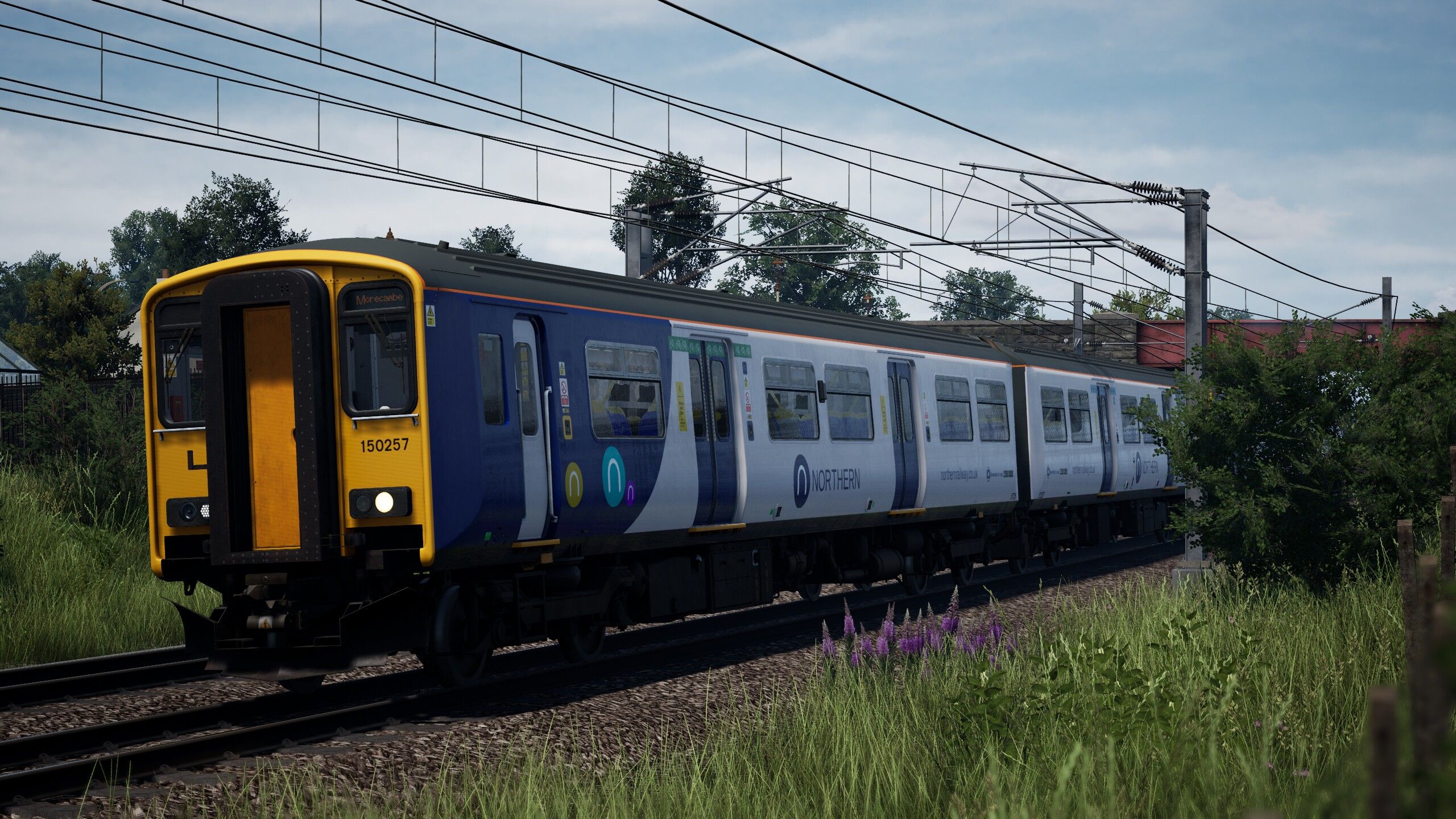
I am proud to present my modern 2019 timetable for the Preston to Carlisle route.

This adds a new timetable with 1377 total services and 389 playable services

CHANGELOG

V 1.0 initial release
V1.1

  • I have updated the mod page to link to the newest version of TSW Game Tools
  • The derailments are due to lancaster platform 1 being a bit funny, this will be fixed in the next version
  • Removed the Branded_FCA.pak file and linked to Rob S page instead, I think there was a version mismatch in there.
  • CargolineBrandingpatch.pak from Rob Woods causes a crash, this is not fixable. I recommend TSW mod manager to easily toggle that on and off

V1.1.1

  • All cases of spawn on foot should be fixed now
  • Fixed bug with any service using Lancaster platforms 1 or 2 to derail

V1.2.0

  • Two playable services added for the TPE Class 802 in it's test livery
  • Patched issue with 0Z86/1Z87 taking an excursion from the wires
  • Voyager thumbnail patched

V1.2.1

  • Added missing file for the Class 802

V1.2.2

  • Fixed issue with service 5Q78 colliding with a Freightliner aggregate train

V2.0.0

  • Introduced the modern scenery thanks to ROB S
  • Added Class 90 services
  • Added NMT services
  • Removed Class 802 for now due to AOM issues
  • Removed Class 20 DRS and replaced with the base game version, install Belle's brading patch for the loco now.

V2.0.1

  • Updated Class 221 formations
  • Updated Scenery, details found below
  • Added route annotations for the Enhanced Permited Speed Boards. If Score is something you dont care about you can disable the hud with F1 and follow the annotations instead.
  • Fixed the issue with CargolineBrandingpatch.pak - you can now play with that mod installed

These are

  • 58 for the Class 390
  • 10 for the Class 221
  • 43 for the Class 350
  • 45 for the Class 158
  • 69 for the Class 142
  • 6 for the Class 150
  • 2 for the Class 153
  • 8 for the Class 323
  • 1 for the Class 86 Freightliner
  • 2 for the Class 86 Caledonian Sleeper
  • 1 for the Class 87 Caledonian Sleeper
  • 1 for the Class 47 Colas Railfreight
  • 57 for the Class 66 (Various liveries)
  • 1 for the Class 314 (Originally planned as a class 37 drag, but issues arised with the coupler mod)
  • 2 for the Class 08
  • 8 for the Class 37 DRS
  • 1 for the Class 37 BR Large Logo
  • 13 for the Class 47 (These will become WCRC 47's when Belle release their pack)
  • 4 for 86-259 (Les Ross/Peter Pan)
  • 10 for the LMS 8F
  • 6 for the LMS Jubilee
  • 2 for The Flying Scotsman
  • 16 for the Class 90 (14 Freightliner, 1 Caledonian Sleeper, 1 DB Cargo)
  • 9 for the Class 20 DRS

MODERNISATION

This is important so please read for version 2.0.0 and up.

Thanks to the great work of ROB S, modern scenery is now here!
This mod comes in 2 parts and requires the 2019 WCML Shap Timetable to function properly.

ModernShapbase- Default Map adjustments removals, and textures. Install to TSW 6 User content folder or wherever you put your mods.

ModernShapOverlay- This is the Overlay. Install to TSW 6 User content folder or wherever you put your mods. Then once in game, enable the Overlay in the Live - Mastery rewards section. Thumbnail will be a Voyager on Shap.

Requirements for the modernisation

Shap 2019 Scenery.
This project comes in 2 parts-
ModernShapOverlay- enable this in Mastery Rewards.This file can be left in your DLC without issue.
ModernShapbase-this is a basic mod file that overwrites content. So if you want to drive shap in the default 80s, you need to take this out of your DLC 1st.
The requirements are-
WCML Preston-Carlisle
Paddington-Reading Remastered
Midland Mainline Leicester-Derby-Nottingham
WCMLs- Euston-MiltonKeynes
You also need to be driving or roaming in the Shap 2019 timetable for these assets to appear.Due to how addons manager operates.

Current changes to the route

This mod removes some key 1980s features on the JT 1986 Shap DLC.

In general

All Staion PIS CRT Displays are removed and replaced with the modern digital variant.
Modern Clutter has been added, various work scenes, track maintenance lamps, new speed signage where possible. Modern vehicles added across the route.
Ballast and track textures redone. Rail singing has been added and is activated by the GWE layer present in this timetable.The track has been smoothed out to match modern ride standards. More foliage has been added between tracks, in old sidings and to fill out rural landscapes.GSMR masts placed throughout the route. Added lighting to rural areas.

Preston-
Work on the Fishergate area using and kitbashing various tsw models to come up with a decent representation of the Multistorey car park, lots more vehicles.
Texture changes to old shop signage.
Post Depot and disused sidings.
Additional foliage and the modern green metal fencing.

Lancaster-
New signage.
Extended Platform at south side.
Full replace (cover up) of disued tracks with housing estates and car parking areas.
Modern buildings added to the riverside, north of the station.

Bare Lane - Added new Northern Style fencing.
Station signs feature Northern branding.

Morecambe-
Station moved to its new location East of the original.
Frontier Land mostly removed and its remains out of sight with housing and retail areas, lots of new foliage.
A new Island platform with shelter, ticket office, fencing and signage.

Carnforth-
Lots of foliage, clutter.
A new car park area to replace the original. New office buildings.

Oxenholme-
New foliage
Trackside clutter.
New signage.

Penrith-
New retail park surrounding the station.
Extra modern vehicles.
New station signage.
Lots of foliage and general clutter.

Carlisle-
Similar to Preston, lots of track clutter.
New signage.
New shop logos.
New surrounding buildings, some with business logos.
Removal of Upperby sheds.

Kingmoor Depot-
Lots of foliage and trackside clutter.
Depot building re textured and branded for Direct Rail Services.
Workers added to scene.

Kingmoor Yard-
Lots of foliage on less used tracks.
Trackside assets such as diggers and aggregates.

Please read the attached manual for installation instructions and layer requirements.

All layers are separate so for the timetable to function you only need one layer. There are a lot of requirements for layers so I wouldn’t expect you to have them all.

You can ignore the requirements for "Belle_WCRC_47.pak" those layers will function without it until that mod is released

Class 221 will show as 220 unit numbers and 350/4 will show as 350/1 for now until I can get around to sorting that out.

Cargoline Branding Patch Crash is now fixed

Something new! -ish

I have tried to really use the month range feature to its best potential! So instead of having the same railtours all year round and RHTT services in Oct-Dec we now have alot more variety. There is one unique railtour for each month of the year Jan-Sept (Oct-Dec will be added at a later date). Class 314 scrap runs can be found in August, RHTT in Oct-Dec and LNER tyne valley diverts. You can refrence the manual to check when your service is due to be ran or alternativley the service description will have it as well. The manual is useful as it will tell you what months things can be spotted without flicking through all the serivces in the menu.

Credits

Belle - providing the WCRC rolling stock and advice on reskins. Also some testing
Isaac Avila/Train Fan/SR - You can find this legend on creators club! He provided the CC skins used in the 150, 350, 158 (white)
Tom Hill - You can find this legend on creators club! He provided the skins for the 221 and LNER HST
Cody#1931 - You can find this legend on creators club! He has provided the skins for the 86 and 87 FL and CS
OTS_Josh - Valuable second opinion and testing
Wills_Workshop - Providing the Class 37 Large Logo skins and testing
Spratty Heath - Providing the Class 66 megapack
ROB S - Providing the branded FCA and FKA containers and testing
Diamonder - Providing Class 86259 and testing
Laika - Testing
Tom Harrison - Testing and promotional stream
UniqueBritishCreations - Lifesaving editor fix

I will respond to bug fixes as quick as I can

Planned updates will be to include upgrade the 142 to the modern version, finish the last three railtours (maybe some ideas), for those asking for some static stock around Carnforth this will be added when Belle releases the WCRC 47.

Tags: british british-freight modern-timetable pendolino

Dependencies

Required for the class 66 freight services

Required for the functionalty of the RHTT, as the class 20 lacks the RHTT controller you can use this to activate the washers and sandite externally.

Use this mod for the EPS annotations.

DO NOT INSTALL CargolineBrandingPatch.pak this causes a crash. The branded FCA will work without it.

Vlakové simulátory (trainsim.cz)

Required to complete services which start and/or end outside of the default playable area

Installation Instructions

Please follow the instructions in the manual.

Additional Comments

I have linked the external mods required, all other .paks in the layer requirements page of the manual should be in the .zip file.

Files

Comments

Avatar of Jazz
Jazz 3 Dec 2025

First run, first problem. In the Class 158 5C00 Blackpool North CS to Lancaster 05:20

As you cross over the bridge and crossing into the 35mph zone and about to enter Preston the screen goes blank with a "you have left the game area" or some such message. I would expect to see such a message if I had run the other way off the edge of the map rather than moving away from the edge of the map into the major hub of it.

Avatar of naya.phase
naya.phase 3 Dec 2025

You will need the TSW game tools that I have linked in the mod page. Make sure you enable the invisible wall remover when you play that service

Avatar of raptygb
raptygb 3 Dec 2025

SuperStruct RVM_CLI_FCA_C to create RVM_Branded_FCA_Child_C</ErrorMessage> was the error i was getting till i deleted the file i mentioned above, not sure why this replied in this column instead of the above LOL

Avatar of Jazz
Jazz 3 Dec 2025

Not sure what you mean by 'mod page'.

I also encountered a game crash when trying to start one of the standard Cargo Line: Military scenarios from that time table. As soon as I removed all the files for your timetable, it resolved, so there is some interference/clash going on.

Avatar of naya.phase
naya.phase 3 Dec 2025

This is the mod page, I’ll look into those Caroline crashes. What service crashed?

Avatar of Jazz
Jazz 3 Dec 2025

Ahh, yes. I see it now.

[CL] 6G64 Longtown MoD - Haysham Harbour

It crashed, telling me it couldn't find something to make something with it, but I can't remember exactly what it was. It was something to do with Just Trains Class 86 and the rolling stock the armoured vehicles appear on, I think.

I should have copied it to share with you, but I didn't. I can't do it again because I uninstalled all the files. Just too many issues too quickly for me. I look forward to when you have it all ironed out, though. I have been hoping for a modern timetable for this route, and it looks like this will be good when the wrinkles are dealt with.

Avatar of naya.phase
naya.phase 3 Dec 2025

Unlikely I can fix a crash with content which is not mine, you can use mod manager to toggle mods easily if wish to play this or cargoline military. Your issue with the 5C00 service is only because it starts outside the playable boundary. I am pushing a small update to fix the links to the TSW game tools which allows you to play outside the regular area.

Avatar of naya.phase
naya.phase 3 Dec 2025

Ive had a further look at 6G64, the service runs completely fine for me, likely a different mod causing issues here

Avatar of Jazz
Jazz 3 Dec 2025

All I can say is it worked fine before I installed all the packs in your download, didn't work when I had them installed and then did work when I removed them again.

Make of that what you will, buddy.

I don't have time to try adding each file in your pack to find the culprit, unfortunately. If I did, I would try to help a little.

Avatar of Lucky Popcorn
Lucky Popcorn 3 Dec 2025

I don't suppose the 802's are part of the timetable and I'm not too sure if their local for this area? If they are is there a possibility to get these added, I'm not too sure if they we're in service in 2019

Avatar of naya.phase
naya.phase 3 Dec 2025

802s were after this timtable

Avatar of Lucky Popcorn
Lucky Popcorn 3 Dec 2025

Ah okay brilliant glad to know :)

Avatar of tnmgaming
tnmgaming 3 Dec 2025

Excellent TT in theory...
In practical not so much
Plagued with issues ranging from Service derailed issues all the way up to a CTD with the EXCEPTION_ACCESS_VIOLATION reading address 0xffffffffffffffff error.
I'm sure in time this will flourish!

Avatar of naya.phase
naya.phase 3 Dec 2025

Generic crash report does not help. This has been tested and works for 10+ testers all using different mods. Show me the service derailed rather than moaning about it but not helping....

Avatar of tnmgaming
tnmgaming 3 Dec 2025

Heres my most recent crash report using v1.1 of your mod :)
https://pastebin.com/f3kYnBaM

Avatar of tnmgaming
tnmgaming 3 Dec 2025

And heres one of the many crash reports using v1.0 of your mod :)
https://pastebin.com/UPJS85f1

Avatar of naya.phase
naya.phase 3 Dec 2025

This is a bit of a weird one, can you show me what .paks you have installed I will try to recreate this as no one else has reported this one

Also when does the crash happen, loading the game or into a service?

Avatar of tnmgaming
tnmgaming 3 Dec 2025

Mid service and i have a LOT of paks lol

Avatar of naya.phase
naya.phase 3 Dec 2025

I have 219 paks installed and I am fine. It’s probably going to be one tiny little one isn’t it. I have a had one crash mid service that appeared to be random so far. I replayed that and it didn’t happen again.

Avatar of naya.phase
naya.phase 4 Dec 2025

Worth pointing out that EXCEPTION_ACCESS_VIOLATION crashes are typically RAM or VRAM related. I used to get alot as I upgraded my RAM but I think the sticks I purchased were faulty. If you open task manger and monitor your PCs memory performance maybe it will reveal something? We all know about TSW optimisation and there is a lot of reskins in this mod which will chomp away at available memory.

Avatar of tnmgaming
tnmgaming 4 Dec 2025

I have 20 GB of VRAM and 32Gb of normal, will try turning off the X.M.P in bios and see if that helps

Avatar of raptygb
raptygb 6 Dec 2025

if your having RAM errors and are using XMP/DOCP profiles one trick to stop them is bump up your RAM voltage by 0.1 to 0.3 volts DDR RAM is safe up to 1.5v (some sticks will take even more but i would not recommend going over 1.5v), i had this issue on my system when i doubled my RAM to 64gb, it was crashing randomly till i upped the RAM voltage from the profiles 1.2v to 1.3v

Avatar of Trainsimmer1967
Trainsimmer1967 3 Dec 2025

all this is not up to date! you need the new fca and fka packs and the version 1.4 of the czech mod. then we try again and we will see what happened.but if this timetable works, its a great thing :)

Avatar of naya.phase
naya.phase 3 Dec 2025

There is a pending update to fix the link to the czech mod, and Ive added a link to the branding patch. Just pending approval. I submitted the original mod when the czech mod was still 1.3.

Avatar of Trainsimmer1967
Trainsimmer1967 3 Dec 2025

so is it the right way :) very good! i will wait for that. thx for the work.

Avatar of mattblueruby
mattblueruby 3 Dec 2025

Having a issue with the timetable, it dumps whenever I try to load any timetable.

UE crash says LowLevelFatalError [File:Unknown] [Line: 3194] Could not find SuperStruct RVM_CLI_FCA_C to create RVM_Branded_FCA_Child_C

Any ideas?
Cheers

Avatar of Trainsimmer1967
Trainsimmer1967 3 Dec 2025

watch my first comment :) the modder knows that problem and work on it.

Avatar of mattblueruby
mattblueruby 3 Dec 2025

Good stuff, I've downloaded 1.4 on the czech mod and that seems to be fine :)

Avatar of naya.phase
naya.phase 3 Dec 2025

Yeah I think I put an outdated FCA_Branded.pak in there, if you replace that with the most recent from Rob S then it will work

Avatar of Zappaman
Zappaman 3 Dec 2025

I tried that but it crashed straight away with the error regarding the !FCA_Branded.pak. I delete that file and it ran ok (until - see below)

Avatar of mattblueruby
mattblueruby 3 Dec 2025

Still nothing loading in regard to the latest FCA pak :(

Avatar of naya.phase
naya.phase 3 Dec 2025

Have you got CargolineBrandingpatch.pak installed? this causes issues.

Avatar of Zappaman
Zappaman 3 Dec 2025

Happily 45 mins into a long run to Carlisle when it looks like the 1.4 Tools mod crashed and ended everything

Avatar of naya.phase
naya.phase 3 Dec 2025

Likely will just be a one off crash then if its the game tools. Not my mod so I cant fix that.

Avatar of Zappaman
Zappaman 3 Dec 2025

I hope so, I can see you've put a lot of time and effort into this TT and appreciate your dedication to creating it!

Avatar of Trainsimmer1967
Trainsimmer1967 3 Dec 2025

now i have exchange the fca brandet mod with the newest one but doesnt work too.. :( LowLevelFatalError [File:Unknown] [Line: 3194] Could not find SuperStruct RVM_CLI_FCA_C to create RVM_Branded_FCA_Child_C

Avatar of naya.phase
naya.phase 3 Dec 2025

Do you have CargolineBrandingpatch.pak installed? If so remove tht and it fixes this error

Avatar of Smarty2
Smarty2 3 Dec 2025

Hi, loving this mod. I seem to be having a problem with the Mk1 coaches for the Les Ross scenario all the Mk1's are gray? Which I'm supposing is why the brakes won't come off? Any suggestions?
Thanks.

Avatar of naya.phase
naya.phase 3 Dec 2025

Ah, I seem to have missed an extra .pak file. I will push this out and it will add those textures back.

Avatar of naya.phase
naya.phase 3 Dec 2025

The brakes are probably unrelated however. You need to make sure you set the brake selector in the 86 to vacumm passenger as the MK1s are not air braked. Also there is a bug with the RMB in that consist which Just trains will need to fix, it can be circumvented by isolating the RMB coach. There is a switch on the belly of the coach to do this.

Avatar of Smarty2
Smarty2 3 Dec 2025

Thanks dude.

Avatar of Trainsimmer1967
Trainsimmer1967 3 Dec 2025

thanks for the idea with the cargoline mod.i remove it and now it works well :) but i think its the better way for you to change the normal brandet fca mod with the tankcontainer combined with the cargoline mod.then the users are more flexible with the other timetables and for me, it looks nicer with the tankcontainer mod. :)!

Avatar of naya.phase
naya.phase 3 Dec 2025

The tanktainer version works fine for me. Glad to see it works!

Avatar of Trainsimmer1967
Trainsimmer1967 3 Dec 2025

for understanding.i need tanktainer and brandet fca together?

Avatar of naya.phase
naya.phase 3 Dec 2025

Tanktainer replaces the branded FCA mod, it is the same plugin but with a different name

Avatar of amahy
amahy 3 Dec 2025

Great mod! Small problem that I've noticed is the NT 142 is using the wrong engine variant for me, should be using the 1993+ version, with Cummins engine and Voith transmission. The DRS 37 livery is also missing, all DRS 37s are showing as Europhoenix 37s in game for me.

Avatar of OTS Josh
OTS Josh 3 Dec 2025

good evening, glad you are enjoying the timetable! The problem with the wrong type of Class 142 transmission type having been used is known about. In an upcoming update, to fix this, the recently released TfW Class 142 will be used as a base for that reskin instead of the Blackpool Branches one. Thanks :D

Avatar of amahy
amahy 3 Dec 2025

Thats good news about the sounds, but using the TfW 142s will create other problems, such as NT 142s having bulb headlights, compared to TfW 142's LED headlights, and the TfW 142 having the wrong destinations for the area.

Avatar of Ivy
Ivy 3 Dec 2025

I believe you can alter the destinations as shown with the extended Class 101 destinations mod, as for the LED headlights it could be possible to mod those too, I know Elena has done some great headlight mods. I think it could be looked past with some inconsistencies though

Avatar of naya.phase
naya.phase 3 Dec 2025

I’ll likely play about with some options, maybe combining the two units

Avatar of Ivy
Ivy 3 Dec 2025

that would be really cool! we are so lucky to have modders like you all, make the game so much more worth it

Avatar of JamesB
JamesB 3 Dec 2025

i'm getting the same constant crashing

Avatar of OTS Josh
OTS Josh 3 Dec 2025

hi James, we need more detail to look into the issue for you. Can you describe the circumstances of the crash and/or provide an image of the UE crash report log?

Avatar of Class175fan
Class175fan 3 Dec 2025

please make wcml look like in 2019 retexturing everything

Avatar of thecynicalprole
thecynicalprole 29 Jan 2026

Do you realize how much work that would be??

Avatar of centricbeef
centricbeef 3 Dec 2025

Brilliant job on this. As someone who's from Tebay can finally drive my railway with the proper trains on. Keep up the good work!

Avatar of naya.phase
naya.phase 3 Dec 2025

Thanks. Good to hear you are enjoying it!

Avatar of alex
alex 3 Dec 2025

Thank you very much!!! Great job

Avatar of Lucky Popcorn
Lucky Popcorn 3 Dec 2025

Just for a heads up I was having problems only on the Microsoft Store Version having duplicate files due to having some of the same files from the WCMLS TT Mod & other .pak's will prevent the game loading.

Also I was unable to install the game tools as the game was preventing load up with this installed in the directory
Long story short; Don't have duplicate files if you have the Microsoft Store/Xbox PC Version

Avatar of DJsnapattack
DJsnapattack 3 Dec 2025

the stop markers at the Bay Platforms at Lancaster need tweaking.

Avatar of naya.phase
naya.phase 4 Dec 2025

Thanks for making me aware, will be patched asap.

Avatar of home1967
home1967 3 Dec 2025

i have the 390.but the 2019 time tables says i don't have it.is it just a reskin i need?.thx

Avatar of naya.phase
naya.phase 4 Dec 2025

Yes you will need the reskins linked on this page. If you check out the PDF manual included you will see a list of the requirements of each layer.

Avatar of mearle.
mearle. 4 Dec 2025

Thanks very much for this, I have had no problems, great stuff.

Avatar of Mad31basher
Mad31basher 4 Dec 2025

congratulations on your timetable

Avatar of amahy
amahy 4 Dec 2025

Found a minor bug. 2H21 Leeds to Morecambe Part 1 tells you to close your doors at Lancaster, but the service is continuing, so the doors should stay open.

Avatar of cj_trains
cj_trains 4 Dec 2025

Hi this timetable is very good, just having a problem with 0 passengers showing up at all on the route on platforms and barely any on my trains. Any ideas on how to fix this?

Avatar of naya.phase
naya.phase 4 Dec 2025

This is an issue with TSW not just this route or TT

Avatar of TheRealDazman
TheRealDazman 4 Dec 2025

why do some of the loco thumbnails shows as a black box with red criss cross lines on it. the xc voyager is one example. the loco loads and works

Avatar of home1967
home1967 4 Dec 2025

got that with the 86259 as well.big red cross.86259 installed as well.

Avatar of TheRealDazman
TheRealDazman 4 Dec 2025

I've had the same with other mods too. Not really a issue but it bugs the look of the menu.

Avatar of naya.phase
naya.phase 4 Dec 2025

Voyager will get patched soon, 86259 is not my plugin so cant sort that

Avatar of jivebunny
jivebunny 4 Dec 2025

I had this with the Virgin 221. Load the route up, exit again and it should be there the second time you view the timetable page. It happens fairly often with other TTs or even after TSW updates, it's unrelated to this mod.

Avatar of home1967
home1967 4 Dec 2025

were do i get the class 390 ots wcmls skin.pak from?.as cant find here.thx

Avatar of naya.phase
naya.phase 4 Dec 2025

They are in the WCML south 2019 mod, if you only want the reskins for that route download the mod but only install the 390 reskins in the .zip file. However I would strongly recomend that mod as well.

Avatar of SteveAllmond67
SteveAllmond67 4 Dec 2025


Anyone know what the issue is?

Avatar of naya.phase
naya.phase 4 Dec 2025

Do not have CargolineBrandingpatch.pak installed, and make sure you have the latest version of !Branded_FCA.pak or !BrandedTank_201125.pak from ROB S which I have linked on this page.

Avatar of SteveAllmond67
SteveAllmond67 4 Dec 2025

All sorted thanks

Avatar of rj1
rj1 4 Dec 2025

excellent mod, thank you. Lots of varied traffic now. Driving the pendalino and the 158 are great. i have had one ue4 crash in the pendalino approaching Lancaster from Carlisle but think this might have been due to my not acticating the Czech patch first! for info the window shows in the taskbar and aknowledges when f8 and f12 are pressed and active.

Avatar of jivebunny
jivebunny 4 Dec 2025

Just spent half an hour watching passenger and freight services negotiate Carlisle, then went for a full run down to Preston with no issues whatsoever. Crossed paths with 142s, 158s, 323s, 350s, 390s, 66s on freights, railtour stock at Carnforth. Plenty to be seen, thanks for this! I'm sure you'll iron out any reported problems in no time.

Avatar of EDawg109
EDawg109 5 Dec 2025

Awesome mod, thanks for sharing

Avatar of trainspottingtv_alex

Hi I have installed everything in the mod but still shows I dont have everything Heres some of the photos

Avatar of trainspottingtv_alex

These are the ones that say I dont own

Avatar of naya.phase
naya.phase 5 Dec 2025

Do you own the DLC required? You can read the manual and you can see what DLC you need to own for each layer

Avatar of trainspottingtv_alex

I have sorted it now thanks but the LNER Hst.pak is missing in the folder I cant seem to find it. Also what route is the colas logs wagons on so I can find them?

Avatar of Ocelot
Ocelot 5 Dec 2025

Heya, I've tried using this timetable a few times, and when I do, it crashes after around 5-15 minutes, displaying this error code:

LowLevelFatalError [File:Unknown] [Line: 3265] Material /LDN_EMT_Class158-2/DestinationDisplay/Materials/M_LDN_EMT_Class158-2_DestinationScreen.M_LDN_EMT_Class158-2_DestinationScreen: Serial size mismatch: Got 5049, Expected 40255

TrainSimWorld
TrainSimWorld
TrainSimWorld
TrainSimWorld
TrainSimWorld
TrainSimWorld
TrainSimWorld
TrainSimWorld
TrainSimWorld
TrainSimWorld
TrainSimWorld
TrainSimWorld
TrainSimWorld
kernel32
ntdll

Does anybody know why, and how to fix this?

Avatar of naya.phase
naya.phase 6 Dec 2025

I havent been able to recreate that issue, maybe remove any mods you have for the midland mainline 158?

Avatar of Ocelot
Ocelot 7 Dec 2025

Yup, that seems to have fixed the issue, thanks.

Avatar of Skylar (ItzChannex)

Will there be a revamp for track speeds with EPS? I don't know the WEst Coast enough for EPS Speeds.

Avatar of UniqueBritishCreations

not possible due to route specifics, only the route author can do that.

Avatar of Tony Ward
Tony Ward 6 Dec 2025

Having issues, all scenarios playing ok but very little or no AI traffic showing.

Avatar of naya.phase
naya.phase 6 Dec 2025

Check you have the DLC required for the layers, there is alot. The requirements for each layer is in the manual.

Avatar of omsigamer89
omsigamer89 6 Dec 2025

Is there a specific class 20 to spawn for the RHTT services? I have the DRS 20 & the RHTT mod installed but none of the C20s that spawn for me have the RHTT controller.

Cant seem to manually turn on the power for the generator either as theres no options to turn on power manually

Avatar of naya.phase
naya.phase 6 Dec 2025

The RHTT mod allows you to control the pumps via the side of the actual generator itself

Avatar of omsigamer89
omsigamer89 7 Dec 2025

Yeah i know that i was wondering how to turn the actual generator on itself to start the engine. From what i can tell there seems to be no generator attached to the consists.

Ive spawned into the freeroam & put in both generator wagons & neither of them are in the consist on the timetable.

Avatar of naya.phase
naya.phase 7 Dec 2025

I’ll have a look at fixing that then

Avatar of cdperth
cdperth 6 Dec 2025

Great mod, just ran a service up to Carlisle with the 350.

Only issue is that passengers don't seem to board or alight, and there's no passengers on any of the platforms?

Avatar of naya.phase
naya.phase 6 Dec 2025

This is bug that has been in TSW since TSW 2:Rush Hour, seems like DTG will not fix it

Avatar of TaskPlays
TaskPlays 6 Dec 2025

@naya.phase It seems like you are missing the passenger curves in your station directory. Fixing this might fix your issue. First picture is the original station directory and second is yours.

Avatar of naya.phase
naya.phase 6 Dec 2025

Ah might of deleted those by accident, I’ll add them back in

Avatar of .cbo452
.cbo452 6 Dec 2025

Fantastic work! Can you please do the 2019 timetable for Northern Transpennine?

Avatar of Ivy
Ivy 6 Dec 2025

Having an issue with the super voyager showing up as an alternative to the 387 in the London Overground timetable

Avatar of naya.phase
naya.phase 6 Dec 2025

Not something I can fix this is the way the 378 was set up to enable substitutions and as they are both 5 coaches it will sub.

Avatar of Ivy
Ivy 7 Dec 2025

okay thank you for the answer :)

Avatar of home1967
home1967 6 Dec 2025

just crashes back to desktop for me.

Avatar of GatwickExpress
GatwickExpress 6 Dec 2025

Loving the timetable. But the Colas 47 - class 86 CS and 86 Les Ross are showing in the original JT timetable, not the new 2019 timetable?

Avatar of naya.phase
naya.phase 6 Dec 2025

They will sub in to that timetable as that is how those trains have been setup by Just Trains, if you aren't seeing them in this timetable then check you have the other requirements for those layers.

Avatar of CookieBot
CookieBot 6 Dec 2025

Works like a dream...first time! Great addition to the TT's. Thanks very much mate

Avatar of grizz___
grizz___ 6 Dec 2025

Hi naya.phase,

Awesome timetable. I'm wondering where the LNER_HST.pak is? It is not part of the 1.1 download package

Avatar of Chuntley
Chuntley 8 Dec 2025

Hi I'm getting this error when loading up around December time? "Could not find SuperStruct RVM_SEH_DB_Class66__C to create RVM_SPH_GBRF_RHTT_Class66_C"

Avatar of Ian
Ian 8 Dec 2025

Hi, I have just downloaded the recent container pack, but I am still getting this error, anyone got any ideas, thanks in advance

LoginId:e6c4614c42e732a59409968bdec490f3
EpicAccountId:

LowLevelFatalError [File:Unknown] [Line: 3194] Could not find SuperStruct RVM_CLI_FCA_C to create RVM_Branded_FCA_Child_C

Avatar of Ian
Ian 8 Dec 2025

Sorry, didn't read the description correctly, removed said file, now working good, great timetable mod, many thanks.

Avatar of jason0977
jason0977 9 Dec 2025

this is a fantastic timetable, now probably need some static stock on siding or railyard

Avatar of Smarty2
Smarty2 9 Dec 2025

Getting a crash with one scenario, the class20 rhtt part one from Carlisle to Carlisle.

LowLevelFatalError [File:Unknown] [Line: 208] Renaming an object (Texture2D /Engine/Transient.Texture2D_2147444540) on top of an existing object (Texture2D /WCMLPresCar/Map/Tiles/ST_x-4_y-123.ST_x-4_y-123:PersistentLevel.BP_DSNT_SmallDisplayBoard4.DynamicDisplayBoard.DisplayBoard_LayoutTexture) is not allowed

Avatar of Trainsimmer1967
Trainsimmer1967 10 Dec 2025

hello :) very nice mod! but have you fixed now the "grey" coaches? regards

Avatar of naya.phase
naya.phase 10 Dec 2025

Been fixed for a while, check you have the included PJK_Materials.pak

Avatar of crgtrainspotter
crgtrainspotter 11 Dec 2025

Hiya there love the mod still having trouble with platform 1 at Lancaster im afaid but love it keep up the amazing work

Avatar of naya.phase
naya.phase 11 Dec 2025

What service specifically? All the ones I test work fine

Avatar of omsigamer89
omsigamer89 13 Dec 2025

Loving the timetable mod so far. Brilliant.

Are we able to drive the LNER HSTs yet as they are not showing up on my driveable train list, or is this just AI only? I have GWR & the repaint version shows up on the spawn menu. Any plans to add the Banana trains to any services?

Currently not able to drive any of the RHTT services as cant turn on the wagon engine without a generator attached.

Keep up the good work!

Avatar of JamesB
JamesB 14 Dec 2025

crashes with the latest version

Avatar of tehangrybird345
tehangrybird345 17 Dec 2025

A bunch of locomotives that should be in the 2019 timetable, like the Caldonean sleepers, are appearing in the original timetable, but not the new one. Also, I don't own the Class 86, but it is still appearing in the selectionlist, which makes the game crash when I start a service.

This is also a little unrelated, but is there a way to make it so the TSW 6 game tools mod doesn't automatically unlock every mastery?

Avatar of omsigamer89
omsigamer89 25 Dec 2025

https://trainsim.cz/?mod=article&showid=2864&query= TSW Tools updated to 1.5 to work with the latest game update.

Avatar of JamesB
JamesB 28 Dec 2025

Nuclear Pack issues, day services with the flask derail for no apparent reason. When can we expect a fix?

Avatar of naya.phase
naya.phase 28 Dec 2025

Can you let me know what services derail? I’ll have a look into that

Avatar of JamesB
JamesB 31 Dec 2025

3J11 1619 RHTT causes an Unreal Engine Crash
6C22 07:27 derails

I find this whole timetable bugged with unreal engine crashes and random derails

Avatar of naya.phase
naya.phase 5 Jan 2026

6C22 runs completely fine for me. One thing I note is Kingmoor depot has manual points. If you do not set these or have the setting in the menu that does that automatically you will derail.

As for the crashes, I cannot recreate any crashes on 3J11, let alone any service. Double check the crash report and perphaps it will give clues to a clash with a seperate mod or something similar.

Avatar of tof70110
tof70110 30 Dec 2025

Thank you for this superb mod planned for the West Coast Main Line: Preston-Carlisle. It now truly has everything for everyone, so thank you again for this excellent timetable that this route deserves, and best of luck for the future !!!

Sincerely, tof

Avatar of naya.phase
naya.phase 5 Jan 2026

Glad you are enjoying!

Avatar of Zappaman
Zappaman 6 Jan 2026

updated Gametools v1.6 for latest game update (5/1/26) is available
https://trainsim.cz/?mod=article&showid=2865

Avatar of DJsnapattack
DJsnapattack 6 Jan 2026

1Z65 using the Jubilee out of Carlisle is not possible. Even after using the Class 47 on the rear to release the vacuum brakes and give it a shove its not possible to power the train using the Jubilee.

Avatar of naya.phase
naya.phase 9 Jan 2026

There is a bug with the HT mk1 RMB where anything after it in a consist will not release. If you find the isolation valve on the side of the coach this fixes the not moving. You probably still want to use the 47 for a small boost here and there.

Avatar of mrbingcrosby6610
mrbingcrosby6610 21 Mar 2026

I've tried releasing the coach with the valve and no change. How long does it usually take?

Avatar of DJsnapattack
DJsnapattack 7 Jan 2026

Service 6V64 uses the same 66 735 twice as it's double header.

Avatar of DJsnapattack
DJsnapattack 9 Jan 2026

Service 1Z86 starts you off with the 86 parked in a siding at Carnforth. The siding is not electrified.

Avatar of naya.phase
naya.phase 9 Jan 2026

Will patch that ASAP

Avatar of naya.phase
naya.phase 9 Jan 2026

Lol I see why now, there is knitting up on that siding but not for the whole length. Set the stop point wrong XD. Expect a patch at most in 24hrs time.

Avatar of DJsnapattack
DJsnapattack 10 Jan 2026

It's a great timetable, keep adding and improving it, its much appreciated :-)

Avatar of anon111
anon111 10 Jan 2026

There is no TPE Class 802 in the file.

Avatar of naya.phase
naya.phase 11 Jan 2026

Fixed it

Avatar of DJsnapattack
DJsnapattack 10 Jan 2026

5Q78 the Class 314 run southbound isn't possible, about a third into the run theres a freightliner class 66 reversing some wagons over the crossover, signals show a green signal, but the line south is fouled, a second after this picture the 314 player train is derailed due to side swiping the 66.

Avatar of hugomorris2024
hugomorris2024 11 Jan 2026

Hi there, i have a few issues with this mod. For some reason, some of actual mods show in the modded are in the main timetable. Also it says i dont own the dlc for quite a few stuff i already own, what can i do to fix this? here a few examples of what i mean

Avatar of EDawg109
EDawg109 11 Jan 2026

I'm having a similar problem as well. It says I don't have the TPE Class 802 and a few others and I have all the required layers.

Avatar of naya.phase
naya.phase 11 Jan 2026

Do you have the Spratty Heath Class 66 megapack? Might be it. There is the layer requirements list in the manual you can cross reference.

Avatar of Trainsimmer1967
Trainsimmer1967 11 Jan 2026

hello :) very nice Timetable.but one problem i have, which german addon i need for the roos-T waggons? this layer is missing in my list of layers. regards

Avatar of naya.phase
naya.phase 11 Jan 2026

Ruhr Sieg Nord is the cheapest DLC with the log wagons.

Avatar of Trainsimmer1967
Trainsimmer1967 11 Jan 2026

ahh, okay :) thank you. all layers are there now.

Avatar of redninjagodan
redninjagodan 11 Jan 2026

the 802 has no seats

Avatar of naya.phase
naya.phase 11 Jan 2026

Its a prototype train, before it was in passenger service so before it had seats. No clue how passengers have got in there. Were they already on the train or did they get on at a station?

Avatar of Ivy
Ivy 11 Jan 2026

Very early prototype, dangerous for drivers ;) also there are some seats remaining in 1st class and in coach, just at the ends of the cars
https://ribeaniebaby.x02.me/i/NVQSB.jpg
https://ribeaniebaby.x02.me/i/5NV3C.jpg
https://ribeaniebaby.x02.me/i/M2M7.jpg

Avatar of jason0977
jason0977 11 Jan 2026

umm, class 37 DRS is not showing as DRS but the europhoenix one, am i missing something? i got practically all UK dlc installed

Avatar of naya.phase
naya.phase 11 Jan 2026

Seems a bit odd, loads fine for me and I havent removed the DRS pak file, might be a clash with another mod or pehaps AOM being funny? You can use god mode to see if any mods have failed to load.

Avatar of jason0977
jason0977 12 Jan 2026

i think i found the problem, SprattyHeath's ROG Class 37/7 Enhancement Pack clashes with your reskin.

Avatar of Zappaman
Zappaman 12 Jan 2026

Good spot, sorted it for me after deleting that mod 👍

Avatar of JamesB
JamesB 12 Jan 2026

Is there a way to use creator club liveries with this timetable??

Avatar of dr_18037
dr_18037 10 Feb 2026

I'm not sure if it's an issue you created. I want to be clear this isn't accusation. But this is the only TT and PAK group that fails to work after 1 game load cycle. This 1 spawn can be any route where a timetable is used, for any length, for any train. Following the spawn, the menus show red boxes for all of the trains used in this Zip. If anyone knows my issue feel free to let me know. My guess is just another gremlin to add to the list of DTG issues.

Avatar of Dona
Dona 11 Feb 2026

Hello! Whenever i try to start a service i get spawned on foot at the most random place and sometimes i fall through the map.

could you help me fix it?

Avatar of tehangrybird345
tehangrybird345 3 Mar 2026

Having the same issue

Avatar of South West Scenarios

Time of Comment 18th February 2026.

Crash to Desktop Possibly Solved

I think it could be the Tesco FKA File!

I spent a good 1hour or 2 trying to load into a scenario with a Class 86 operating as a container train. and spent ages trying to load it in. with many attempts of not trying to pull out all my hair or my skull or indeed jumping out of the nearest window I think I have finally fixed the recurring issue.

I loaded in 3 other scenarios at the random spin of the mouse and didn't occour on others. Please do reply if this is a issue you have and see if I have solved the issue for you.

Downloaded files.

!Branded_FCA
!Branded_FKAv2
KFA Branded Cargo
All Rolling Stock that is included. 142,150,153,158,390,86,87,66 etc.

Edit: I find with myself that the livery of 86622 also crashes straight to desktop. I tried the same scenario with different weather with 86637 and loaded in but 622 wanted to crash pretty much straight away.

I hope this helps.

Avatar of redninjagodan
redninjagodan 2 Apr 2026

whenever i try spawning either the class 90 or 805 in the timetable i just get an error message

Avatar of zalepeart
zalepeart 6 Apr 2026

I got this error on your latest version: LowLevelFatalError [File:Unknown] [Line: 3194] Could not find SuperStruct RVM_SEH_DB_Class66__C to create RVM_SPH_GBRF_RHTT_Class66_C

Avatar of tof70110
tof70110 6 Apr 2026

Hi everyone,
after updating from version 1.4 to 2.0, I'm stuck on the desktop with the all-too-familiar UE error message:

[LowLevelFatalError [File:Unknown] [Line: 3194] Could not find SuperStruct RVM_CLI_FCA_C to create RVM_Branded_FCA_Child_C] The [CargolineBrandingpatch.pak] file has been disabled as requested, but nothing has changed, even though my other TT (non-2019) versions are working fine according to my initial tests!

Best regards, tof

Avatar of tof70110
tof70110 26 Apr 2026

Hi everyone,
Well, I've completely reinstalled the timetable (v1.4 + v2.0) and everything is working normally again (mod conflict).

As with the other versions, this timetable is really packed; let's just hope the ATS and DTG patches for Class 90 don't break everything!

Happy gaming everyone!
Regards, tof

Avatar of Flukey
Flukey 6 Apr 2026

Love the modern scenery upgrades, thank you... Hope you can do the same once the Preston - Crewe comes out.
But then if we got a 2025 TT as well, once TV is released we could run Euston (or Birmingham) to Carlisle across 3-4 dlc!

Avatar of CookieBot
CookieBot 7 Apr 2026

Wow, great work guys! An excellent update to an already fantastic TT!!
Keep up the work...it's greatly appreciated!

Avatar of mrquicko
mrquicko 7 Apr 2026

Wow, very impressed by the update!!! Only thing i have a question about is that I have noticed the EPS 125 speed boards but the speed limit in the 390 is still 110MPH, was just wondering if you were intending to update the speed limits at all, thanks!

Avatar of tof70110
tof70110 7 Apr 2026

Hi, this is the maximum speed limit for all vehicles using it, until proven otherwise. After that, you can all modify it, but a minimum of consistency with the dates must be respected, unless it's a new route redesigned with these restrictions and, if possible, current ones conforming to the schedule and service in operation at that time. Don't you find this to be a concrete and practical logic?
I want to clarify that this isn't directed at anyone, but simply an attempt to understand the material principles of the machines and the evolution of our railways, with all their real possibilities. It's a bit off-topic, but everything can be discussed without personal attacks or anger towards anyone rejecting or even worsening your comments. Anyway, that's another story!

Best regards to all, Tof

[PS: This is my personal opinion and therefore only binds me. Thank you.]

Avatar of coolhandpaul
coolhandpaul 7 Apr 2026

Got this one working (V2.0) no problems. Could never get previous version to work. No idea why, but anyway, this one does.

Thank you so much

Avatar of overshootmasterakasean

In the new version with the class 90 trying to run the sleeper service but unable to get the class 90 to move on this timetable but works in free roam on the route and everywhere else?

Avatar of cheezbur_g
cheezbur_g 8 Apr 2026

In the new version, i've found a bug at Morecambe platform 1 where the system wants you to open the right doors and not the left doors (which is wrong). This only happens on arrival though.
I've noticed that there are some bugs with destinations on Morecambe services. Trains to Morecambe appear as empty on PIS, and all trains that don't terminate at Lancaster and continue further to Leeds, appear as Lancaster on PIS.
Also, the screens at Morecambe are always showing "Welcome to Morecambe", and they do not show services at all.
I have also noticed that some speed limit signs still show the old signage, and show wrong arrows, for example the 15 mph sign when entering Carnforth shows the arrow to the right, when it should be pointing to the left.
But otherwise this mod is amazing!

Avatar of wiggle_niggle
wiggle_niggle 11 Apr 2026

For those PC users who purchased via XBOX/Microsoft Store, you need to place the .pak files in the original Preston Carlisle directory:

C:\XboxGames\Preston Carlisle\Content\TS2Prototype\Content\DLC

This assumes you installed the game to your C drive! Change the drive letter if you placed it else where.

The original Just Train's Preston Scenery file is call TS2Prototype-WinGDK-PrestonCarlisle.pak so if you need to change/delete this addon remember to key this original file!

If someone's found a better place to put the files, please feel free to correct me.

Thank you so much for your time in giving us a modern scenery and timetable for this route.

Avatar of Simulator 96
Simulator 96 7 days ago

If I place the files here the game doesn't boot up, if I place them in the core TSW6 folder though the game does boot up? Weird

Avatar of tehangrybird345
tehangrybird345 12 Apr 2026

The new update looks really promising, but I'm having a ton of issues. All the rolling stock with custom liveries only works the first time I load up the game. As soon as I start a new service, they disappear. Also, several layers say I don't own the required content despite that not being the case.

I'm on the Microsoft store version, everything included has been put inside the Preston - Carslile folder.

Avatar of Flukey
Flukey 12 Apr 2026

This has been a fantastic addition and while 2019 fills the void..has there been any thought into doing a 2025 version to mirror the current B2C + wcml sth TTs (except with some 90s included)..would be great to run avanti livery 390s on the one service to/from London -Carlisle, especially when TVL is released. Hope the team can look at doing the same with the JT Preston - Crewe when it also comes out

Avatar of Thrasher37
Thrasher37 30 Apr 2026

So the Class 47/7 Service 6E32 cant be done, i keep getting the 'player reached bounds', and yes i have the Game Tools v1.76 and deactivated the outerbounds yet i still cant complete it.

Id also like to add that the Class 350 on Service 5M99 Part 1, While NOT get line voltage no matter what i do.

Avatar of Ivy
Ivy 4 May 2026

first issue is most likely due to the game being updated, probably need to wait for an updated game tools unless 1.76 was released post update in which case idk

Avatar of jivebunny
jivebunny 29 days ago

Hi team, I've been investigating an issue I have in TSW6 with duplicate mastery layers for a couple of routes, and on WCML Preston - Carlisle I've found that ModernShapBase is causing a duplicate of the "Morecambe Illuminiations" mastery layer.

If I disable all of my mods and launch the game I don't see any duplicates.
If I exit and then enable the WCML PC 2019TT or ModernShapOverlay mods (or both at once) I'm not getting any duplicates.
If I exit, disable all mods again and enable only ModernShapBase I'm then seeing the mastery layer twice.

Is this something that could be fixed for a future ipdate do you think?

I'm also seeing this with mods for Mildmay and LGV Med so it seems to be a common issue, possibly with mods accidentally including the mastery layer of the original route?

Cheers,

JB

Avatar of MightyMagic
MightyMagic 28 days ago

I get a crash to desktop whenever I load back into a saved service

LowLevelFatalError [File:Unknown] [Line: 3194] Could not find SuperStruct RVM_CLI_FCA_C to create RVM_Branded_FCA_Child_C

This only occurs when loading into a service I saved to come back to later. I don't have the Cargolinebrandingpatch.pak installed and do have the latest BrandedFCA.pak from ROB S installed.

I've tried disabling the BrandedFCA.pak and that seems to fix the issue, but wondering if anybody else is experiencing this issue? The mod description mentions that this file should work.

Also, when spawning into a saved Class 390 service (when I have the Branded FCA mod disabled), the train is missing.

Full Crash Log

LowLevelFatalError [File:Unknown] [Line: 3194] Could not find SuperStruct RVM_CLI_FCA_C to create RVM_Branded_FCA_Child_C

TrainSimWorld
TrainSimWorld
TrainSimWorld
TrainSimWorld
TrainSimWorld
TrainSimWorld
TrainSimWorld
TrainSimWorld
TrainSimWorld
TrainSimWorld
TrainSimWorld
TrainSimWorld
TrainSimWorld
TrainSimWorld
TrainSimWorld
TrainSimWorld
TrainSimWorld
TrainSimWorld
TrainSimWorld
TrainSimWorld
TrainSimWorld
TrainSimWorld
TrainSimWorld
TrainSimWorld
TrainSimWorld
TrainSimWorld
TrainSimWorld
kernel32
ntdll

Avatar of Thrasher37
Thrasher37 24 days ago

Do you have Cargo Live Volume 3 DLC?, becuase you need that for the FCA's. Ive ran into a couple issue but ive loaded into a saved service, The first Voyager Service and was fine.

Avatar of MightyMagic
MightyMagic 24 days ago

Hey, yeah I've got all the cargo lines (except vol 5) :/

Avatar of lukewcfc_55033
lukewcfc_55033 24 days ago

This is absolutely ridiculous. I own SEHS and the RHTT, I still get the same error:

LowLevelFatalError [File:Unknown] [Line: 3194]
Could not find SuperStruct RVM_SEH_DB_Class66__C to create RVM_SPH_GBRF_RHTT_Class66_C

Avatar of RailMan392
RailMan392 16 days ago

I have the same error.

Avatar of Cloudorite
Cloudorite 23 days ago

amazing! however no EPS so the pendilinos limit is always 110 sadly

Avatar of RosTDor
RosTDor 19 days ago

Service 6E76 begins with a derailment ... the rear carriages are off the track

Avatar of WaveyDavey
WaveyDavey 18 days ago

Hi...... What is the file that was uploaded yesterday that doesn't seem to have a file extension? Should this be a pak file?

Avatar of SilverStreak
SilverStreak 17 days ago

Wavey if you're referencing the .tswroute extension, it is an annotation to be used with https://www.trainsimcommunity.com/mods/c3-train-sim-world/c75-utilities/i6873-tsw-route-annotations-live-weather.
Great mod if you're not using it I would highly recommend.

Avatar of WaveyDavey
WaveyDavey 17 days ago

Ah I’ve got ya. I use the mod for the live weather but no interest in the annotations. I want as little text on the screen as possible.

Avatar of SPIRITismywolf
SPIRITismywolf 10 days ago

So I had a repeat problem with no passengers showing up at all on this timetable. Removing !!WCMLPC2019Stations seems to fix the issue. But i'm curious if i'm doing somthing wrong here? Could I also be having a conflicting mod?

Avatar of cdperth
cdperth 9 days ago

Ditto, also came across the same problem. Does removing that file cause issue with the PIDs and destination boards though?

Avatar of SPIRITismywolf
SPIRITismywolf 9 days ago

Doesn't look like it but i'm not really noticing these things.

Avatar of SPIRITismywolf
SPIRITismywolf 9 days ago

I dont know if is a me problem lol. Removed all my mods. added back in the files from WCML_PresCar_2019_v2.0.1.zip , enabled the mastery layer and loaded into Morecambe.

Avatar of Simulator 96
Simulator 96 7 days ago

Has anyone managed to get a fix for this error?

LowLevelFatalError [File:Unknown] [Line: 3194]
Could not find SuperStruct RVM_SEH_DB_Class66__C to create RVM_SPH_GBRF_RHTT_Class66_C

Avatar of SPIRITismywolf
SPIRITismywolf 6 days ago

Sounds like its failing to load the 66 from the South Eastern DLC and the Required stuff from the Rail Head Treatment Pack. Have you got both: Southeastern High Speed (SEHS) route and the Rail Head Treatment Train (RHTT) DLC.~

Could also try these:
Verify Game Files: Run a file integrity check through your game launcher to ensure none of the required SEHS files are corrupted or missing.
Remove Outdated Layers/Paks: Check your \TS2Prototype\Content\Paks folder for any legacy or duplicate timetable files that may be conflicting with the current update

Avatar of cdperth
cdperth 5 days ago

Profile picture of naya.phase naya.phase I can't seem to get the CS stock to load up?

Avatar of animatedwild
animatedwild 2 days ago

I appear to have a problem where I spawn in on foot and then it immediently gives me the "Signal Passed at danger" message. Does anyone know how to fix this?

Avatar of lasangeater
lasangeater 2 days ago

Heya, so a dumb question, do i need the midland main line for it to work or does it work fine without it? Thanks!

Add a comment

If you wish to leave a comment, please log in .

About this mod

Created
3 Dec 2025
Updated
17 days ago
Game
Train Sim World
Type of content
Timetable
Train Sim World Content
West Coast Main Line: Preston - Carlisle
Train Sim World Version
Train Sim World 6
Avatar of OTS Josh
TSW WCML 2019 TTs
by OTS Josh